


Participant
January 23, 2019
Question

Cloud document saving not working windows 10

  • January 23, 2019
  • 1 reply
  • 260 views

When trying to share document or save to cloud documents I am having the following issue. It saves indefinitely.
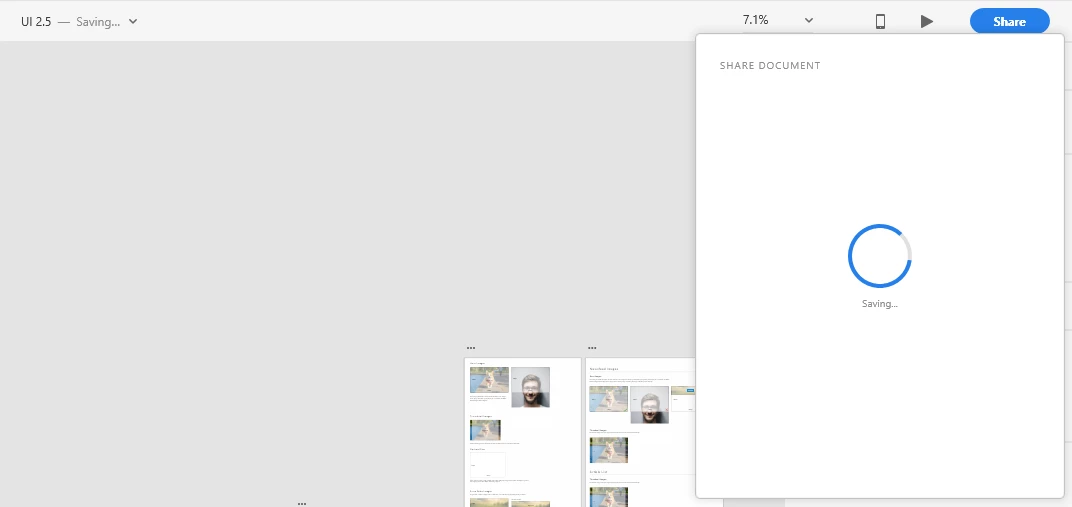
I tried updating, reinstalling adobe XD as well as creative cloud. Same issue. I have tried this on multiple files.

I should also mention I receive error code 61 when I try to create a new file.

    This topic has been closed for replies.

    1 reply

    Atul_Saini
    Legend
    January 24, 2019

    Hi Michael,

    Thanks for sharing the details and screenshots, I would request you to try the steps mentioned here: - Issue saving xd files to creative cloud and update this discussion with the results.

    Thanks,

    Atul_Saini

    Participant
    January 24, 2019

    I tried those steps and there was no change.

    Preran
    Legend
    January 24, 2019

    Can you provide us with info on the Coresync version number?

    Open Creative Cloud Desktop app > click ... > Select Preferences > Creative Cloud > Files. In some versions of Adobe XD, you can get it from the About XD page.

    If you are in a rush, you can get in touch with the tech support team directly using this link Contact Customer Care

    Thanks,

    Preran