Participant
June 26, 2023
Answered

Component Default and New state not working.

  • June 26, 2023
  • 1 reply
  • 498 views

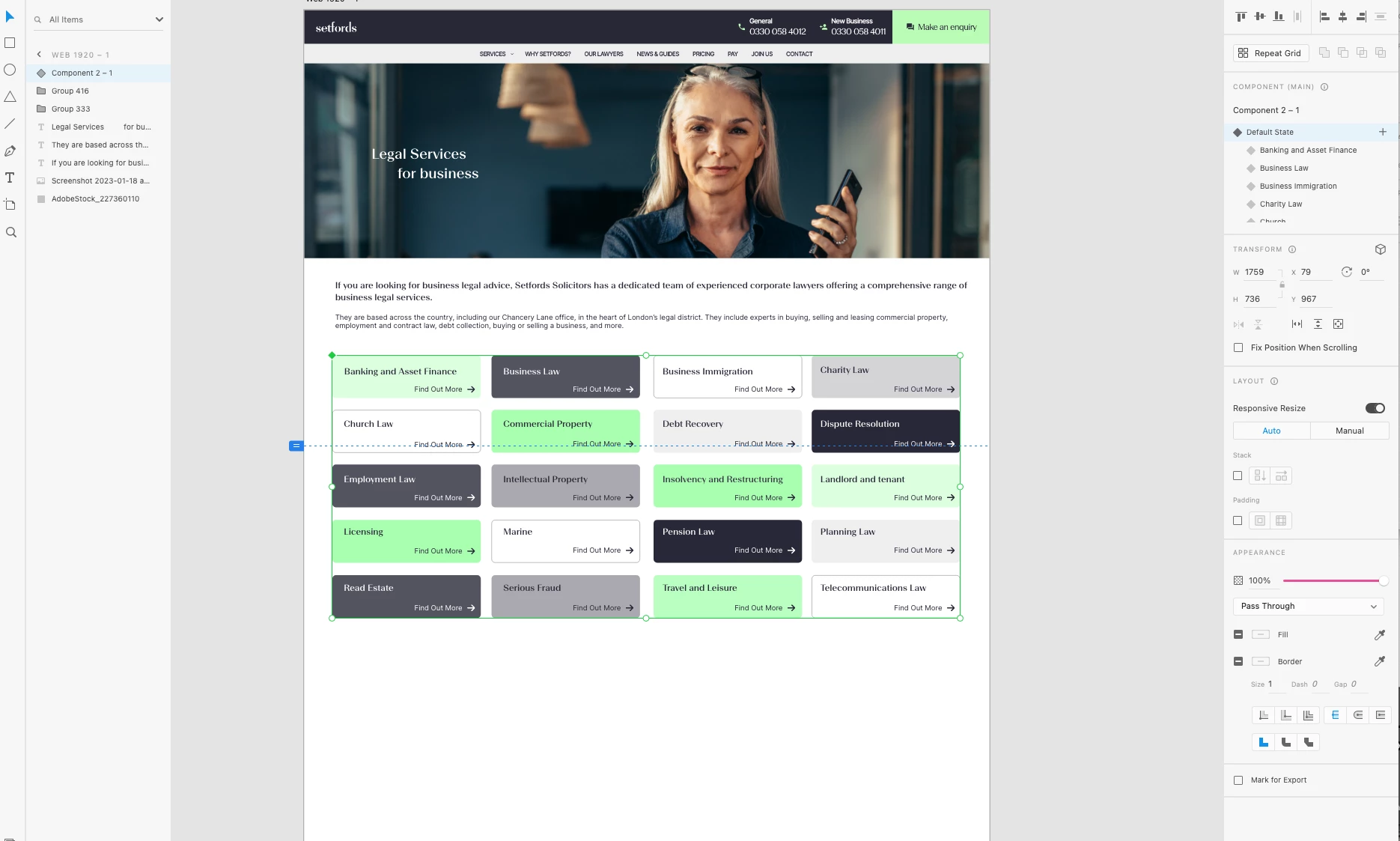
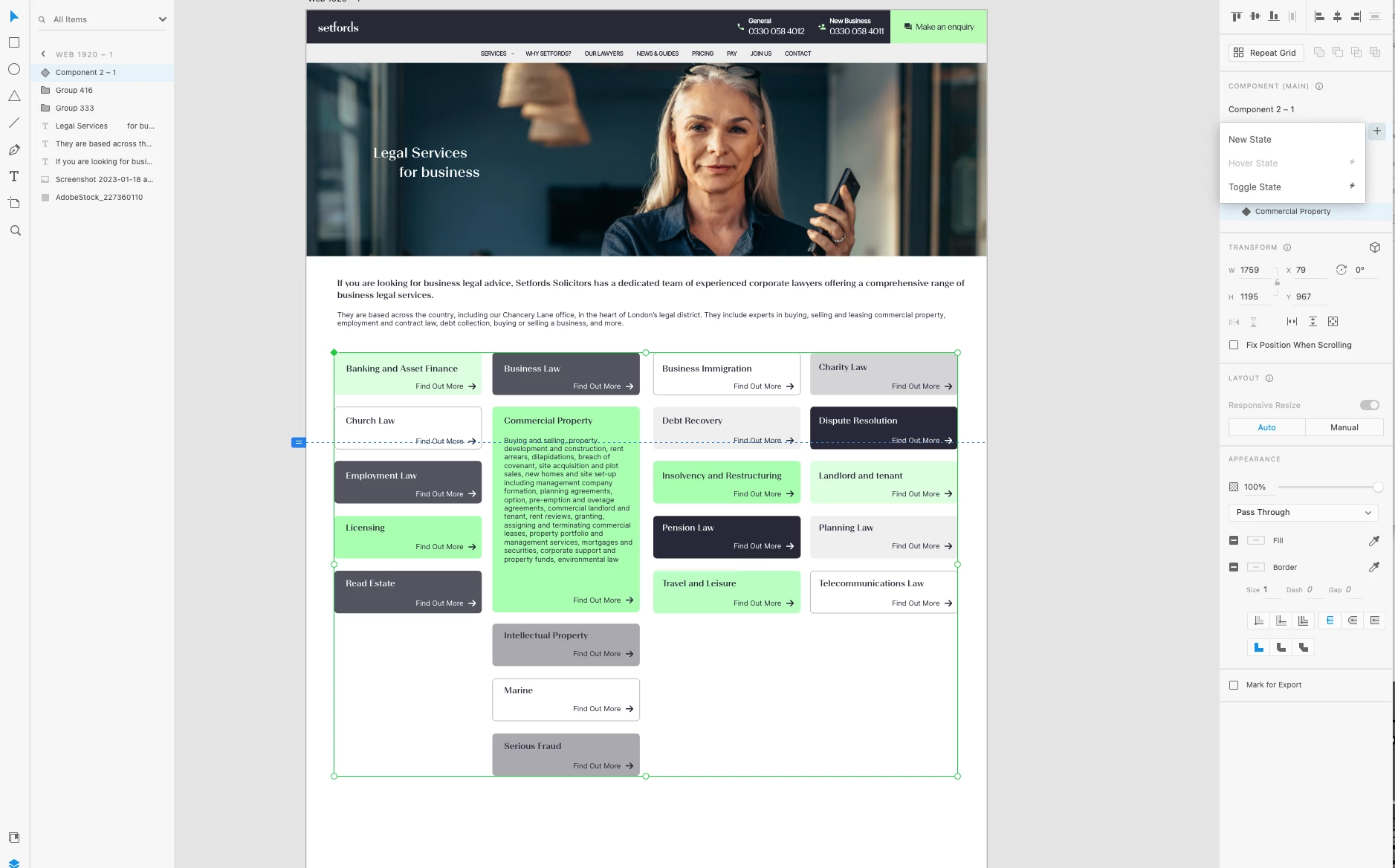
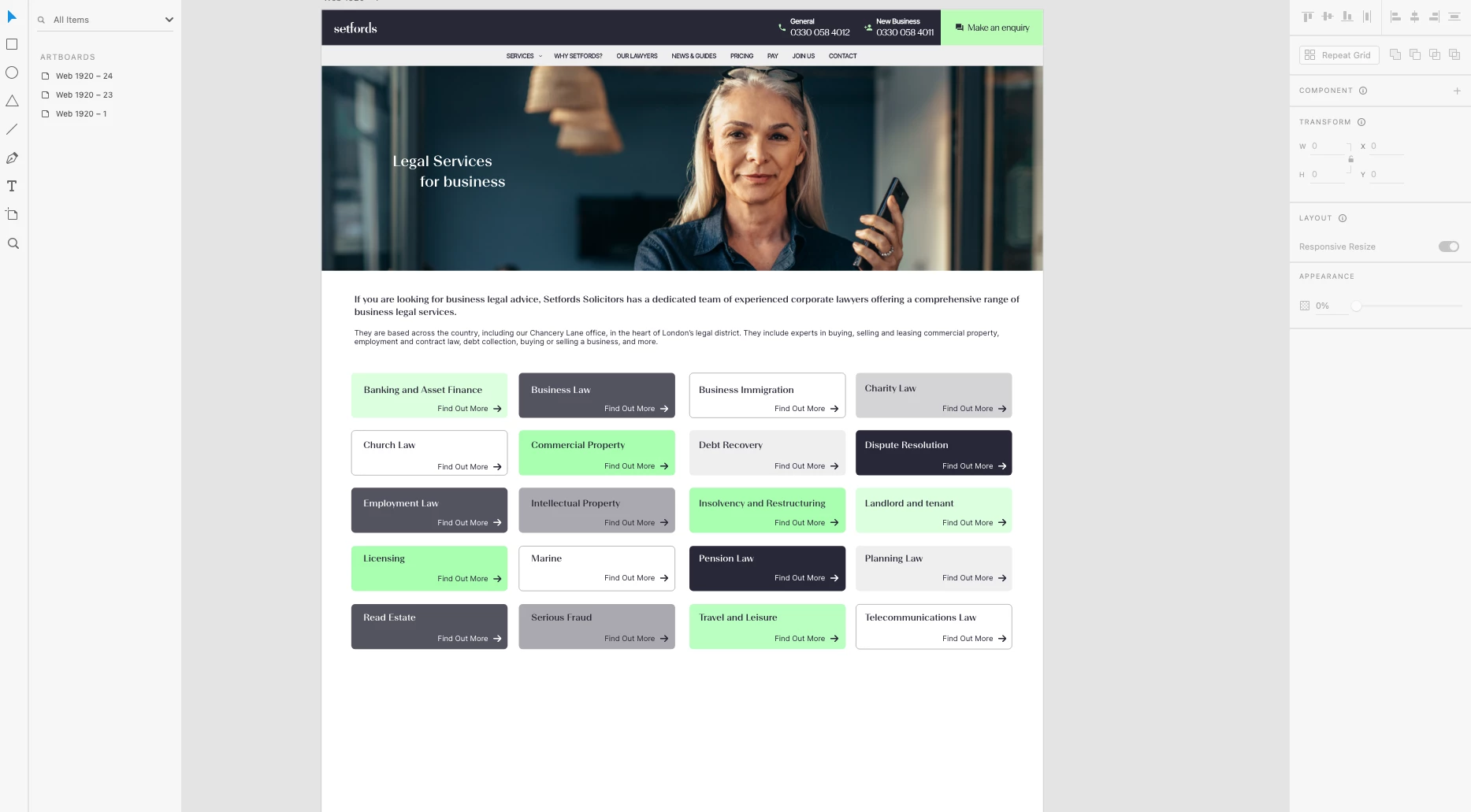
Hi, i am trying to create a new/hover state for separate sections under one component. I have created a default state with how i want the page to look and then created new states for each of the singular components to suggest the sub-states are dropdown sections. However, when i am in preview, none of the states are working. I created a hover state which manipulates the exact movement to what i want. Could someone please suggest what i am doing wrong or how i can fix the issue? 


The way i have created the states are Default  > New State > Move elements for a new state. I have created screenshots of the page.
    This topic has been closed for replies.
    Correct answer AkinGn

    Hi @Sara26902394q826, if I'm not missing something, I think you need to create an "active/open" kind of state for each content card right? So I was able to do that with a tap trigger in this simple example (I only did for "A" and "B" states in my example, but I'm sure it'll give you an idea) So when I tap button A, it gets expanded/opened like a dropdown, and when I tap it again, it gets closed (you can also set some interactions for active/open element to be closed when another/any of them tapped but I haven't done that since I wanted to have a quick example) you can see the prototype here: https://xd.adobe.com/view/008a8a3e-ffbd-455b-982e-f24a50a1aed7-55d9/ and the file here: https://www.dropbox.com/s/mbm7yjziy7m46oc/multiple-component-states.xd?dl=0

    Hope this helps! 


    1 reply

    AkinGn
    Community Expert
    AkinGnCommunity ExpertCorrect answer
    Community Expert
    June 26, 2023

    Hi @Sara26902394q826, if I'm not missing something, I think you need to create an "active/open" kind of state for each content card right? So I was able to do that with a tap trigger in this simple example (I only did for "A" and "B" states in my example, but I'm sure it'll give you an idea) So when I tap button A, it gets expanded/opened like a dropdown, and when I tap it again, it gets closed (you can also set some interactions for active/open element to be closed when another/any of them tapped but I haven't done that since I wanted to have a quick example) you can see the prototype here: https://xd.adobe.com/view/008a8a3e-ffbd-455b-982e-f24a50a1aed7-55d9/ and the file here: https://www.dropbox.com/s/mbm7yjziy7m46oc/multiple-component-states.xd?dl=0

    Hope this helps! 


    Participant
    June 27, 2023

    This is exactly what i wanted! Thank you!!