BIAsia
Participant
February 18, 2021
Answered

Components from different files recognized as same one

  • February 18, 2021
  • 2 replies
  • 776 views

Hi,

Recently I am working on converting my components library into dark mode, and now I have 2 XD files:

- file A: contains all components in light mode

- file B: duplicated from file A, but all components are changed to dark mode styles


The problem came when I want to put the components together. It seems that XD recognized the components from A & B as the same one, even they're from different files.


For example, I moved the button-L component from A to a new file C, then I want to move the button-L component from B to C, but the component moved in will be changed to the style in file A. This bothered me a lot, so I want to know if there are some way to avoid this?
 

This topic has been closed for replies.
Correct answer BIAsia

Thanks for your advice. Sadly this way not work for me...:(

I wonder if there is something wrong so here are my steps:


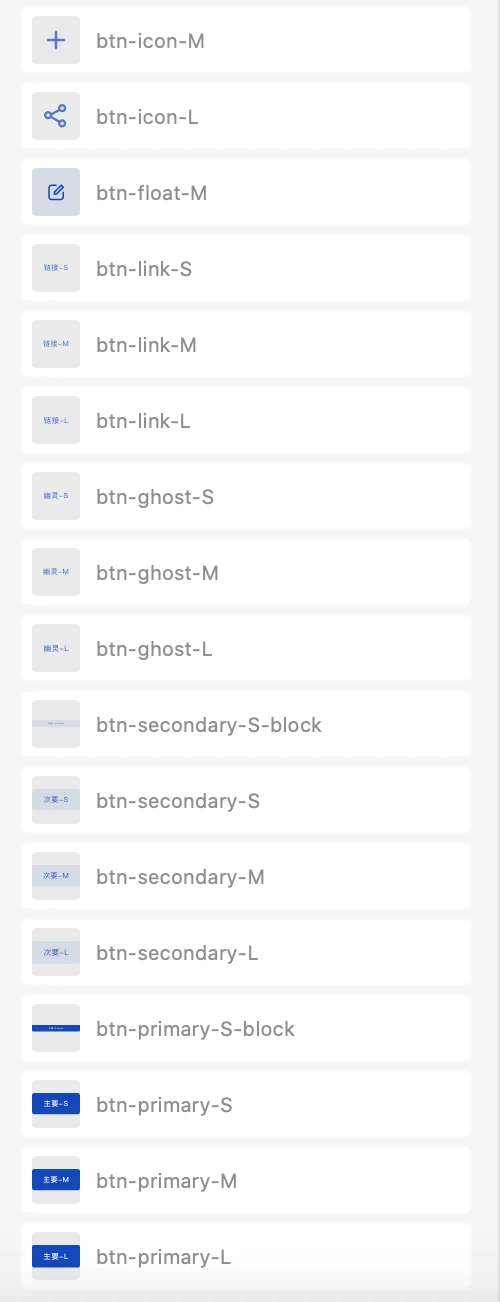
1. The origin light theme file:

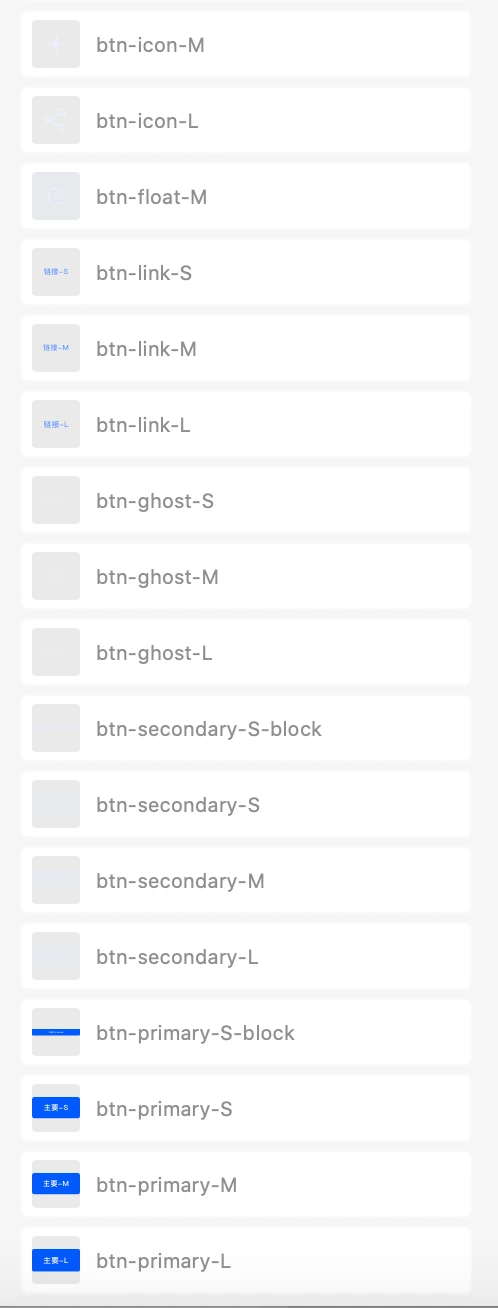
2. Saved as another file, and changed the styles to dark theme. All components are not linked.

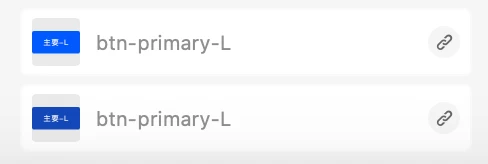
3. Copy btn-primary-L from dark theme file to a new file, then the btn-primary-L from light theme file..Ahhh they are recognized as the same component again. (and the style based on which is the first moved in)

4. Apart from cloud file, when they're local files, the problem still exsits. The components in the library files are not linked.


I wonder that it is because they share the same symbolId or something...So I try to copy the components to another file(different from duplicating the file itself / save as another file), then convert the linked components to local components.

In this way they will recognized as different one! Problem solved!

2 replies

monterxz
Inspiring
February 18, 2021

Hi, you should save your "library file" (the one you've created your light theme library from) as a new cloud file. All components in Libraries penel should be local ones, not linked. Now you can make changes and create a separate library for your dark theme. Ideally I would rename components (I'm used to a list view) but it should work without renaming.

BIAsia
BIAsiaAuthorCorrect answer
Participant
February 19, 2021

Thanks for your advice. Sadly this way not work for me...:(

I wonder if there is something wrong so here are my steps:


1. The origin light theme file:

2. Saved as another file, and changed the styles to dark theme. All components are not linked.

3. Copy btn-primary-L from dark theme file to a new file, then the btn-primary-L from light theme file..Ahhh they are recognized as the same component again. (and the style based on which is the first moved in)

4. Apart from cloud file, when they're local files, the problem still exsits. The components in the library files are not linked.


I wonder that it is because they share the same symbolId or something...So I try to copy the components to another file(different from duplicating the file itself / save as another file), then convert the linked components to local components.

In this way they will recognized as different one! Problem solved!

monterxz
Inspiring
February 23, 2021

It's great to know you have found a solution. I had a lot of issues with Libraries implementation when they were introduced, so I've stopped creating a separate dark theme for my projects about a year ago. Now I just make documents for developers on how each color changes for different themes.

Rishabh_Tiwari
Legend
February 18, 2021

Hi there,


Thanks for reaching out. This is working as expected, as copying the component from File A to B, makes it a linked asset so after making changes when you copy from B to C it still remains the linked asset. So to make it two different components, after copying from file A to B, you'll need to unlink the component, then recreate it as a new component, and then copy it from B to C.


I am leaving this discussion open for expert suggestions if there is a better workaround.


Regards

Rishabh

monterxz
Inspiring
February 18, 2021

There is a flaw in your implementation. We have a huge project and can't have all assets in one library, because it becomes too slow to open and save. When I use linked components from one library in another one, they are shown as different assets in libraries panel. This is very confusing.