
Answered
Contextual Menu of Adobe XD
Hi There,
I'm just wondering how to access the context menus on Windows 10 as you can on Mac platform? Screenshot in attachment.
Thank you in advance!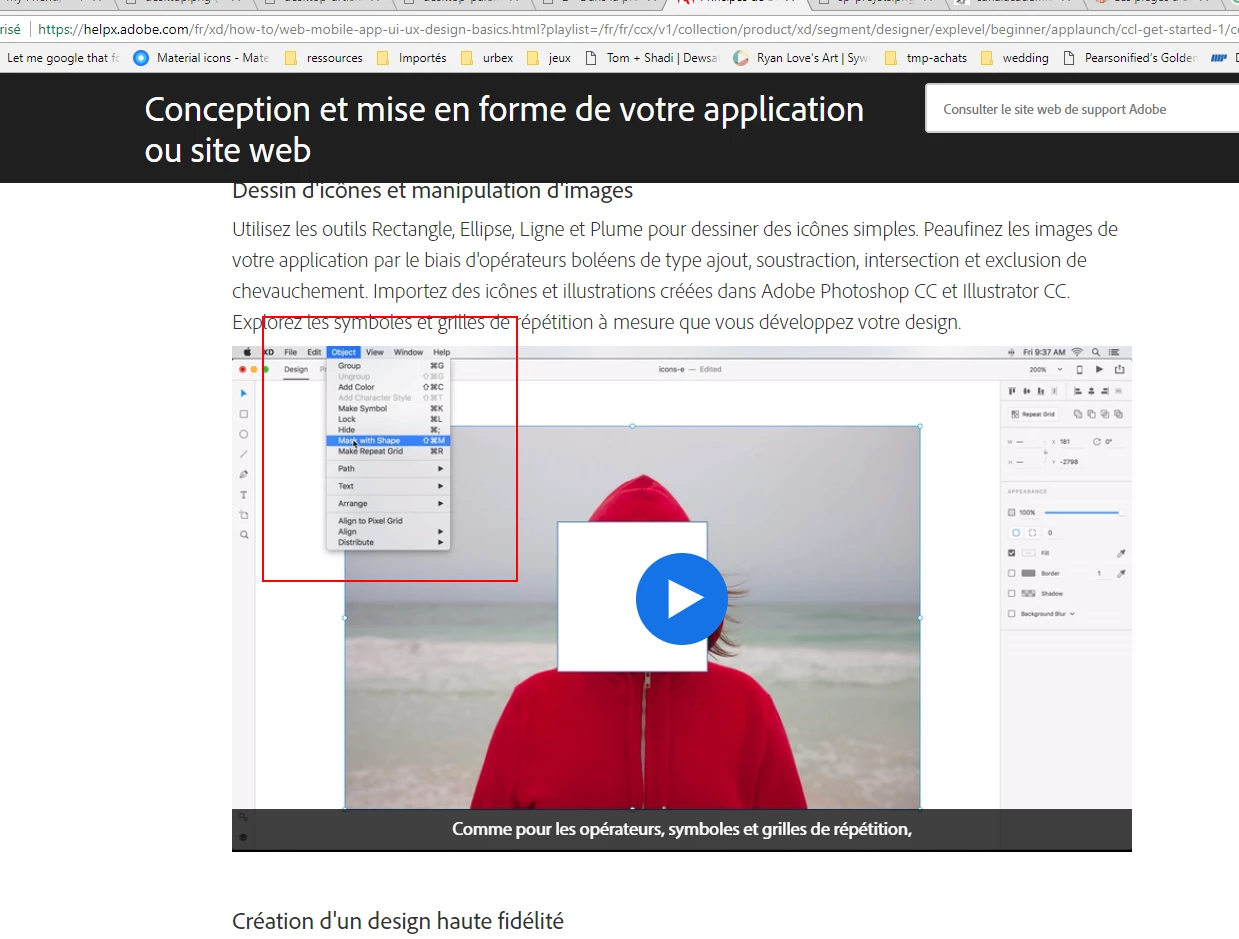
Hi There,
I'm just wondering how to access the context menus on Windows 10 as you can on Mac platform? Screenshot in attachment.
Thank you in advance!
When you have the two objects selected you can right-click on them to get the contextual menu, to then select Mask with Shape. Control-Shift-M also works.
Already have an account? Login
Enter your E-mail address. We'll send you an e-mail with instructions to reset your password.
 AdChoices