
Copy-paste from Illustrator to Adobe XD not working
Hello,
I already made a search for this theme in the forum, found some ppossible solutions, but nothing works for me. This already happens for several months, at some stage I had to give up to work with Adobe XD and change to Figma, but like I have many projects started on Adobe XD, I really need give another shot on this.
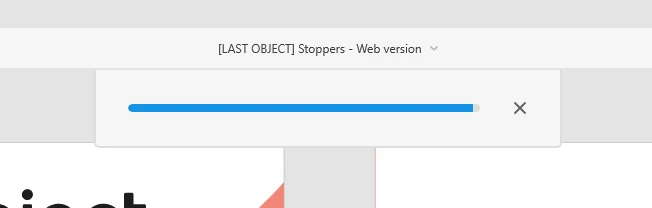
At the moment, and for some time, any copy-paste from Illustrator to Adobe XD results in a loading that stays frozen and nothing happen, like the image attached.
No matter what I try to copy, if is just a simple square, or if is something more complex... the frozen bar is always the result.
I already wiped the system, installed and reinstalled Illustrator and Adobe XD, the result it is always the same...
I am working with
Processor AMD Ryzen 7 5800H with Radeon Graphics 3.20 GHz
Installed RAM 16.0 GB
System type 64-bit operating system, x64-based processor
Edition Windows 11 Home
Version 22H2
OS build 22621.1265
Any help here, I like work with Adobe Xd, but is starting to be a bit useless with this restrictions.
Thanks


 AdChoices