Participant
December 14, 2016
Answered

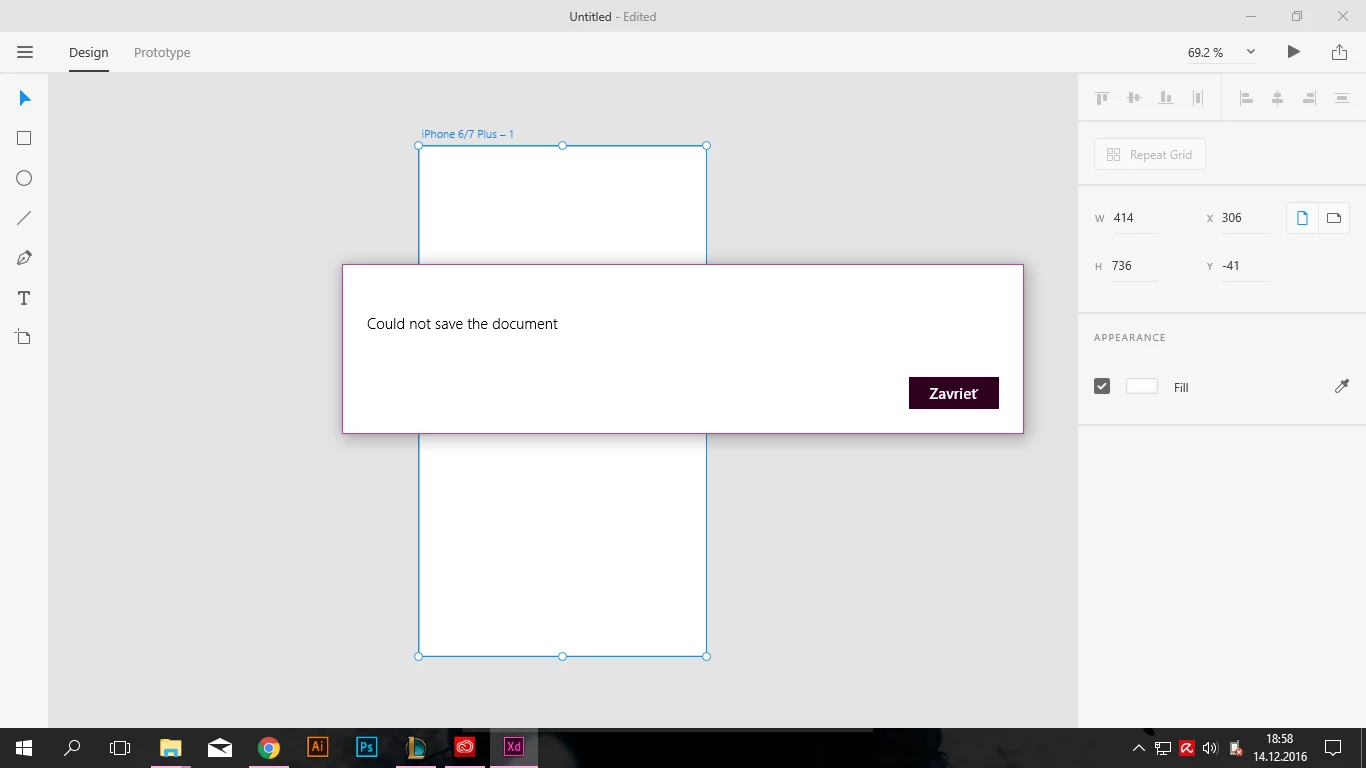
"Could not save the document" problem

  • December 14, 2016
  • 18 replies
  • 11966 views

Hey there! I can't save any documents in adobe experience design beta. Everytime i try to it writes "Could not save the document" Any solution? Any fix adobe?

    This topic has been closed for replies.
    Correct answer Preran

    If you are continuing to face this issue, join us on this discussion https://community.adobe.com/t5/Adobe-XD/Adobe-XD-Error-49-for-Cloud-files/td-p/10507855

    18 replies

    vanhelsing27
    Participant
    January 8, 2017

    when the problem is already solved?

    Participating Frequently
    January 8, 2017

    No, it isn't. I only bypassed it by using windows account name made by only a-z characters. Adobe xD allowes you to save with this account, but you know, still crashing sometimes when trying to save a project (without warning)...

    Participant
    January 2, 2017

    My colleague and I have the same issue. French Win10. Is there any fresh news about this serious issue ? It should be an hight-priority to solve this. Saving and loading are the basics.

    flotte.ruebe
    Participant
    December 29, 2016

    same here at my german windows 10.

    waiting for the solution

    Participant
    December 17, 2016

    Same problem on a Russian system.

    всевсетьв60813771
    Participant
    December 16, 2016

    I have the same problem in russian version. Doesn't matter where you want to save.

    Participant
    December 16, 2016

    Hi guys, the same problem on my computer. Acer Aspire V 15 Nitro (VN7-591), Windows 10, CZ localization, all updates installed. Ctrl+S, "Save" or "Save as" generate window "Could not save the document". Doesn't matter where I want to save.

    Participant
    December 15, 2016

    Hi.

    I have the same problem.

    elainecc
    Community Manager
    Community Manager
    December 14, 2016

    Hi, rdy2flym8-

    What happens when you try "Save As" instead of "Save"?

    -Elaine

    rdy2flym8Author
    Participant
    December 14, 2016

    Same with save as...

    jbowden
    Community Manager
    Community Manager
    December 14, 2016

    Hi rdy2flym8,

    Sorry to see you're having this trouble. Can you tell me the path you are trying to save to?

    Have you tried saving to another path?

    Thanks,

    Joe