



[Crash/Load]-Error 2144 when trying to open a cloud document in Adobe XD.
When trying to open a spesific cloud document in Adobe XD.
Reproduction steps:
1) Open the cloud document in the latest version of Adobe XD on Mac
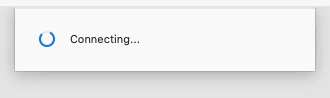
2) A dialog appears: Connecting (stays for 10-15 seconds)
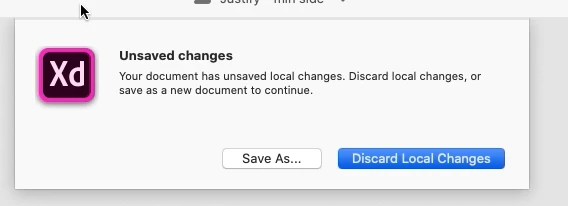
3) A new dialog appears: Unsaved changes - Your document has unsaved changes ... Save as or Discard Local Changes. Select "Discard Local Changes".
4) A new dialog appears: Something went wrong. Close and reopen the document to continue working. (Error 2144). Close document.
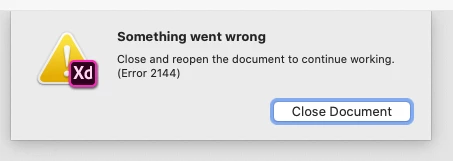
5) Press the "Close document" button and try again. The same thing happens.
Questions:
Is there a known workaround for this issue? Anything I can to do wipe the unsaved changes and restore the cloud document to a working state? I tried saving the document as a new cloud document. There are two major issues with this:
1) The version history from the original cloud document is gone
2) All the invited members are gone
(We have coediting (beta) enabled for this document.)
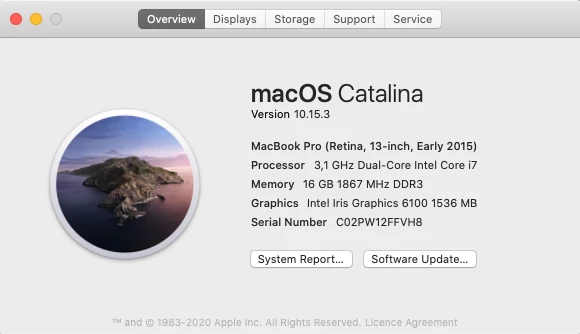
System info:
<The Title was renamed by moderator>

 AdChoices