

witch_doktor
Participant
March 16, 2020
Answered

[CRASH/LOAD] -We can't open a shared document since v27.2.12

  • March 16, 2020
  • 1 reply
  • 2122 views

Hello all, I'm in trouble with a XD cloud document.
Our team (contains 10 persons) share the cloud document. The document has 10 co-editing members, links to other local documents and provides many assets.

In 26th of Feb, We founded that we all the members couldn't open the document.
When we tried to open the file, XD showed a dialog like this:
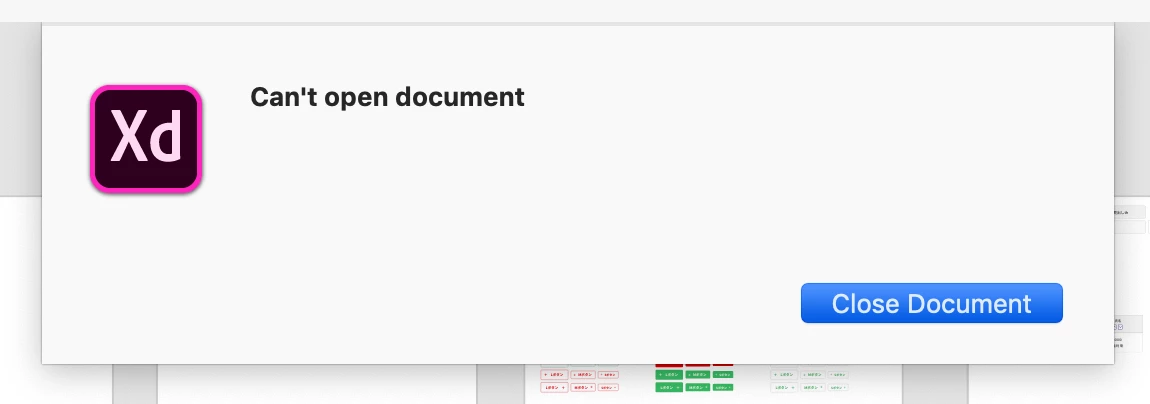


I remembered that our XD had updated automatically ( to v27.2.12 ).
Then I tried to downgrade XD ( to v27.1.12 ) and open it. It successed. 

Now, v28 is live. I update XD to v28.1.12. I try to open the document again. But I can't do it. The dialog message has updated like this: 
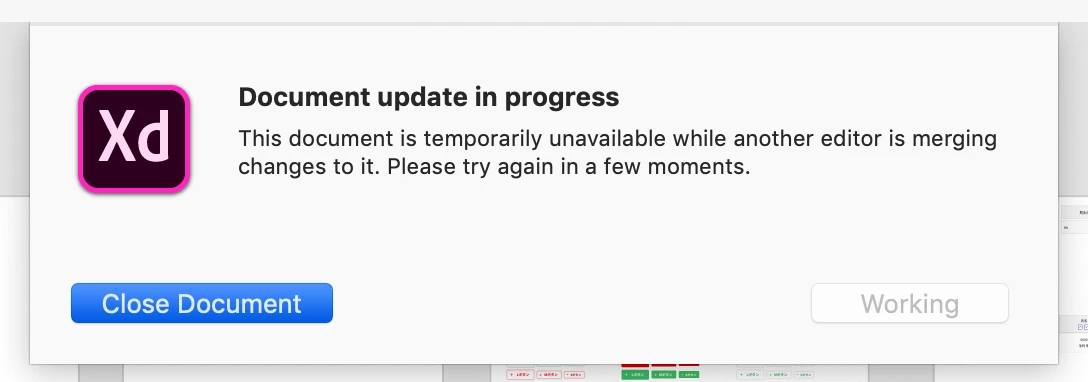
We still can't open the file.
I contact members "Who editing the file?". But no one's editing the document.

Now, the XD old version that can open the file  (v27.1.12) isn't accessible. We're completely locked out from the cloud document right now.

Please help us, if you have any ideas.
Thanks.


{Renamed By MOD}

This topic has been closed for replies.
Correct answer witch_doktor

Thank you for your replying.

Yes, I opened a previous version of the document on XD and saved on cloud. But the document is just a copy of original one. I want to revert original file directly because the original provides many assets to other files. I want to keep an identy of the file at issue to keep a network of our XD files.

As I said, no one of the team can open and edit the original file, so we can't copy & paste the object or assets from the copy (previous version) to the original file.


I wonder why does XD say "another editor is merging changes to it." even though no one open the file.


I've solved this problem.

  1. I made a copy of the file at issue on cloud.
  2. I deleted the original file.
  3. Then, of course, the files that were linked with original file lost a link and linked assets got red.
  4. I relinked the assets of the copyed file. It's successful to relink the assets, between master componets and instances.
    So our assets network is keep and we can restart the project with new cloud document (copied one).

We might not turn on coedit feature on important cloud documents, I think (Yes, it's a beta feature).

Thank you for your kindness and replying. 

1 reply

Rishabh_Tiwari
Community Manager
Community Manager
March 16, 2020

Hi there,


Sorry to hear about the trouble. I would request if you can share a few more details like:


  1. The version of the Operating System.
  2. Do all the members have the 28.1 version of Adobe XD?
  3. Have you tried accessing the previous version of the Document? If not, please try that and check if you are able to access that? For more information on how to do that, you can refer to this help article: https://helpx.adobe.com/in/creative-cloud/help/open-revert-cloud-document-version.html
  4. If you are able to access the previous version of the document then you will need to enable coediting again.


Regards

Rishabh

witch_doktor
Participant
March 17, 2020

Rishabh, thank you for your replying.

  1. The version of the Operating System is MacOS 10.14.6.
    And most of the members use Windows 10.

  2. Yes, we set the automatic update for XD, I guess.

  3. Oh, I haven't tried this. I'll do it and report here. Thanks!
    > Have you tried accessing the previous version of the Document? If not, please try that and check if you are able to access that? For more information on how to do that, you can refer to this help article: https://helpx.adobe.com/in/creative-cloud/help/open-revert-cloud-document-version.html