

Question
Creating stars in Adobe XD using the polygon tool
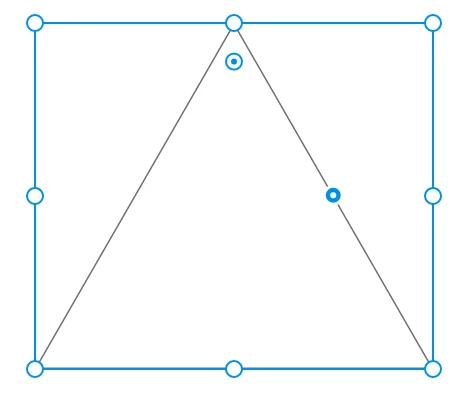
When you create an object using the polygon tool, you will now see a node-like option on the side of the polygon. Drag that node inwards to create a star and then play with the values in the property inspector. Doesn’t get any simpler than that, truly.
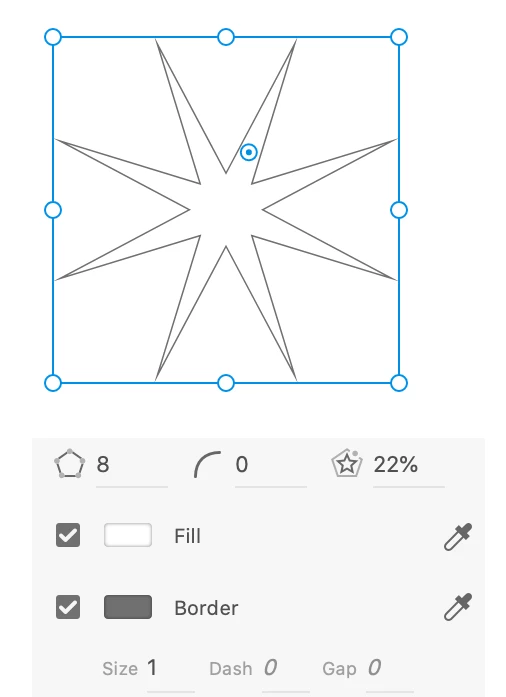
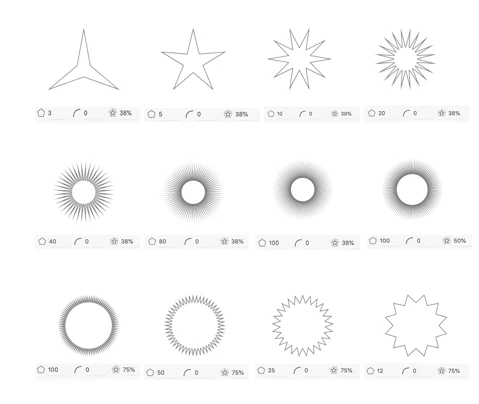
All these designs below took me under 2 minutes to create. Isn’t that amazing?
Challenge:
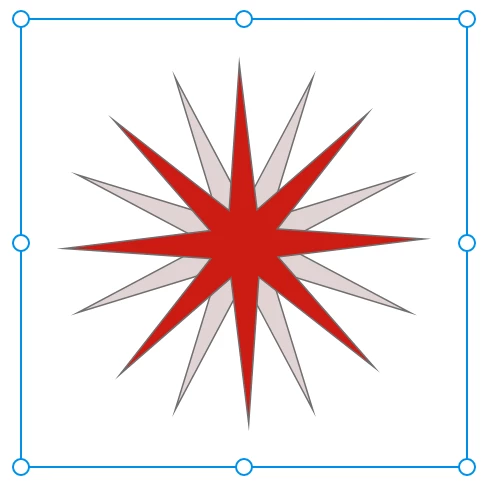
Can you now try creating something like the object below? For more info, see (https://helpx.adobe.com/xd/help/drawing-text-tools.html)


 AdChoices