


frankbernhard
Participant
June 14, 2021
Answered

Delete / Update review links

  • June 14, 2021
  • 1 reply
  • 577 views

I can’t seem to update shared links.


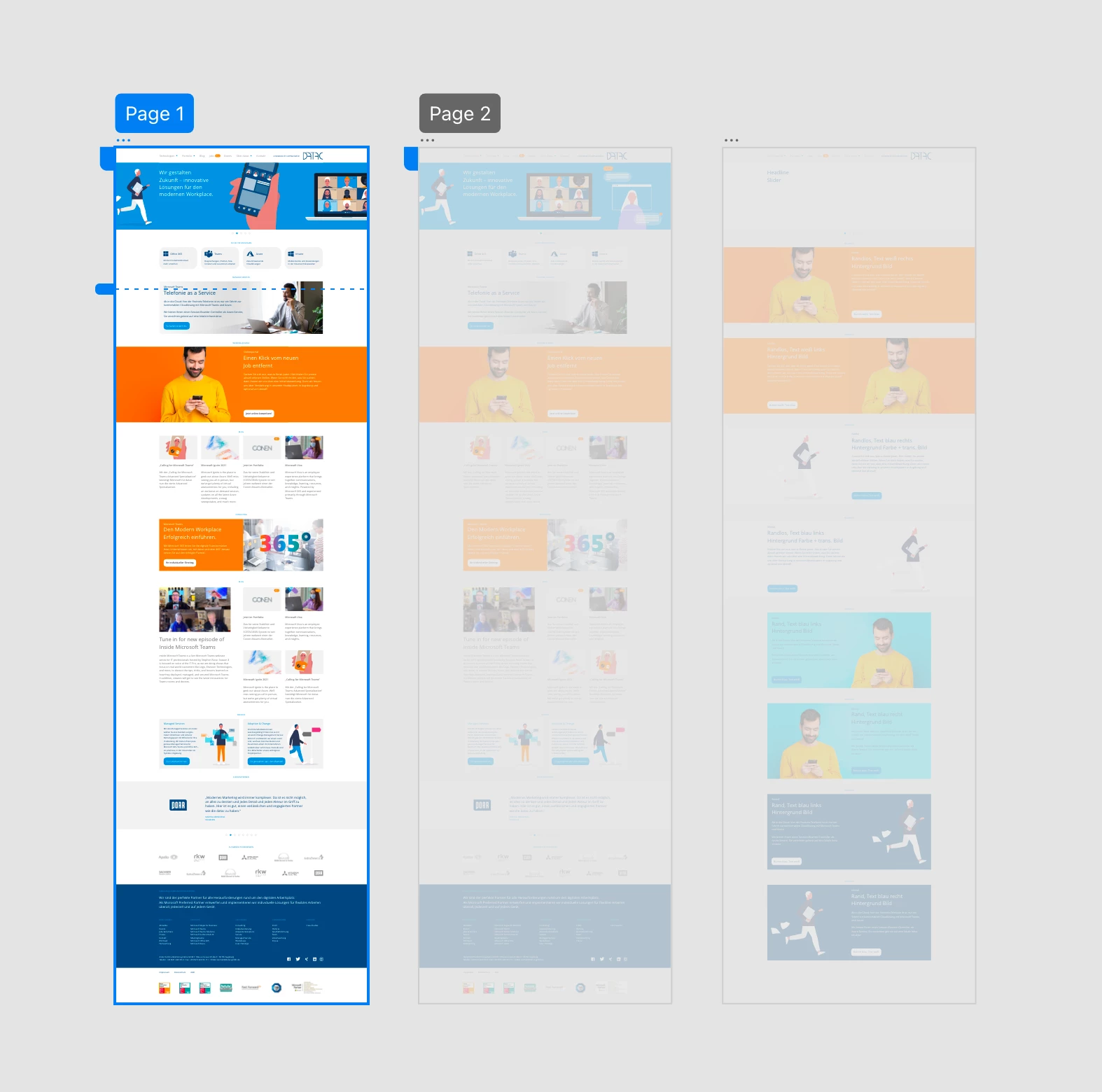
My document has 3 artboards. One is from an old document that had already a shared link (Design Review setting). Two artboard are new. 


I want to provide my client with a new link where she can see all 3 artboards. But I can’t seem to get rid of the old links, and I can’t find a way to combine all 3 artboards for sharing with one new link. All I can do is create new shared links for each artboard indivudually.


I did delete all shared links on Creative Cloud (assets.adobe.com) aldready.


Am I doing this wrong? Am I missing something?

Thanks everyone for help.


Frank


(The screehsot shows the 3 artboards, with two links "Page 1" and "Page 2" which I would like to delete. To then be ablte to group them into 1 new link for sharing them together.)


This topic has been closed for replies.
Correct answer Ansubedi03

Hello,

Thank you for reaching out to us. 

You need to unmark the artboards , so none of the artboard is marked as Home artboard. Now click on Share Tab, all three artboards will get selected and now you would be able to create a new single link for all three artboards.


Regards,

Anita Subedi

1 reply

Ansubedi03Community ManagerCorrect answer
Community Manager
June 14, 2021

Hello,

Thank you for reaching out to us. 

You need to unmark the artboards , so none of the artboard is marked as Home artboard. Now click on Share Tab, all three artboards will get selected and now you would be able to create a new single link for all three artboards.


Regards,

Anita Subedi

frankbernhard
Participant
June 15, 2021

Thank you for getting back to me, Anita!


I was able to de-select the artboards on the Prototype pane. It works as expected now!


Thanks again, cheers, 

Frank