

FrancoBits
Legend
August 4, 2020
Answered

[Design] Auto padding buggind its area

  • August 4, 2020
  • 1 reply
  • 370 views

I'm using W10, XD 32.2.12.4.

Auto padding is bugging when removing elements from the group. 


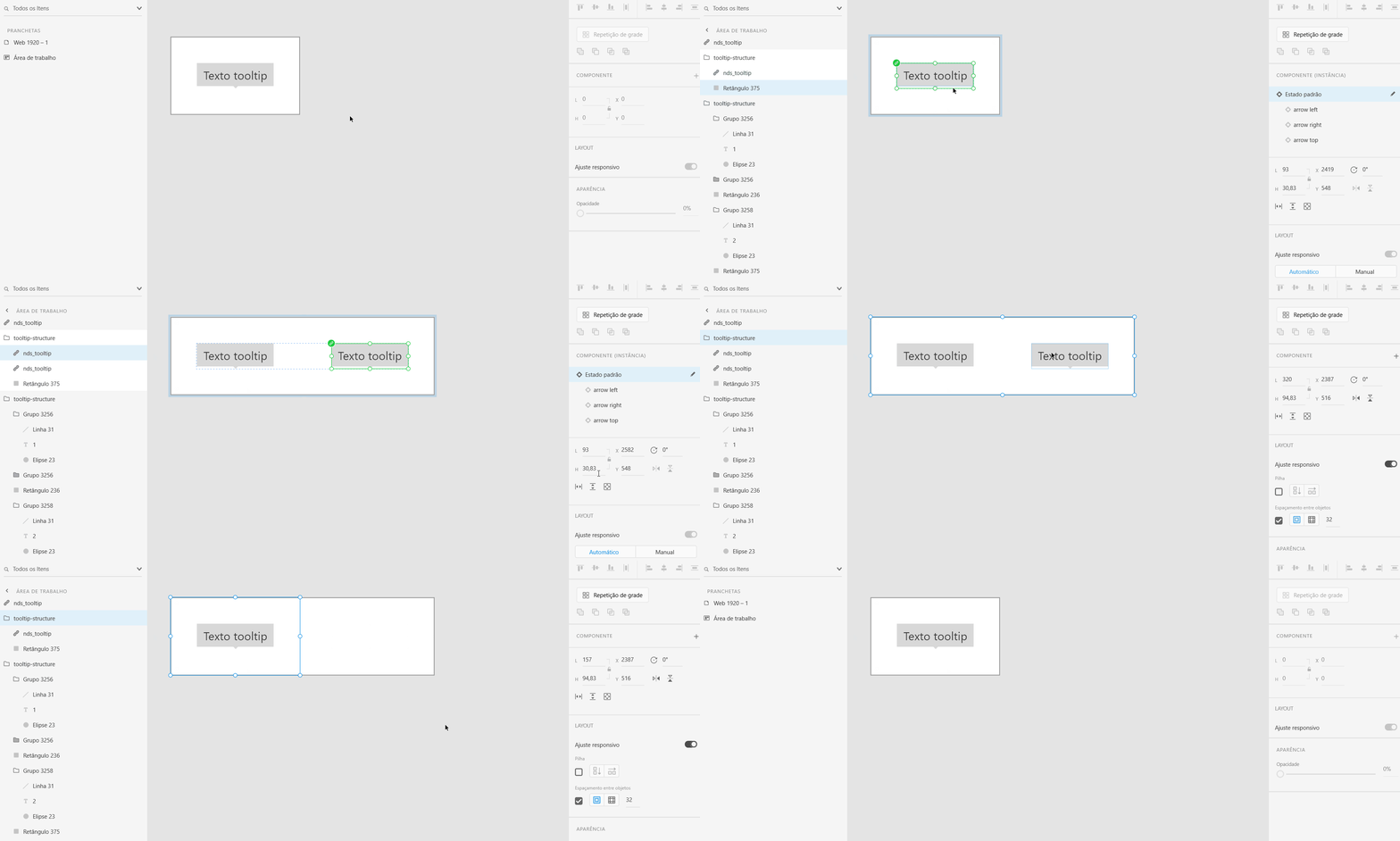
Create a group with a rectangle (behind) and another element. Add auto padding. Duplicate the inner element and move it around, the rectangle will automatically resize its area. Remove one of the inner elements. The rectangle doesn't resize its area. Select the whole group, you'll see the auto padding settings is right, even showing a border of the whole group following it, but the rectangle doesn't change its size.
    This topic has been closed for replies.
    Correct answer Rishabh_Tiwari

    Hi Franco,


    So sorry for the delay in response. I was able to reproduce this on my end as well however as per this article: https://helpx.adobe.com/xd/help/set-fixed-padding-for-components-groups.html


    If we delete a background, XD evaluates the group and automatically promotes the next potential layer as a background and updates the padding values. If there is no background layer, the padding value is reset to 0.


    Let us know if that helps or if you need any further assistance.


    Regards

    Rishabh

    1 reply

    Rishabh_Tiwari
    Rishabh_TiwariCorrect answer
    Legend
    August 6, 2020

    Hi Franco,


    So sorry for the delay in response. I was able to reproduce this on my end as well however as per this article: https://helpx.adobe.com/xd/help/set-fixed-padding-for-components-groups.html


    If we delete a background, XD evaluates the group and automatically promotes the next potential layer as a background and updates the padding values. If there is no background layer, the padding value is reset to 0.


    Let us know if that helps or if you need any further assistance.


    Regards

    Rishabh