Participant
February 10, 2020
Answered

[Design]-How to convert Line to Path in XD?

  • February 10, 2020
  • 1 reply
  • 11243 views

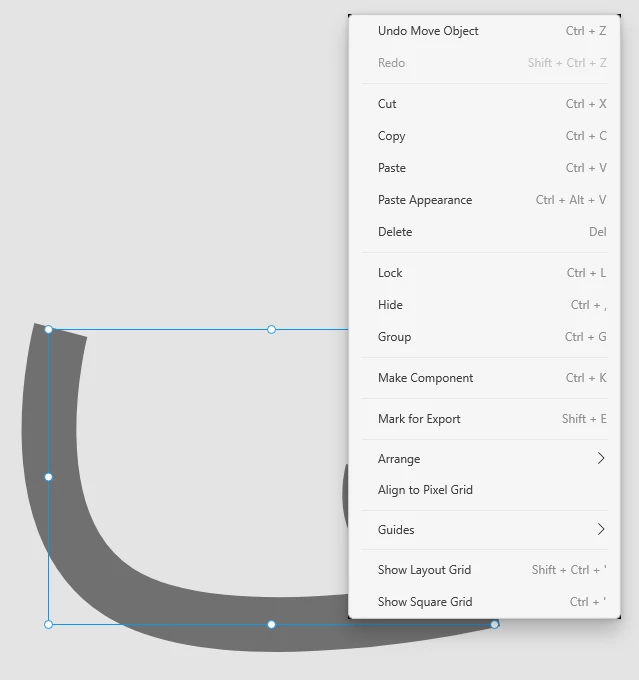
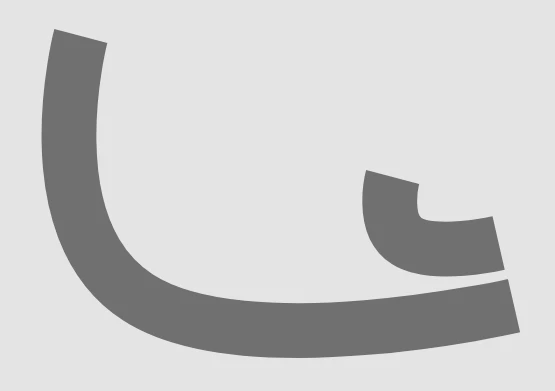
How I can convert line with border to path? Also, how I can resize line with "non-global-fixed" border size? This didn't seem to be a problem a few months ago.

I find this topic https://community.adobe.com/t5/illustrator/comverting-the-resulting-blended-lines-to-paths/m-p/10837370?page=1 but I dont see any "Object" at my xd.


<The Title was renamed by moderator>

This topic has been closed for replies.
Correct answer Harshika Verma

Hi Alex,


Thank you for reaching out. If I heard you right, it looks like this is the functionality you are looking for: https://adobexd.uservoice.com/forums/353007-adobe-xd-feature-requests/suggestions/13808037-expand-stroke-create-outlines-convert-stroke-to? If so, please submit your feedback and upvote the request to add your voice.


Hope it helps.


Thanks,

Harshika

1 reply

Harshika Verma
Community Manager
Harshika VermaCommunity ManagerCorrect answer
Community Manager
February 10, 2020

Hi Alex,


Thank you for reaching out. If I heard you right, it looks like this is the functionality you are looking for: https://adobexd.uservoice.com/forums/353007-adobe-xd-feature-requests/suggestions/13808037-expand-stroke-create-outlines-convert-stroke-to? If so, please submit your feedback and upvote the request to add your voice.


Hope it helps.


Thanks,

Harshika

Participating Frequently
May 15, 2020

Dear Harshika,

The link you posted is from 2016. It's 2020, and the feature is still not seen in Adobe XD. Hundreds of users voted for it. Or am I simply missing the feature?