


Participant
November 30, 2020
Question

Display problem when opening

  • November 30, 2020
  • 1 reply
  • 541 views

Hello, I don't understand, I can't create a new document, here is the window that appears when I launch Adobe XD:
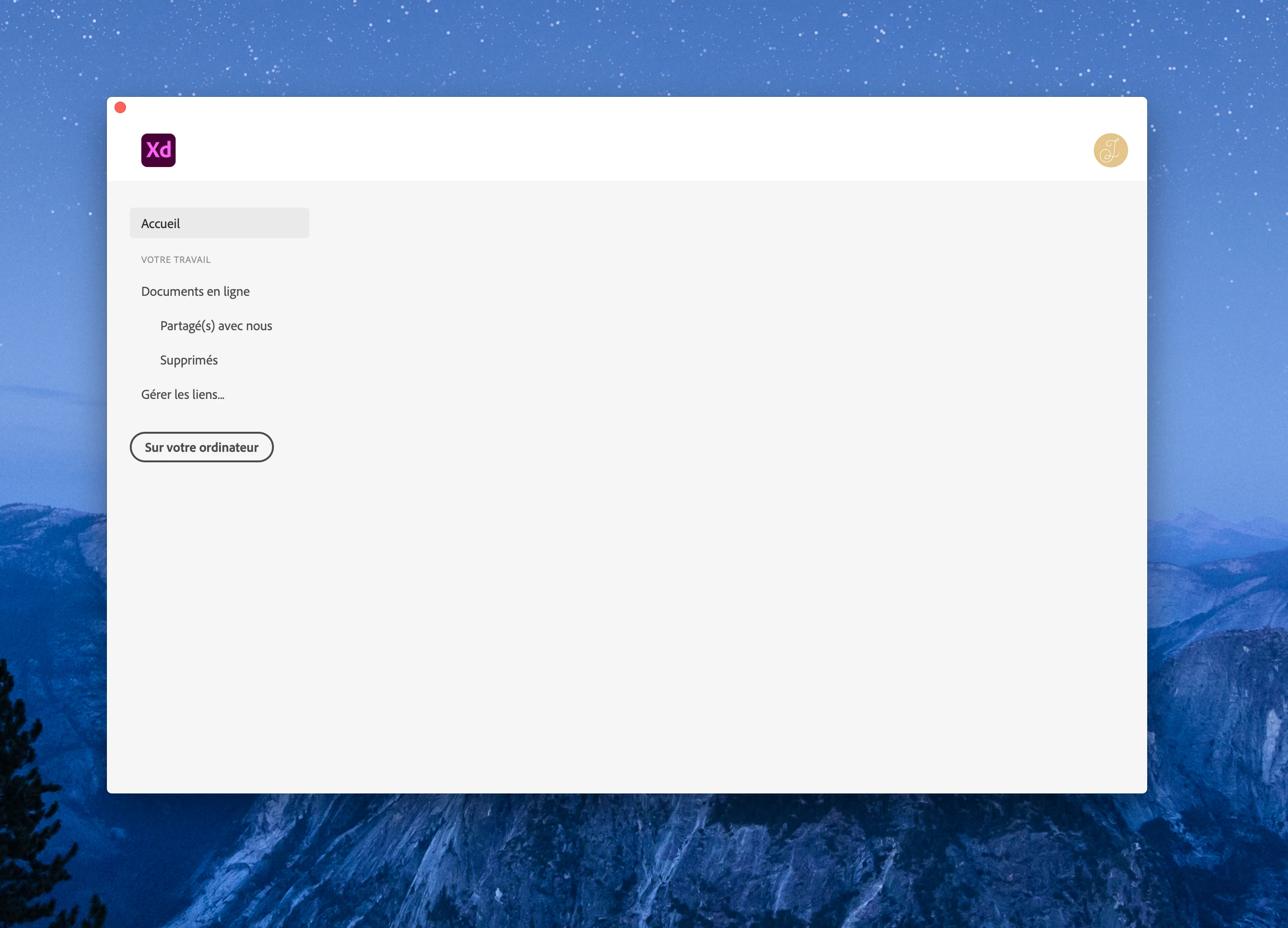
So, I can't do anything except maybe open a document on my computer, but since it's my first time using Adobe XD ...

This is version 35.1.12. I tried uninstalling, reinstalling, or installing the older version, but nothing helps. I did not find any similar problem on the internet ...

Has this ever happened to any of you? Does anyone have a solution?

Thank you very much for your precious help. 🙂

Camille

    This topic has been closed for replies.

    1 reply

    Harshika Verma
    Community Manager
    Community Manager
    December 1, 2020

    Hi there,


    We are sorry to hear you are unable to use XD. Would you mind uninstalling XD using this link: https://helpx.adobe.com/in/creative-cloud/kb/cc-cleaner-tool-installation-problems.html and use the cleaner tool and install the XD app again?


    Let us know if that helps.


    Thanks,

    Harshika

    Participant
    December 2, 2020

    Hi, thank you for your reply but unfortunately it doesn't change anything... 😞 I still have the same blank window.
    Do you have an other idea ? 🙂
    Thanks a lot

    Harshika Verma
    Community Manager
    Community Manager
    January 7, 2021

    Hi Camille, 


    I am extremely sorry to get back to you on this so late. If you're still experiencing the same issue. I would request you to please share your Adobe ID with me over a private message so that I can check at my end. 


    For immediate assistance, you may also get in touch with us directly using this link: https://helpx.adobe.com/contact.html 


    Note: Please add the url of the post while sending a PM.


    Thanks,

    Harshika