


Participant
January 25, 2024
Question

Document Version History is not Accessible for Some of Project

  • January 25, 2024
  • 1 reply
  • 174 views

Hello,


Im not being able to access the History for some of my Cloud XD File. Whenever i try to open it, it will keep showing this scene, without any further loading document history. 
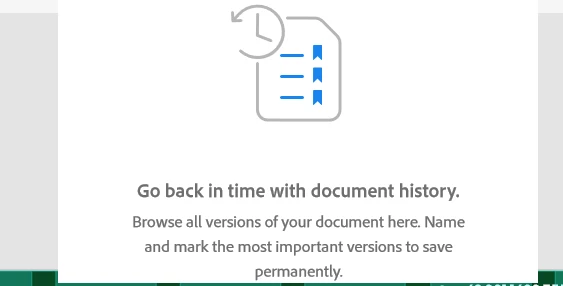


Whenever i tried to open the Document History from assets.adobe.com, it will result in this error 
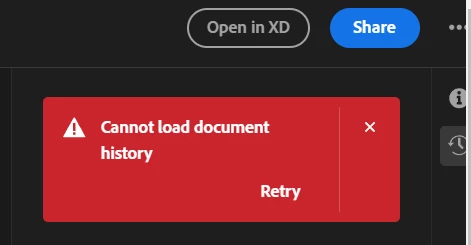


Adobe Version is 5.7.1.12. I am seeking help & support from Adobe Team since this becomes problematic and I need to keep saving files manually offline since I cannot access the document history.


This topic has been closed for replies.

1 reply

Adham Abuhamad
Participant
January 25, 2024

Maybe the cloud files weren't saved properly. Note that, Adobe XD is in maintenance mode, that said I used to save my XD files on my PC, better than on the cloud.


The only solution is, to get in touch with Adobe XD support, to fix this, and keep in mind, that storing files on the cloud is not always a 100% efficient solution, backup your files on external hardware, as technology is always tricky.