Inspiring
June 2, 2019
Answered

Does Components Work with Link?

  • June 2, 2019
  • 1 reply
  • 1141 views

Hi I am quite new to XD.

I have created logo lockup as a component, and I want all instances of this to link to Landing Page upon tap:
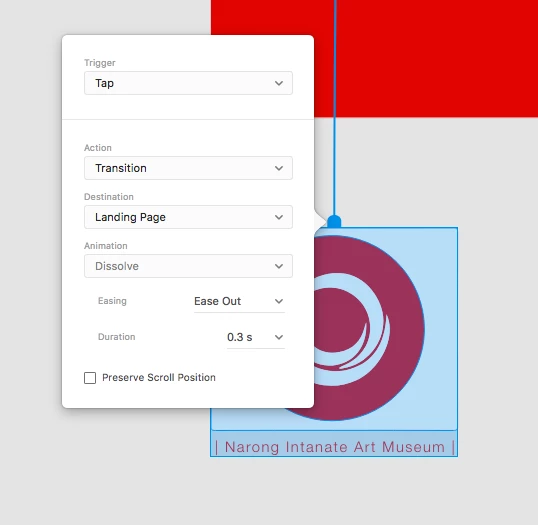
However, it seems the components do not update all instances with the link to landing page.
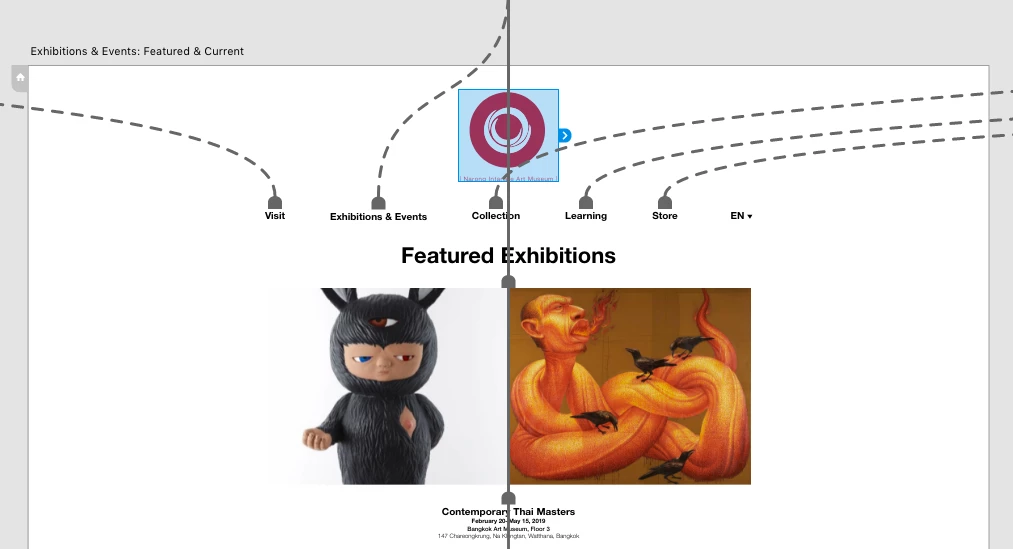
Is there way to update the links at once? If so, what tool I should use that's not component.

Much appreciate for any help!

    This topic has been closed for replies.

    1 reply

    Sjaani
    Community Expert
    Community Expert
    June 3, 2019

    If you create an item in the Design screen, move across to Prototype link it to the landing page.
    Then select that linked item, copy it, then move to the next page and paste it, it will retain the link.

    Inspiring
    June 3, 2019

    Hi Sjaani, thank you for your reply.

    I can copy and paste like you wrote, however if I edit master component and relink to another page beside the landing page, the children's link do not reflect the change of the parent.

    For example I converted the menu to component. I can copy and paste to other pages and it does retain the link:

    But if I change the destination of the parent ("visit" goes to another page instead):

    The destination of child didn't change:

    Is it possible to change the destination of all instances of components?

    Kenneth KawamotoCommunity ExpertCorrect answer
    Community Expert
    June 3, 2019