
Participant
July 18, 2022
Answered

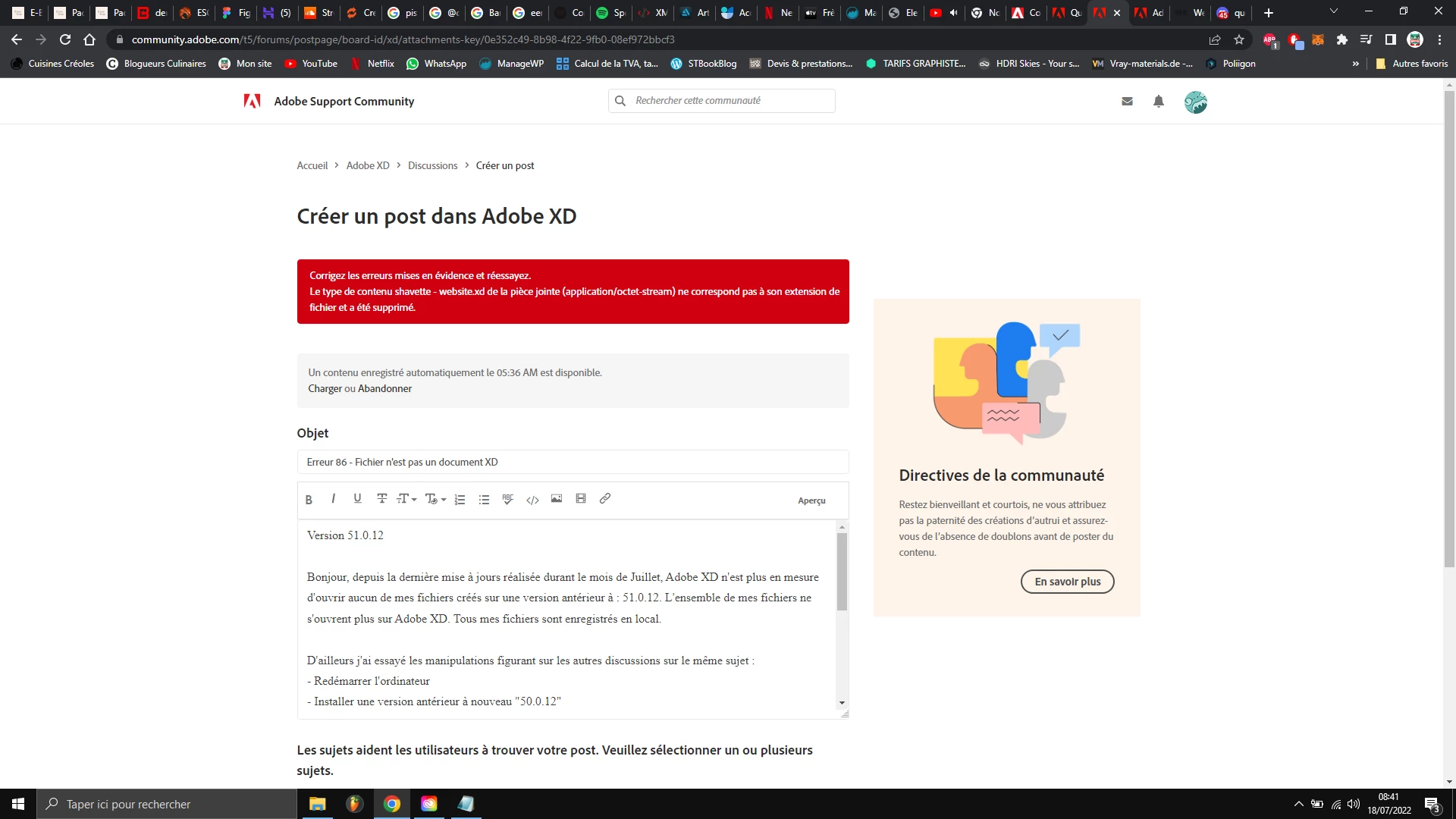
Erreur 86 - Fichier n'est pas un document XD

  • July 18, 2022
  • 1 reply
  • 941 views

Version 51.0.12


Bonjour, depuis la dernière mise à jours réalisée durant le mois de Juillet, Adobe XD n'est plus en mesure d'ouvrir aucun de mes fichiers créés sur une version antérieur à : 51.0.12. L'ensemble de mes fichiers ne s'ouvrent plus sur Adobe XD. Tous mes fichiers sont enregistrés en local.


D'ailleurs j'ai essayé les manipulations figurant sur les autres discussions sur le même sujet :

- Redémarrer l'ordinateur

- Installer une version antérieur à nouveau "50.0.12"

- Désinstaller Creative Cloud


Mais rien à faire. Au lancement du fichier, un pop-up surgit et m'informe de l'erreur 86. Celui-ci m'explique que mon fichier n'est pas un document XD. Et Adobe XD créé un nouveau document vierge en ligne.

Je vous joins le dernier fichier créé avant la mise à jour afin qu'il vous apporte des informations complémentaires. https://we.tl/t-fY6KeO3Bvp


Bien évidement, je reste à votre disposition.

Cordialement.


This topic has been closed for replies.
Correct answer HARSHIKA_VERMA

Thank you for sharing the additional info. I have logged a bug for the issue so that our engineering team can investigate the file and try their best to recover the file.


I will keep you posted with the update as soon as I hear any updates from the team.


Thanks,

Harshika

1 reply

HARSHIKA_VERMA
Community Manager
Community Manager
July 18, 2022

Hi @demiurge.digital,


We are sorry to hear you are unable to open your XD file, and thanks for sharing the XD file. Please share the below details so that we can try our best to investigate the issue-


  • What was the date and time (mention time zone) on which you experienced this issue?
  • Is the document located on external drives (USB drive, external HDD/SSD) or on a shared network?
  • Was the file(s) on the external drives, network shares, and/or folders synced to the cloud at any point in time?
  • Have you observed similar issues with files from other software?
  • Did you perform a forced shutdown of the computer or experience a power loss before this incident?
  • Are you the author of this document, or was it shared with you?
  • What is the name and version of the antivirus software running on your computer?
  • Is it a cloud document or a local document?


We will try our best to help.


Thanks,

Harshika

Participant
July 18, 2022

Bonjour Harshika,

Merci de prendre en charge mon problème.
Difficile de vous donner la date et l'heure précise mais cela fait bien une semaine que j'ai rencontré ce problème. Mais pour précision, je suis de la Martinique.
Les documents se trouvent tous sur un disque dur externe de 2To. Non, les fichiers n'ont pas été sauvegardés en ligne.

Pour l'instant, je n'ai rencontré ce problème que sur Adobe XD. J'utilise votre collection de logiciel depuis bien des années et c'est la première fois que je rencontre ce problème.

Non, je n'ai pas subit de coupure de courant ou forcé un arret de l'ordinateur
Oui, je suis l'auteur de ce document.
J'utilise le logiciel de sécurité de windows. Cependant, je ne saurai vous communiquer sa version mais il est à jour.

HARSHIKA_VERMA
Community Manager
HARSHIKA_VERMACommunity ManagerCorrect answer
Community Manager
July 18, 2022

Thank you for sharing the additional info. I have logged a bug for the issue so that our engineering team can investigate the file and try their best to recover the file.


I will keep you posted with the update as soon as I hear any updates from the team.


Thanks,

Harshika