4 replies

creative explorer
Community Expert
Community Expert
January 28, 2026

@Clever_fighter5FDA 
@Julia Tseng 
@IHH_HENGHUNG 
@prithviraj0101 

I literally created a simple prototype as shown, and it works for me:
https://xd.adobe.com/view/76fb3239-df64-43c6-ae4e-6b4c164838dd-23a8/


Not 100% sure if it matters, but I did designate a home page as shown. I selected the Prototype stage and selected the first artboard as my home page (flow 1)


I would clear your history, cache and cookies of your web browser. Log out of adobe.com. Clear your local Adobe cache in the library cache and restart your computer. And log back in. 

Note: 2 years ago ​@erik-nl wrote a great response: 


m
IHH_HENGHUNG
Participant
January 28, 2026

I’ve tried the solutions you suggested, but unfortunately the issue still persists.

creative explorer
Community Expert
Community Expert
January 28, 2026

@IHH_HENGHUNG I did create this from my computer desktop. I didn’t even save the file. But if I did, it would be saved to my computer and not cloud. Are you working from cloud? Maybe try saving the file to a different folder on your computer?

m
Clever_fighter5FDA
Participant
January 28, 2026

I

Julia Tseng
Participant
January 28, 2026

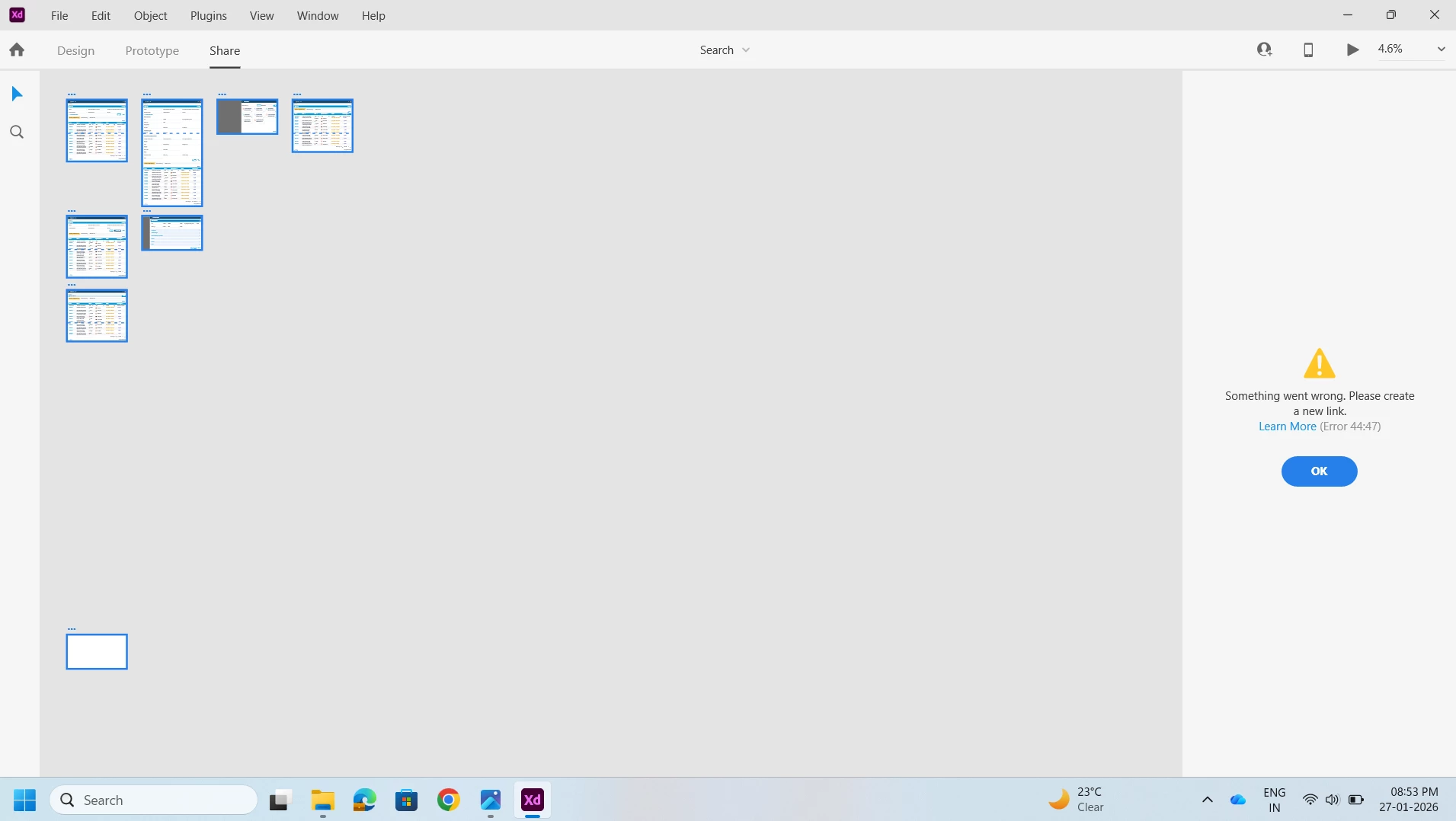
I’m experiencing the same issue — unable to update the shared link. Hope there’s a fix soon. Anyone found a workaround?

IHH_HENGHUNG
Participant
January 28, 2026

We’re experiencing the same issue!