Participant
December 9, 2019
Answered

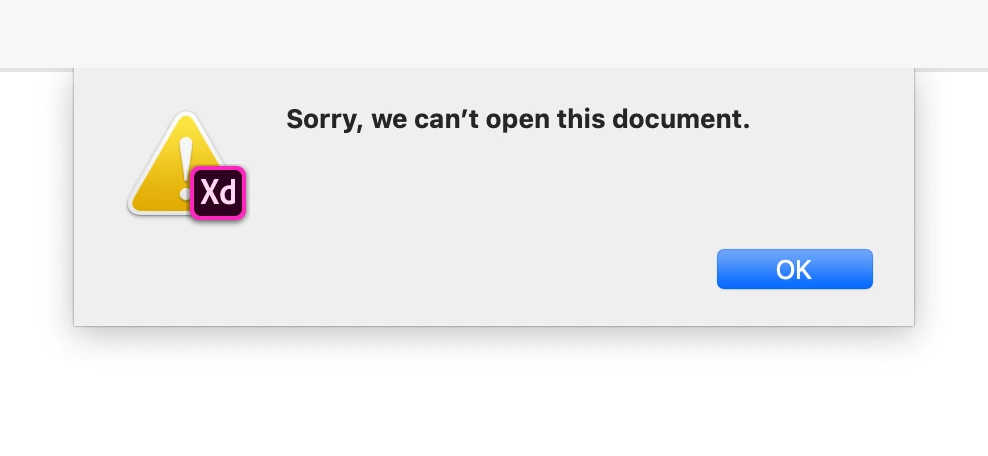
Error- Sorry, we can’t open this document in XD.

  • December 9, 2019
  • 2 replies
  • 2672 views

Hi dear community,


I have a really important XD document that I was able to open in another computer (which I don't have anymore). However when it try to open this document in my new computer this is the message I receive: "Sorry, we can’t open this document". I've tried everything mentioned in this forum in order to open the file, but it is impossible.


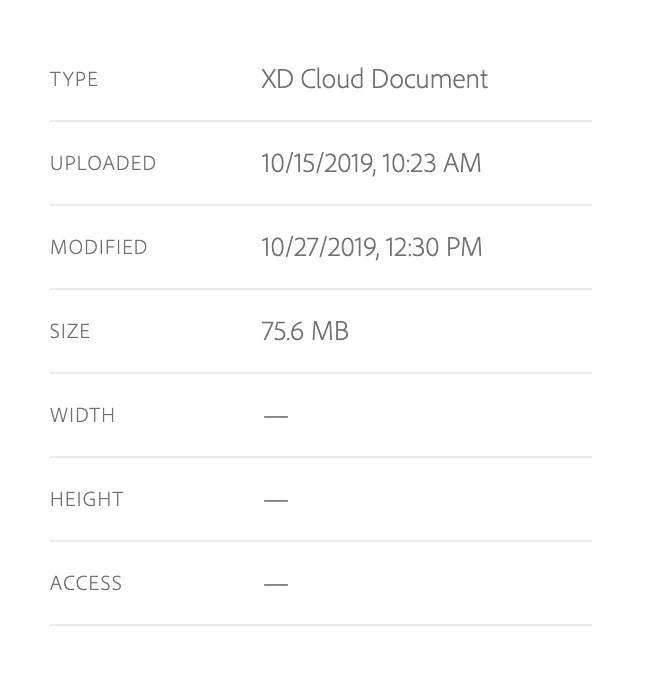
In addition, the last version saved of this document in assets.adobe.com is from October, 2019 but the last modification I made to the file was a week ago (before I changed my computed), it means it seems that more that a month of work has been lost.


I really appreciate any help in order to fix this issue.


Thanks,


<The Title was renamed by moderator>


This topic has been closed for replies.
Correct answer Ultratrance

Hi Harshika,


Thanks for your quick response!

Fortunatelly the document is working. However, this is what I did:


I had a recent version of the document downloaded as a backup. I deleted the non-working cloud version of the same document and then I open the local file and save it as a cloud document. And that's it! For some reason it's working and also has the same share URL (which was the most important thing that I wanted to preserve). I also was able to share the document for colaboration and it works fine. 


Thanks anyway, hope this soluction might help others!


2 replies

Participant
May 21, 2020

A document I created and shared with others on my team, I'm all of a sudden getting the message "Sorry, we can't open this document." Everyone else on the team can open the document, I can still see it in my cloud documents and download a copy and open it. But I would like to have the version history and share link that was created with the original, this link was shared with a number of different departments who are currently reviewing it. I'm also the only one who can invite others to edit the document since I created it. How do I open the original cloud file?


{Renamed By MOD }

Rishabh_Tiwari
Community Manager
Community Manager
May 21, 2020

Hi Sara,


Sorry to hear about the trouble. Could you please check if XD is updated to the latest version that is 29.0.32? If yes, please share the version of CoreSync from the About XD info page under the help menu. You can also try quitting XD and Adobe CC desktop app and then from task manager or Activity Monitor, please quit CoreSync Process. Once done please launch XD and try opening the files. 


Regards

Rishabh

Participant
May 21, 2020

I am having the same problem. I updated XD and it wont open. I closed the creative cloud and core sync and reopenned XD and the file is having the same message. 

HARSHIKA_VERMA
Community Manager
Community Manager
December 9, 2019

Hi Alizano,


We are sorry to hear you are facing trouble opening the document in XD. Would you mind trying the steps mentioned in this article: https://helpx.adobe.com/xd/kb/issue-saving-xd-file-creative-cloud.html


Let us know if that helps.


Thanks,

Harshika

UltratranceAuthorCorrect answer
Participant
December 10, 2019

Hi Harshika,


Thanks for your quick response!

Fortunatelly the document is working. However, this is what I did:


I had a recent version of the document downloaded as a backup. I deleted the non-working cloud version of the same document and then I open the local file and save it as a cloud document. And that's it! For some reason it's working and also has the same share URL (which was the most important thing that I wanted to preserve). I also was able to share the document for colaboration and it works fine. 


Thanks anyway, hope this soluction might help others!


Preran
Community Manager
Community Manager
December 10, 2019

Thank you for sharing your solution here. It will surely help other users with a similar issue. Glad to hear that you are back in action again.


Thanks,

Preran