


Participant
July 5, 2021
Question

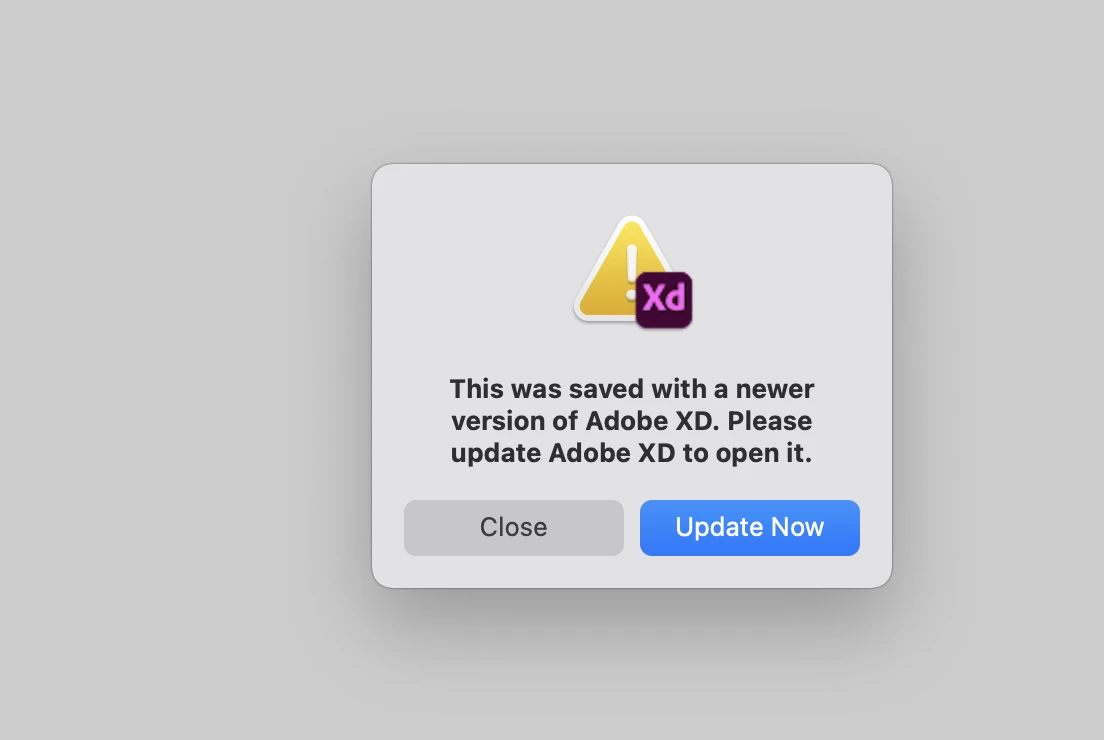
Error: This was saved with a newer version of Adobe XD. Please update Adobe XD to open it.

  • July 5, 2021
  • 1 reply
  • 1011 views

Hi, I have created the project in Adobe XD on my desktop, and then I wanted to open it on my MacBook. When I'm trying to open this project, I'm getting this error:  "This was saved with a newer version of Adobe XD. Please update Adobe XD to open it.". I have checked twice for new updates but without any results. What should I do?

 

<Title renamed by moderator>


This topic has been closed for replies.

1 reply

DoMyNickAuthor
Participant
July 5, 2021

Is there someone who can help me?

Harshika Verma
Community Manager
Community Manager
July 5, 2021

Hi defaultajt1x79m90pi ,


We are sorry to hear you are unable to open your XD project. We would request you to please share the screenshot of your About XD info page so that we can check. Please try the steps shared here: https://helpx.adobe.com/creative-cloud/help/creative-cloud-updates.html


Let us know if that helps.


Thanks,

Harshika

DoMyNickAuthor
Participant
July 6, 2021

Thanks for your reply.  Below is the screenshot with the version. I have also tried to update Adobe XD using this guide but without success.