Pixelysian
Inspiring
November 29, 2017
Question

Exporting Asset Size Discrepancy - HELP?

  • November 29, 2017
  • 1 reply
  • 724 views

Here is an example of the problem:

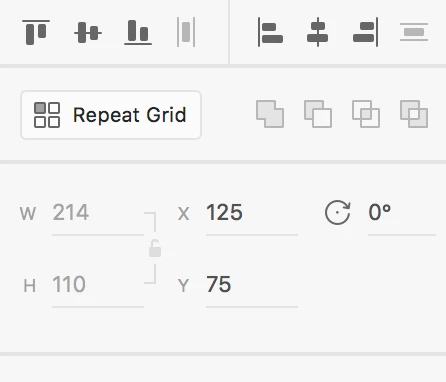
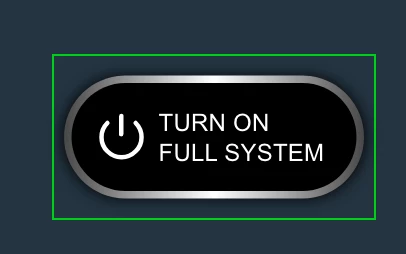
Here's my button. It is 214 x 110px...
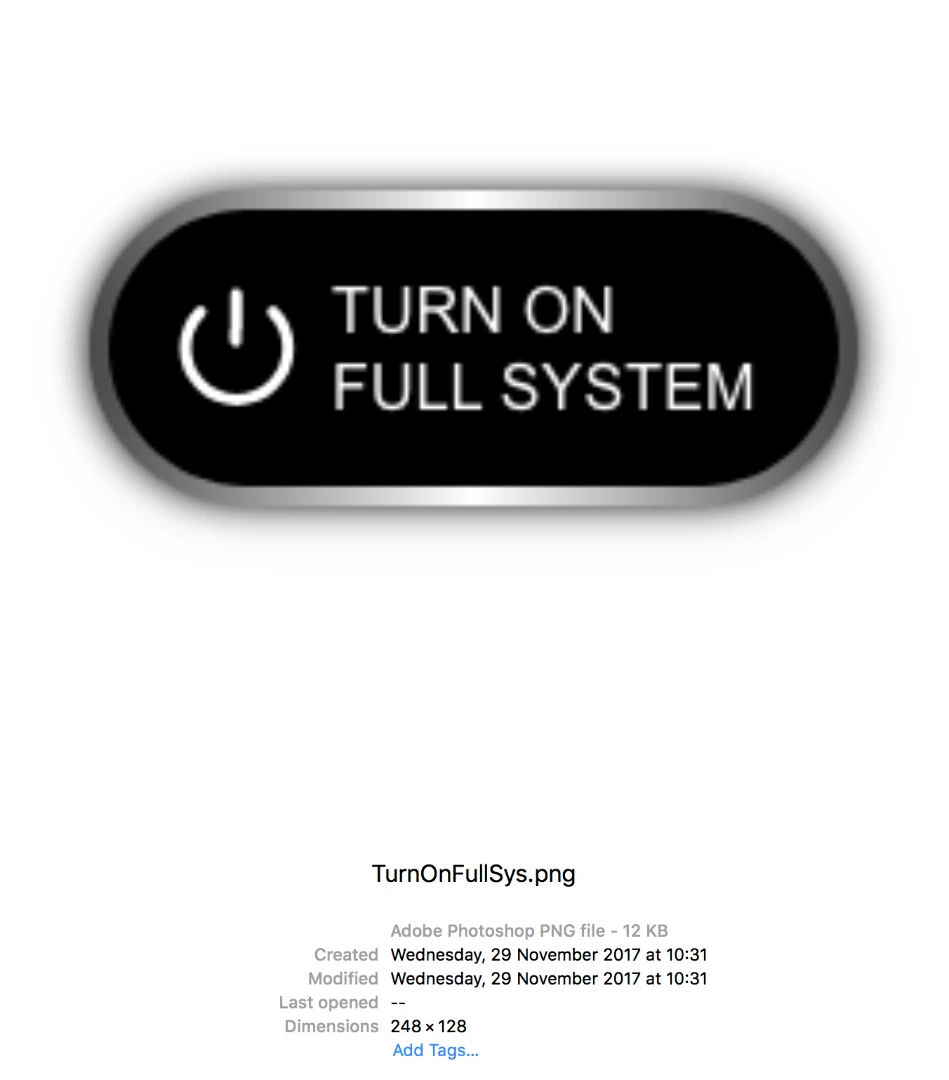
Until I export as Design asset... and it becomes: 248x128px

Huh?
    This topic has been closed for replies.

    1 reply

    Pixelysian
    Inspiring
    November 29, 2017

    If I draw a simple rectangle to the same size, it exports fine...


    The box on the right is the actual (wrong) size being saved out:

    I wondered if it was a shadow issue (XD should allow for this in calculating!!!)... but if I put the real size button within the wrong size, the shadow is miles away so it doesn't make sense that it would add on all those extra pixels.

    So I took the shadow off as a test, and it saved at correct size.

    This is pretty rubbish when you need to export assets for developers.

    So what's the work around?

    Do I have to turn off the shadows for every single button and then export and take each one into Photoshop at the correct size?

    This is not good enough.

    Vlad G.
    Participating Frequently
    November 29, 2017

    Hi Pixelysian​, one work-around would be to mask the button with that rectangle (overlap them, bring the rectangle to front, select them both, right click mask with shape).

    HTH,

    Vlad

    Pixelysian
    Inspiring
    November 29, 2017

    Thanks - I'll give that a go - I did wonder that but it's a laborious task with the amount of buttons I have (and they're all symbol assets)!

    It's really quite annoying though that XD don't allow for the shadow in the programme... it's misleading and unhelpful.
