
Question
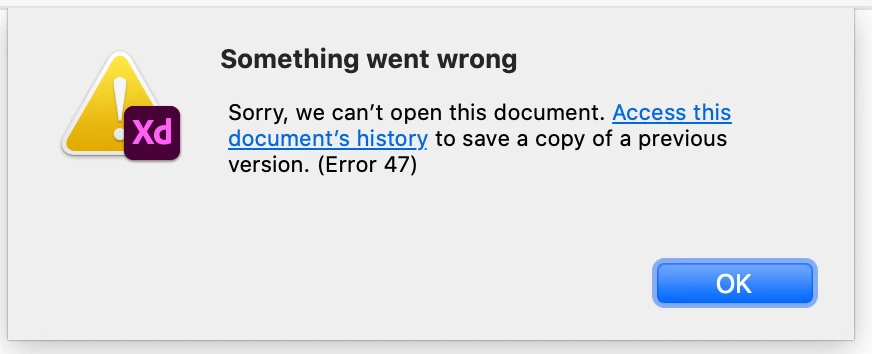
File crashed, and now unable to open any Cloud files. Getting Error 47.
- I have relaunched the app.
- The app is up-to-date.
- I have signed out and back in to Creative Cloud.
- When I click "Access this document's history" it DOES open correctly in the browser. It's a slightly older auto-saved version, but it has changes from about 10 minutes before it crashed.
- When I click "OK" it closes the file and leaves me on the welcome modal, (where I can see thumbnails of all my Cloud files).
- This is happening with ALL cloud files now.
- I am trying to see if a coworker can open the file on her Desktop app (I shared it with her via the browser), but not sure yet. Still troubleshooting.


 AdChoices