


Files are not syncing anymore
Hello there,
Since this morning, my Creative Cloud files are not syncing anymore.
I can open the files fine and generate / update links, but I cannot save the file itself nor create a copy, a new file or share the file with anoter user.
But as soon as Creative Cloud tries to save the file I'm met with a "Can't upload document" message and the files are considered as "waiting to sync", as shown on my screenshots. After that the file itself can't open anymore since CC tries to save it first.
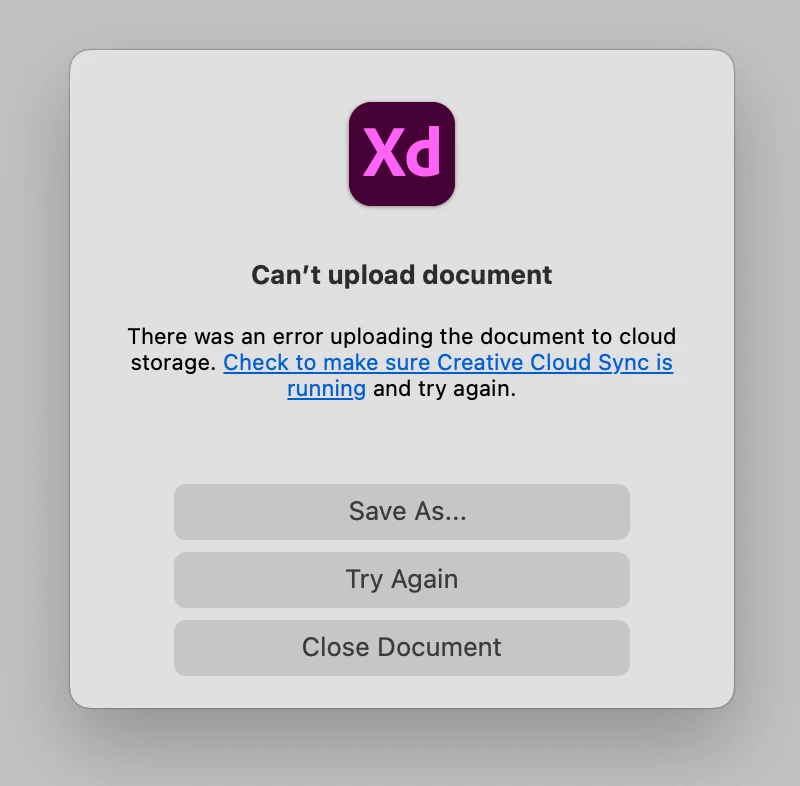

I tried all troubleshooting steps I found on this forum:
- Signing out and back of CC
- Killing CC
- Killing XD
- Uninstalling XD
- Rebooting
ect...
Nothing seems to work.
Only thing I could do was to download the needed file from CC on my desktop and work locally, I was still able to generate a dev link. It's an acceptable workaround for now but I'm not able to collaborate on the files which is critical.
I'm using the last XD version, all my files are Cloud native (not using the Creative Cloud Files sync folder) and I have plenty of cloud space available (less than 5% is occupied).
Thanks for the answers.
 AdChoices