


Known Participant
March 18, 2021
Question

Fonts in Character Styles list erroneously labeled as "missing"

  • March 18, 2021
  • 1 reply
  • 947 views

OS:

Mac Big Sur 11.2.3


System:

MacBook Pro (Retina, 15-inch, Mid 2014)

Processor 2.8 GHz Quad-Core Intel Core i7

Memory 16 GB 1600 MHz DDR3

Graphics NVIDIA GeForce GT 750M 2 GB


XD version:

38.0.12


Font management:

Suitcase Fusion v.21.2.2


Issue:

I'm experiencing an issue in which fonts in the Character Styles list are erroneously being labeled as missing, when I clearly have them loaded and permanently turned on in Suitcase Fusion — and they're listed in the available fonts menu within XD, and they're displaying correctly on my artboard.


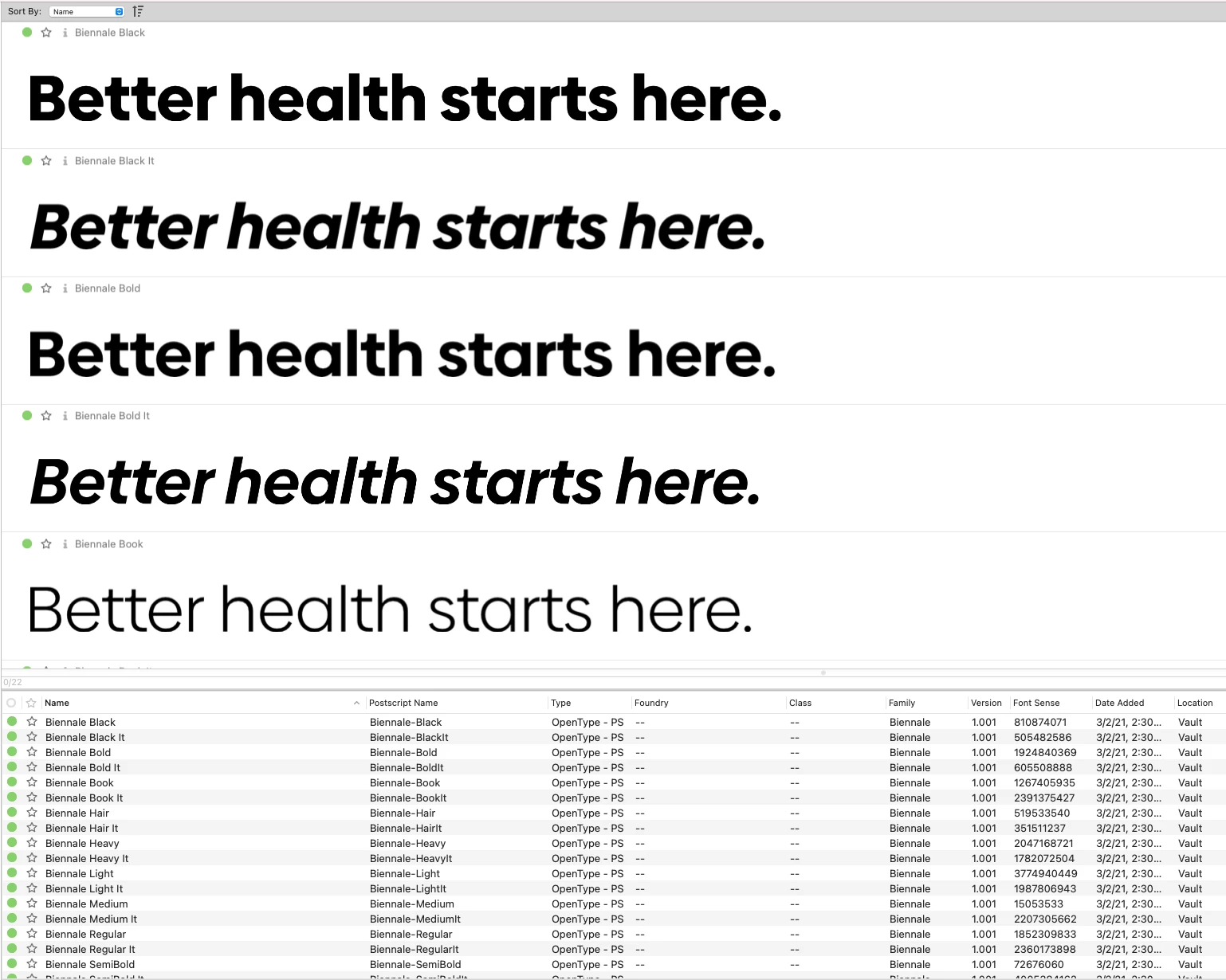
In this example, the font is Biennale.


This shows the font loaded and active within Suitcase Fusion:
 

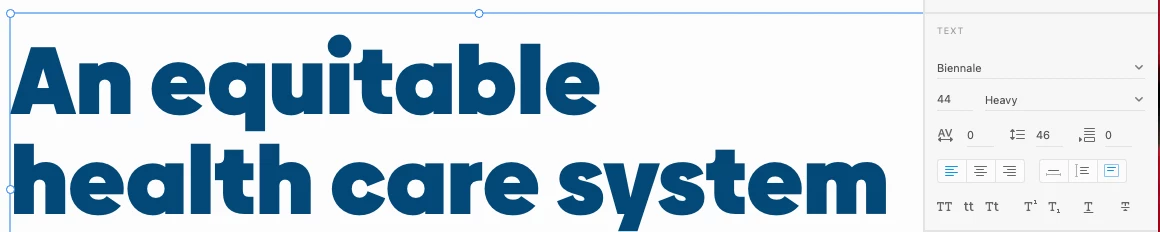
This shows the text on my artboard, set in Biennale. The font list to the right clearly shows Biennale as the selected font:
 

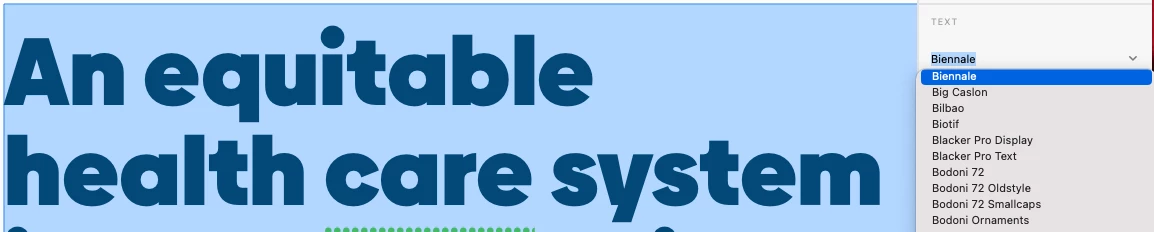
This shows that Biennale is one of several active fonts available to use within XD:
 

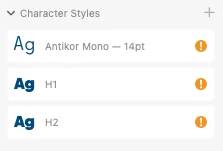
However, when I make that type a Character Style, it displays with an eclamation point icon, and the font is labeled as "missing." In fact, other fonts I've added to my Character Styles list are also being erroneously flagged as missing:
 

If I hover over the H1 Character Style, for example, I get this full error description:
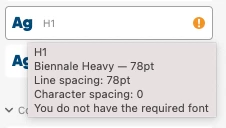
 

So as you can see, this doesn't make any sense, since I clearly have Biennale loaded and turned on in Suitcase Fusion, and I'm actively using it in my XD file.


So what gives?


Additionally, my XD file is saved locally. Does this have anything to do with this error?

This topic has been closed for replies.

1 reply

Harshika Verma
Community Manager
Community Manager
March 22, 2021

Hi there,


We are sorry to hear you are getting a missing font error in XD. Would you mind telling us if you are able to use the same font in a new document? Could you please try to sign out of XD and Creative Cloud, restart the machine, and then sign back in? Let us know if that helps.


Thanks,

Harshika


Known Participant
March 23, 2021

Hi Harshika,


Thank you for your response.


I am able to use the same fonts in a new document. The issue never has been with my ability to use fonts. The fonts are active in Suitcase Fusion, and are available to use within XD. The issue is that when I create styles, those fonts get labeled as "missing" in the Doccument Assets > Character Styles panel.


I logged out of CC and XD and restarted my computer. When I launched my file, one of the fonts, Biennale, that was previously labeled as missing in the Character Styles panel is no longer labeled as missing. So that's progress.

However, one of the other fonts that was also previously labeled as missing in the Character Styles panel, Antikor, is still labeled as missing, yet the font is active in Suitcase Fusion, is available to use within XD, and is displaying fine on screen:


Harshika Verma
Community Manager
Community Manager
March 24, 2021

Thanks for sharing the screenshot and glad to know that we have got some progress even if it just one font. I would suggest changing the location of the fonts folder and let us know if that helps?


Thanks,

Harshika