
Freeze-crash upon alt-tabbing back to XD; inexplicable erasure of cloud history
Ignore the alt-tab action as I really only want to describe that I was going back to an open XD file, as in clicking on the document to keep on designing.
It was frozen for a good three minutes, all I could do was resize the XD app. It then promptly shut down; I'm assuming it crashed without asking for a crash report upon re-launch.
Curiously the zoom icon was the initial cursor while all I could see in XD had that "zoom blur/pre-cache" look you see for a split second before zooming re-fetches the canvas into memory.
The zoom was never engaged however, and I'm not sure what led to displaying it. This has happened a couple of times now, everything freezes as if it interrupted a re-fetch after zooming.
I'll update this thread if I manage to get a screenshot or video of the situation; it was very revealing.
Here's the incredibly dangerous risk in this bug:
It inexplicably reverted to a previous version of the same file, effectively erasing work without trace of newer versions or of any signaling that a crash or data discrepancy occurred. I need to be extremely clear on this: it reverted selective changes made the day before back to an old cloud file. This is the first time it happened. I'll keep my eyes open and pay attention to the file versions if this happens again, because to my knowledge it's not really obvious when it happens.
Versions:
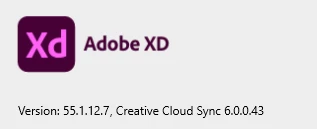
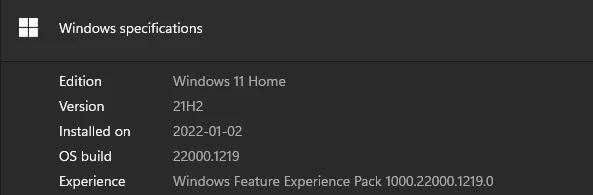
What else would Adobe need from me to troubleshoot this?


 AdChoices