Sttlmm08
Participant
February 3, 2023
Answered

Get UI Kits and Add-ons issue

  • February 3, 2023
  • 3 replies
  • 591 views

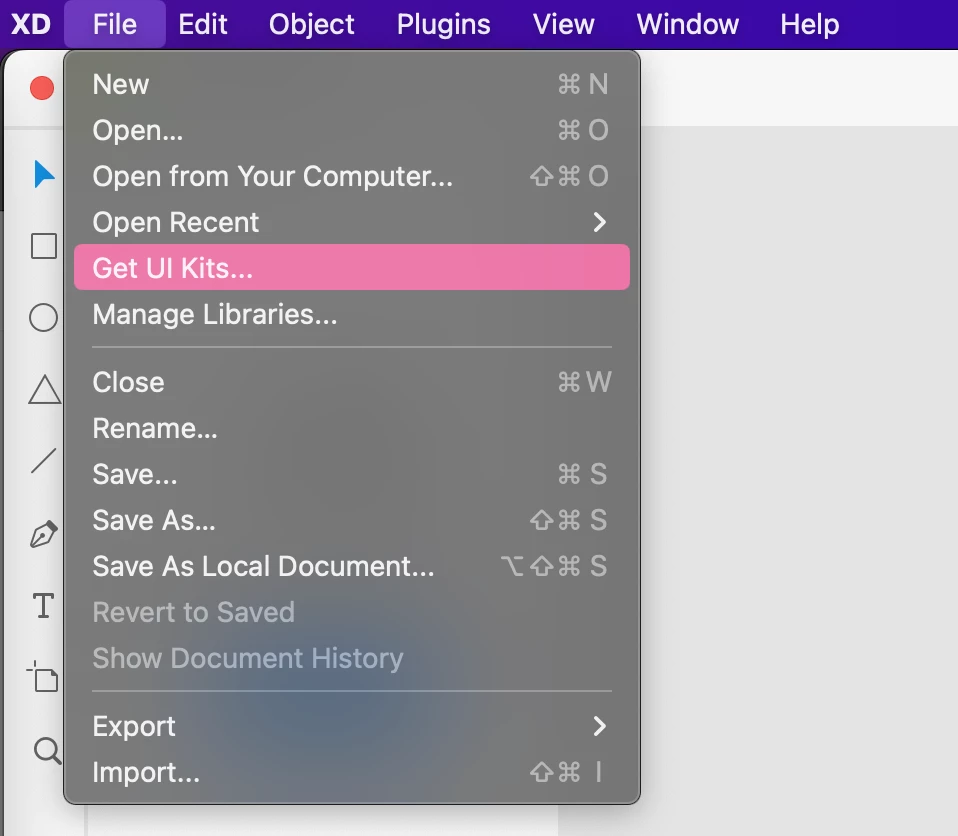
Hi. I am just starting out in XD, and the tutorials show an option to "Get UI Kits" with an arrow next to it, but my navigation does not show an arrow. When I click on "Get UI Kits" in the navigation it just takes me to this page: https://helpx.adobe.com/xd/help/access-ui-kits.html#panel-3

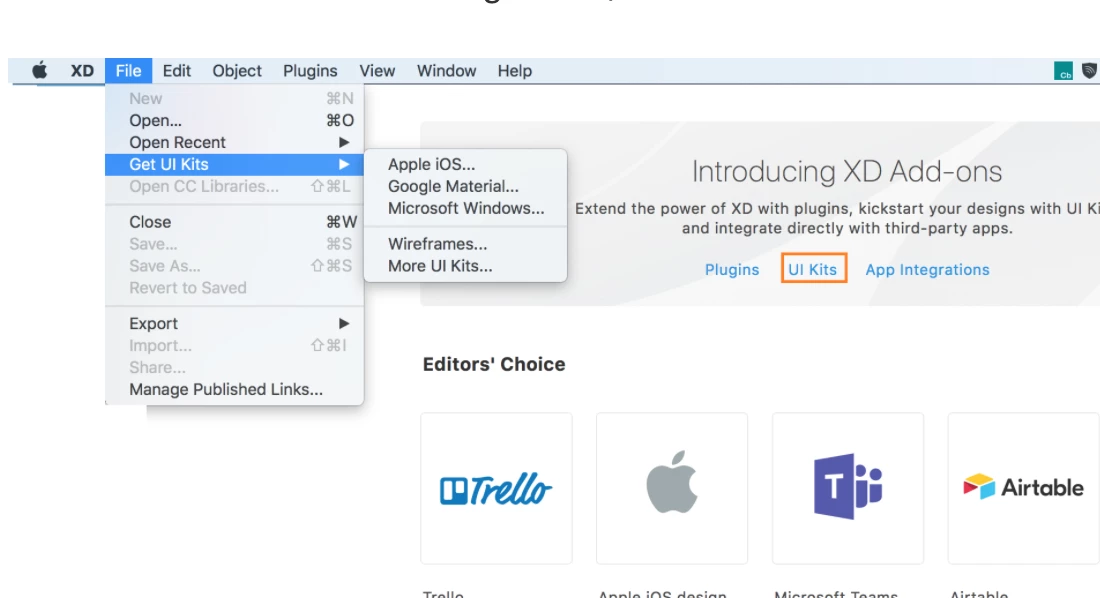
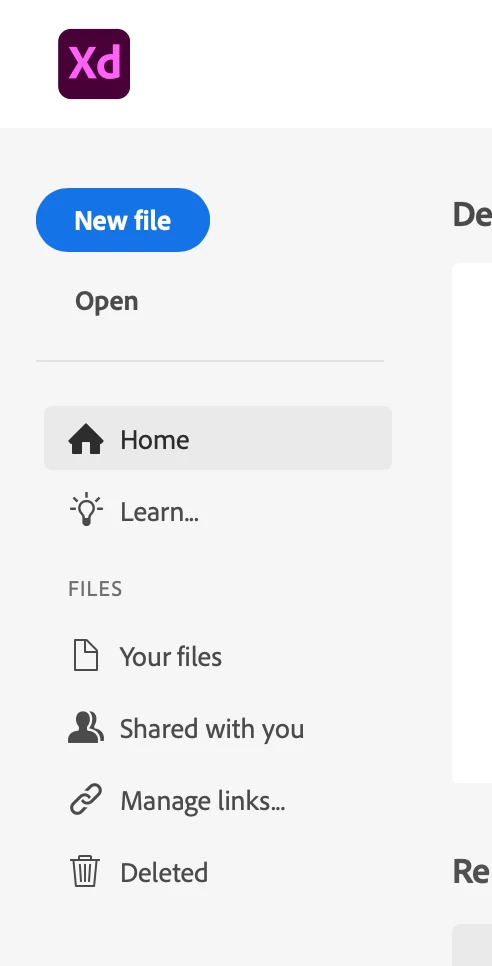
This page does not offer any informaiton that tells me how to get (and I assume install) the kits. I'm not sure why my nav does not show the options indicated in the tutorials (shown in the 2nd screen shot). Is there a setting that I need to adjust in XD to show the options with the arrow?

In additon, if you look at the 2nd screen shot here the page behind the nav shows all the "XD add-ons." I understand from watching tutorials that option should show up on the main screen in XD when you want to open a new file. Mine does not (see screen shot #3).

What am I missing here?

#1
 

#2

#3
    This topic has been closed for replies.
    Correct answer Rishabh_Tiwari

    Hi @Sttlmm08 @defaultgi5b3rmmg24h ,


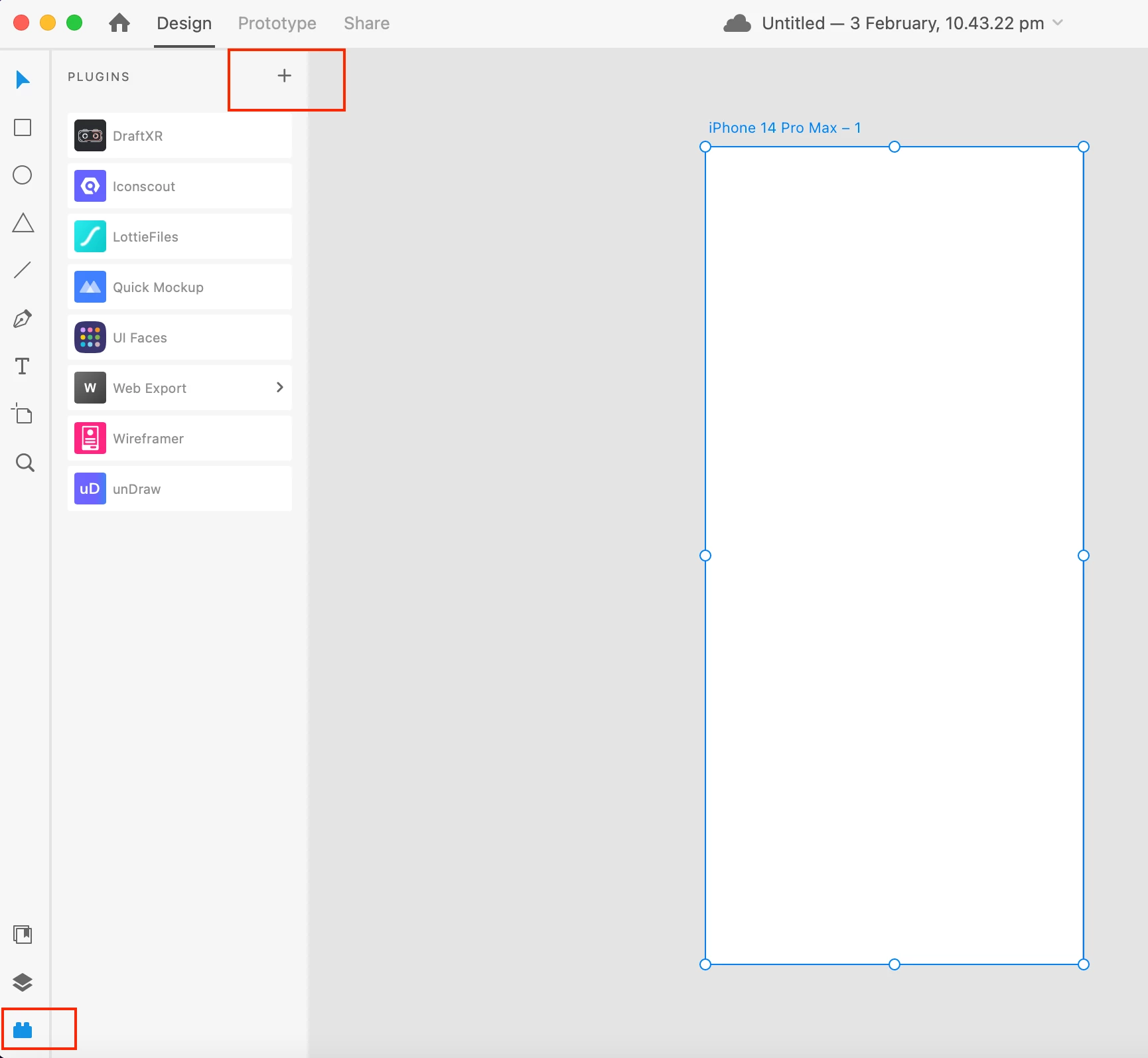
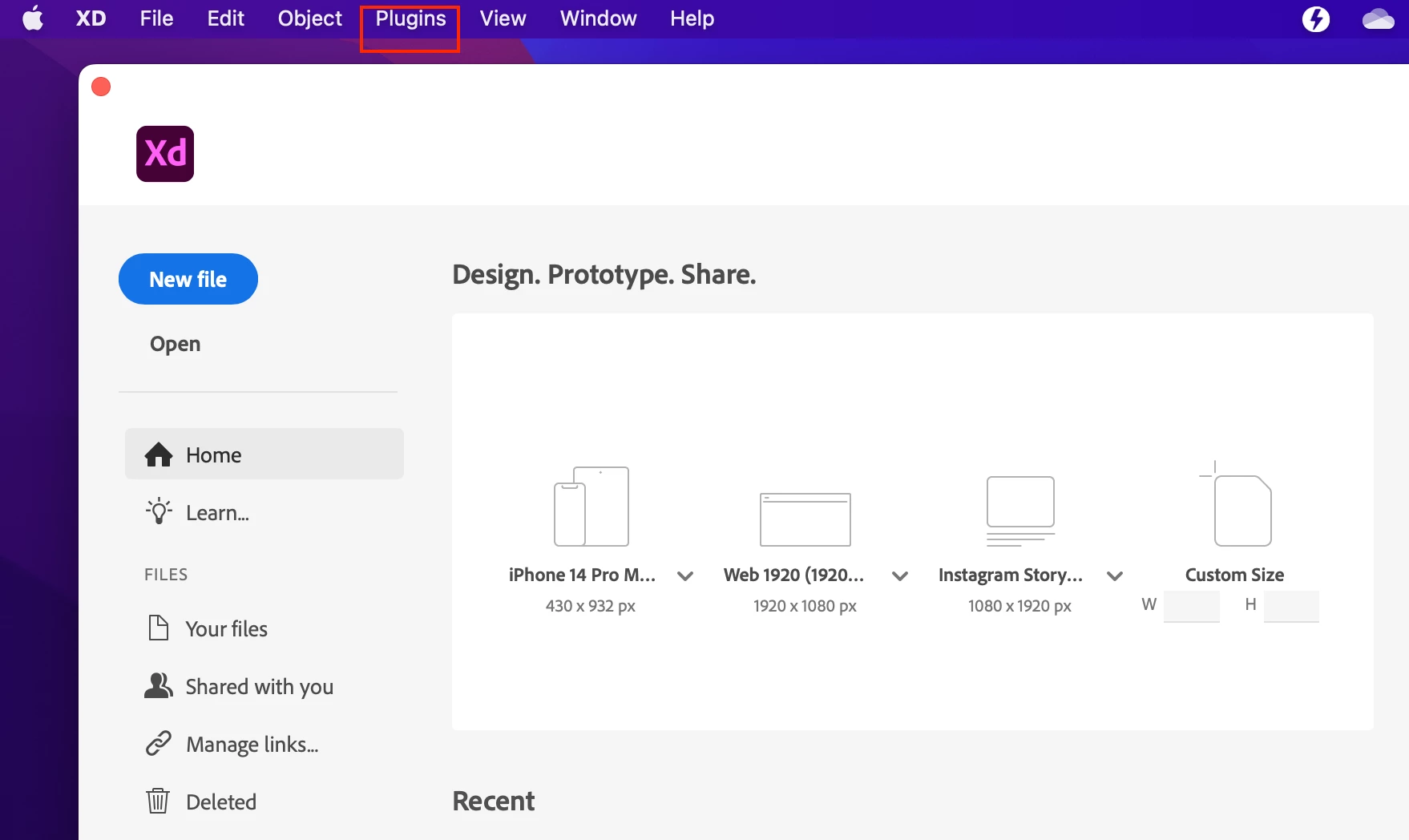
    Thank you for reaching out. For Ui Kits, please check this similar discussion. To install or manage plugins, you can either go to the top menu bar on macOS and select Plugins > Browse Plugins, or if you have created a file, you can click on the plugins in the bottom left-hand corner and then click on the + icon. For more information, please check this article


    Feel free to reach out if you need any further assistance.


    Regards

    Rishabh

    3 replies

    Rishabh_Tiwari
    Community Manager
    Rishabh_TiwariCommunity ManagerCorrect answer
    Community Manager
    February 3, 2023

    Hi @Sttlmm08 @defaultgi5b3rmmg24h ,


    Thank you for reaching out. For Ui Kits, please check this similar discussion. To install or manage plugins, you can either go to the top menu bar on macOS and select Plugins > Browse Plugins, or if you have created a file, you can click on the plugins in the bottom left-hand corner and then click on the + icon. For more information, please check this article


    Feel free to reach out if you need any further assistance.


    Regards

    Rishabh

    HARSHIKA_VERMA
    Community Manager
    Community Manager
    March 29, 2023

    Hi All,


    I am delighted to inform you that the UI Kits help page issue has been resolved. The UI kits are available here: Access UI kits, plugins and app integrations


    Please accept our sincere thanks for your patience as we tried to solve the issue. We sincerely appreciate your patience and assistance.


    Thanks,

    Harshika

    Participant
    February 3, 2023

    Same here.  I have the exact same issue on a Mac.  On my Mac, the screenshots show the same lack of UI Kit options and lack of "Add-on" option to select.  The Adobe article on this feature shows it was updated Jan 23, 2023, so something is broken or the instructions were not actually user tested.  

    Sttlmm08
    Sttlmm08Author
    Participant
    February 3, 2023

    I forgot to add, I am using a MAC.