


Participating Frequently
March 13, 2025
Question

Getting "Something went wrong." message when accessing Adobe XD links

  • March 13, 2025
  • 1 reply
  • 631 views

When trying to access Adobe Xd links shared by our UI Designer, I am directed to page with message below;
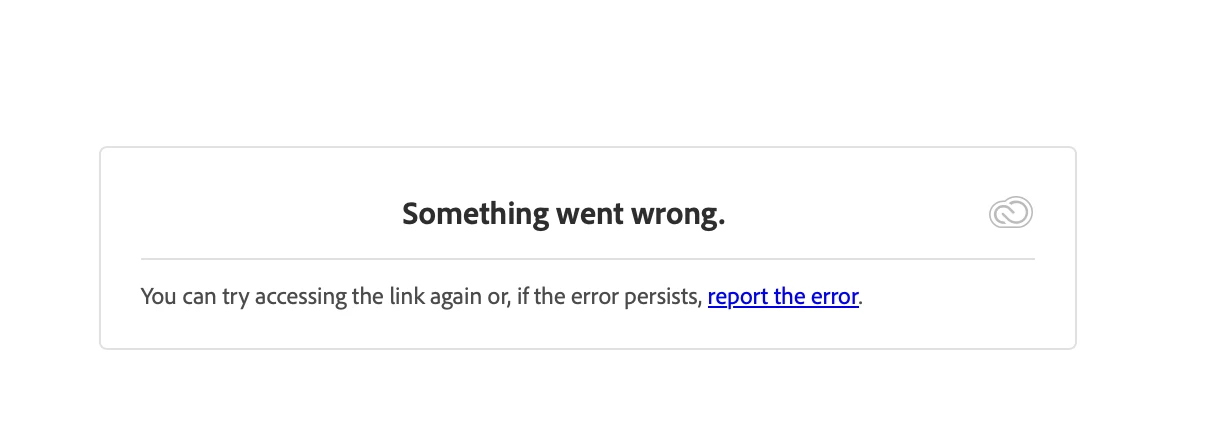

This does not happen when I am using hotspot connection of my phone. On the other hand, I have no problem accessing the internet other than this link with my local area network.

Please help me solve this problem. I checked other discussions but can't find a solution.

    1 reply

    Spas K.
    Community Expert
    Community Expert
    March 17, 2025

    Hey there! Have you tried using a different browser, or the same browser in Privacy or Incognito mode? Have you tried erasing browser cache?


    Is this happening with the link from one particular prototype, or are even new links from a new file also not opening?


    Have you tried logging out and back in your Adobe account? 


    The fact it works with one network and not another might suggest some port is being blocked. If your network is being managed by an IT team or someone else, you can make sure the network endpoints listed here are not blocked or restricted:

    https://helpx.adobe.com/enterprise/kb/network-endpoints.html

    Participating Frequently
    March 25, 2025

    Hi, 

    Different browser did not work.

    Same browser in privacy mode did not work.
    Erasing browser cache did not work.
    Logging out and back in my Adobe account did not work. (First time I encountered this problem, I haven't had an account anyway.)

    So only solution is via ports?

    Participating Frequently
    March 25, 2025

    No one manages my network, though. Just regular home network.