Participant
March 13, 2018
Answered

Grid Layout Columns issue!

  • March 13, 2018
  • 2 replies
  • 985 views

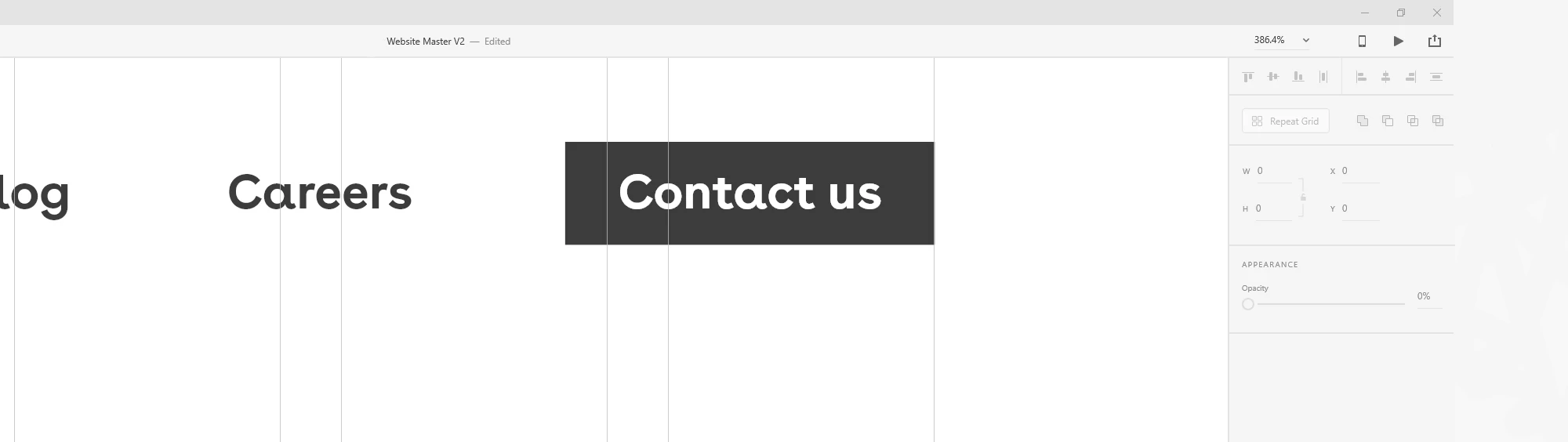
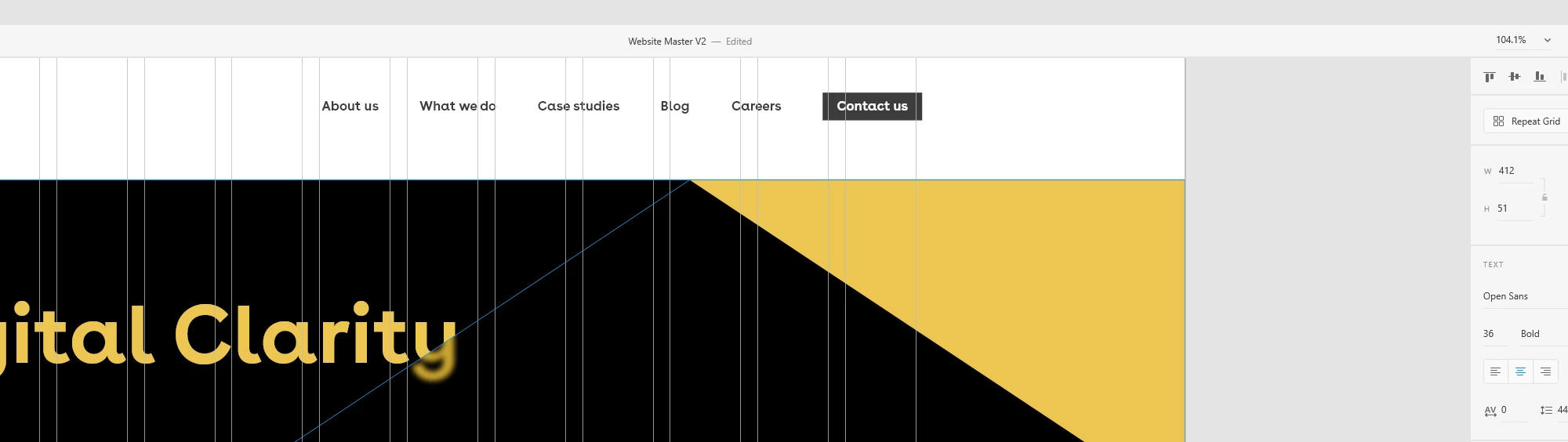
I have just updated XD (march 12th 2018 update) and for some reason the column layout keeps shifting about when you zoom in and out, it is driving me mad! Everything still seems to be snapping to the correct point but visually it is really frustrating as the columns are only displayed in the correct place at certain zooms.

See the images, same columns but showing up in different positions when zoomed at different magnifications.

Is there a fix for this?
Thanks

Alex

    This topic has been closed for replies.
    Correct answer CoreyRLucier

    Apologies, yes this is a bug that was caught a bit too late, it's been fixed and will be in the very next release.

    2 replies

    CoreyRLucierCorrect answer
    Adobe Employee
    March 13, 2018

    Apologies, yes this is a bug that was caught a bit too late, it's been fixed and will be in the very next release.

    Participant
    March 13, 2018

    Ok thank you. it seems to be ok at the preset zooms from the dropdown in the top right (100% 200% etc) its when using the mouse wheel and ctrl that it seems to happen. I'll just use the - and + keys for the moment. hopefully the new update is soon!

    Participant
    March 13, 2018

    You're abolutely right! Different scales = different grid endings on the right end of content.