nunnnunns
Participant
June 6, 2019
Answered

Help! Can't update adobe xd

  • June 6, 2019
  • 1 reply
  • 4835 views

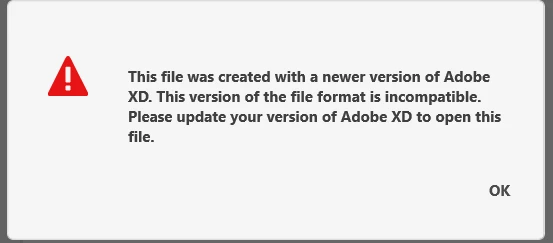
I try to update my adobe xd because I can't open files that it was created with a new version.
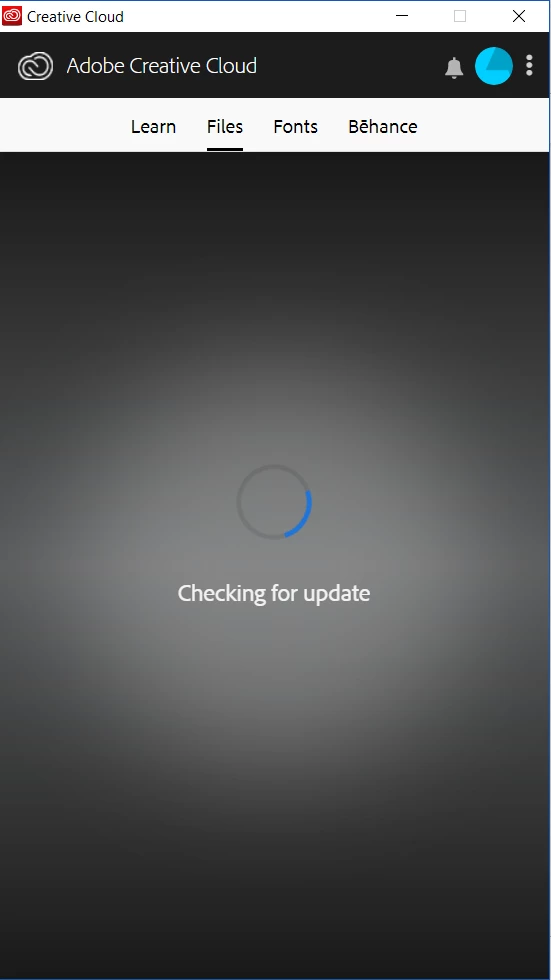
So I open my adobe creative cloud to update, it appears that 'checking for update' for an hour. I already deleted and download again, after login, it still 'checking for update' until now. How I can get a new Adobe xd version? What should I do next?Adobe XDAdobe Creative Cloud

This topic has been closed for replies.
Correct answer nunnnunns

I already solved this problem. 'App' menu is missing.

and this is solution

Apps tab missing from the Creative Cloud desktop app

1 reply

nunnnunns
nunnnunnsAuthorCorrect answer
Participant
June 6, 2019

I already solved this problem. 'App' menu is missing.

and this is solution

Apps tab missing from the Creative Cloud desktop app

Abambo
Community Expert
Community Expert
June 6, 2019

So your problem is solved?

If not, please give all information in relation to your computer:

OS and version, memory and disk space especially the system disk, ...

Please look also here: How to fix the issue of Adobe Creative Cloud desktop app not opening or showing a spinning progress wheel

ABAMBO | Hard- and Software Engineer | Photographer