thepixellator!
Known Participant
April 12, 2021
Question

HELP! My developers are having problems downloading assets from the Developer link.

  • April 12, 2021
  • 2 replies
  • 690 views

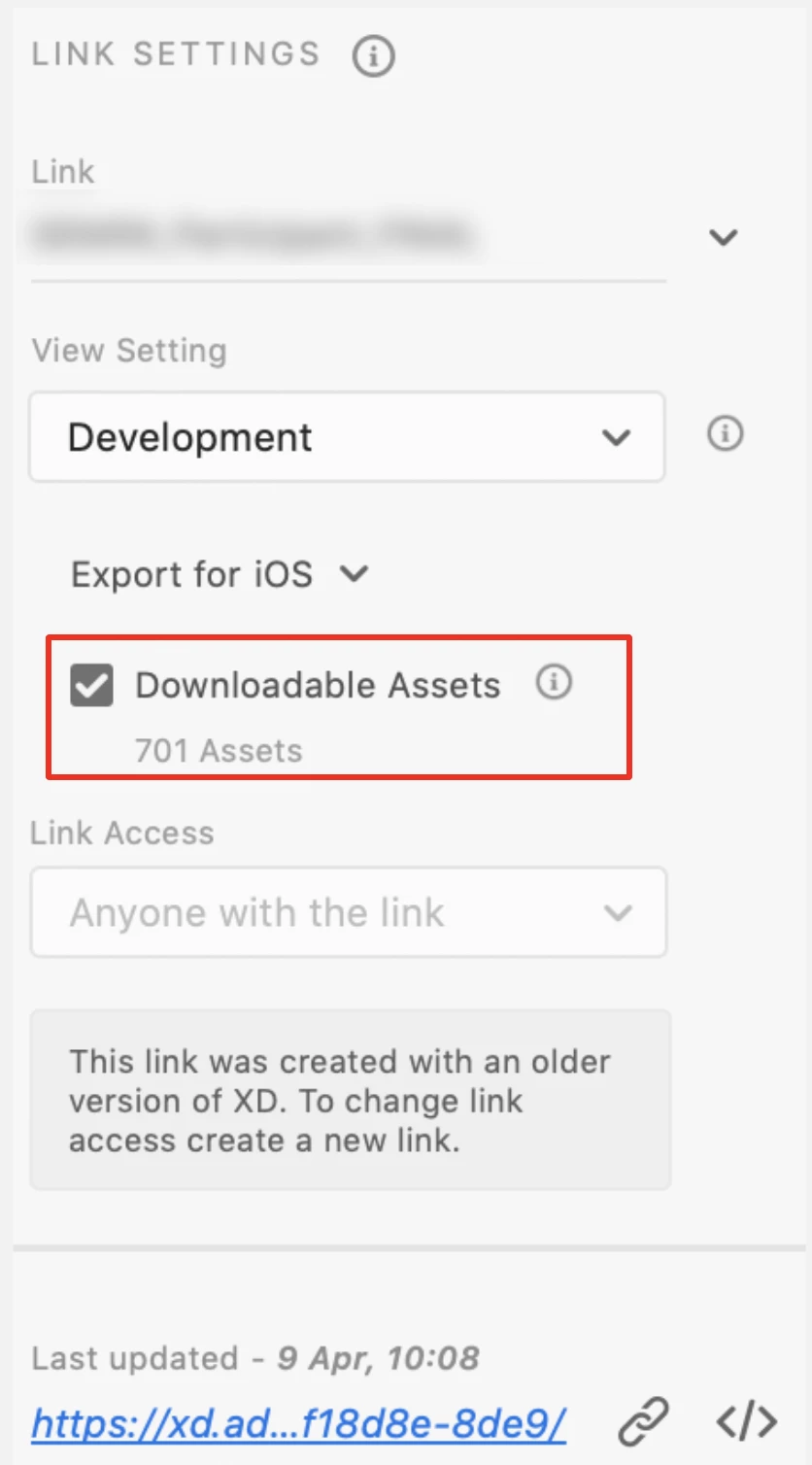
Although my link share settings are set to "Downloadable assets" (see screenshot 1), it seems that my developers are unable to to access any of the graphical assets in my file.

Can someone please explain why this might be - or how it even works? I'm not quite sure what I should be looking for since I do not usually deal with this level of handover (previous developers have had no issue obtaining graphical assets from my protoypes).

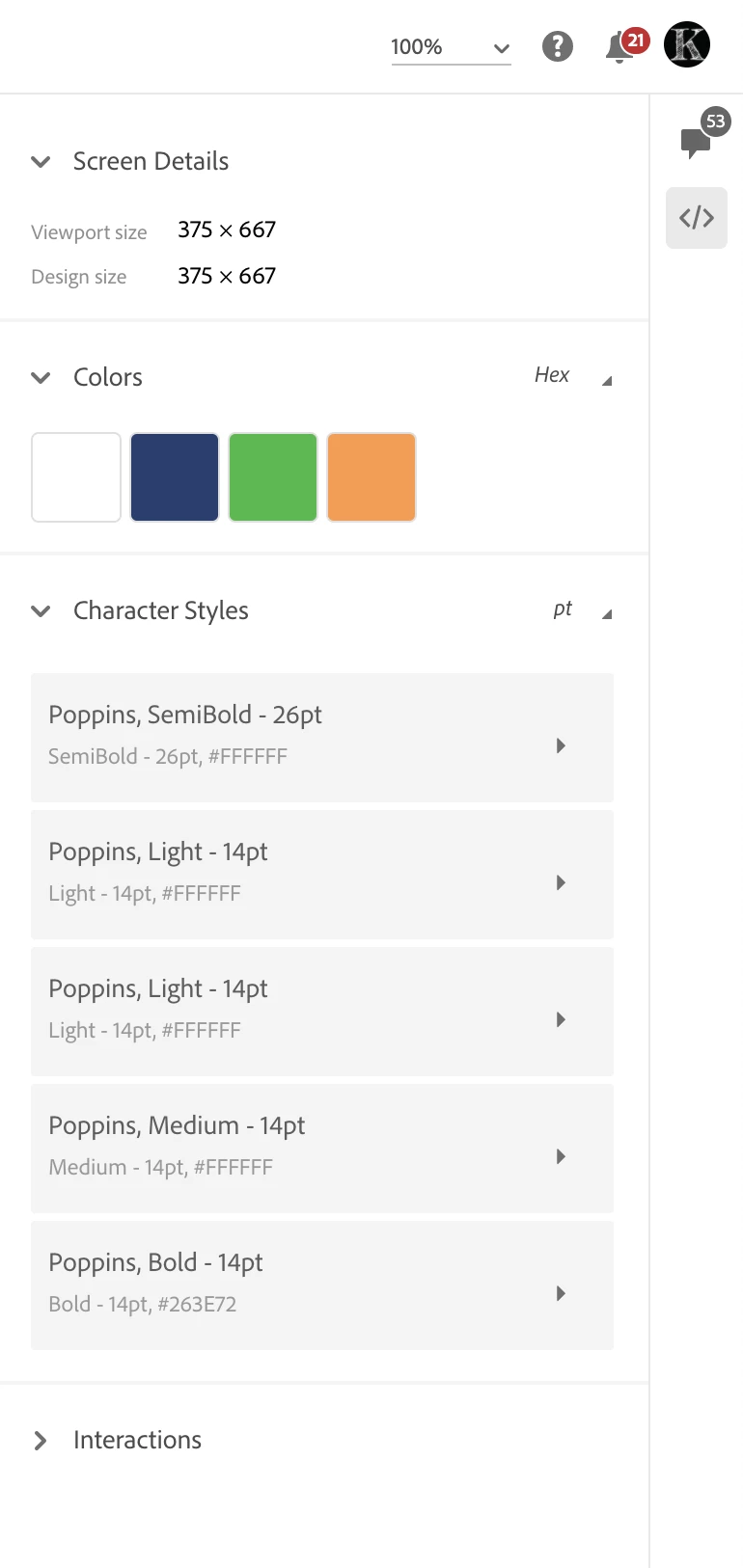
I can see that all of the CSS details are here (in sceenshot 2) but there doesn't seem to be a way to download the physical graphical assets.

Can someone please help?


This topic has been closed for replies.

2 replies

Participating Frequently
April 12, 2021

I am having this same problem. I wonder if Adobe has changed the workflow for this. Do I need to export all of my assets via the file menu for the developers now? 

Chris W. Griffith
Community Expert
Community Expert
April 12, 2021

Are the elements themselves marked for export? That might be the issue. Select an asset on an artboard and check the export toggle in the layers panel. Hope this helps.

thepixellator!
Known Participant
April 12, 2021

Thank you so much! It seemed to work for some items but not for all.

Which brings me to wonder...Am I not able to select a master component and mark for export and it applies to ALL other instances of that component? So, for example, I have my master components for icons on an artboard called "Icons", I selected all of those master component icons and marked them for export but on the pages where these icons occur in the prototype, there was no option to 'download assets'. Is that because I haven't gone through every artboard and marked every instance of every component for export? 

Thanks again for your help! 🙂