Participant
February 19, 2022
Question

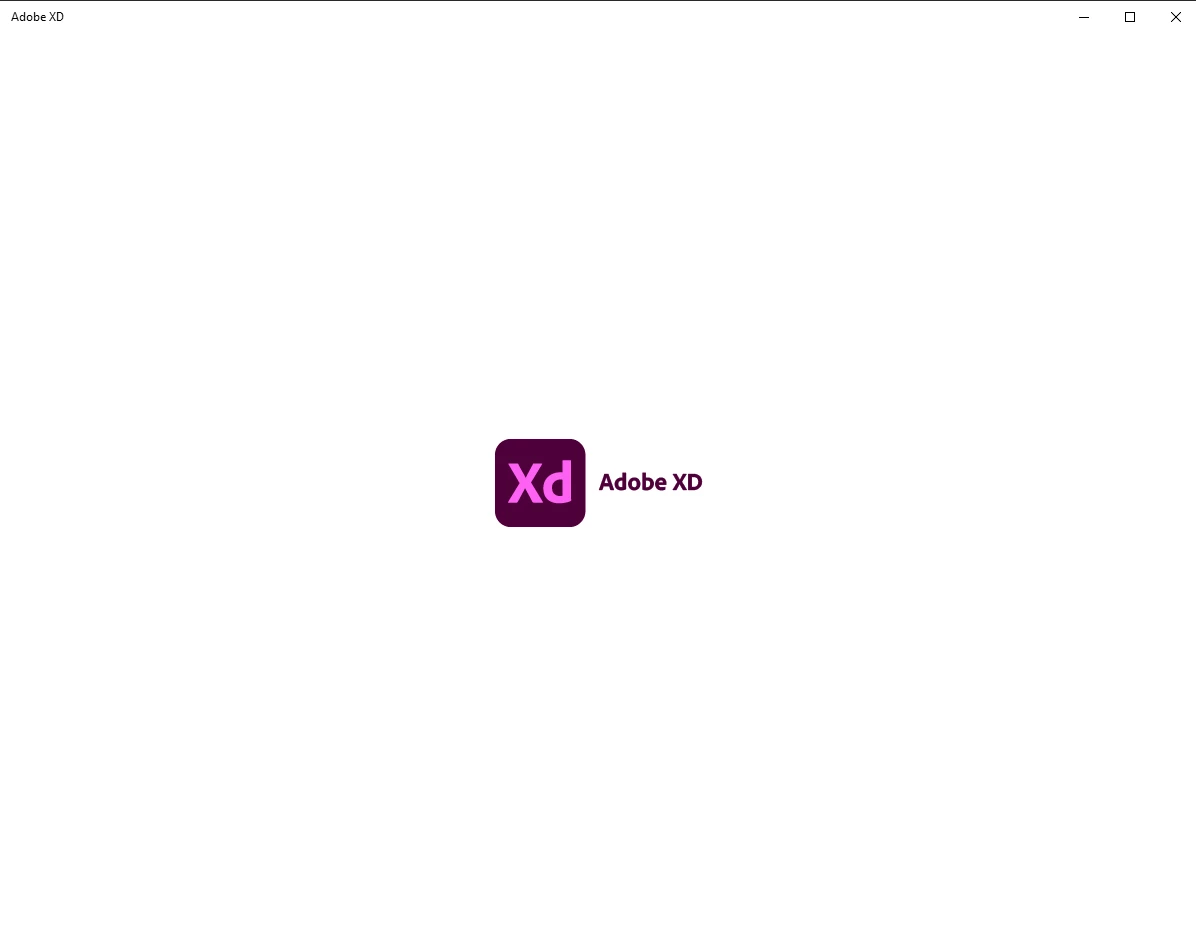
#HELP STUCK IN LOGO
  • February 19, 2022
  • 2 replies
  • 445 views

I cant Open my XD stuck in here always. Reset and Repair already.

 

    This topic has been closed for replies.

    2 replies

    AkinGn
    Community Expert
    Community Expert
    February 22, 2022

    Hi @Muhammad231681218a06 , if it happens on Windows, as I see in another conversation, the suggested solution is uninstalling XD using  https://helpx.adobe.com/creative-cloud/kb/cc-log-collector.html cleaner here, and reinstalling it. Hope this helps!

    Community Manager
    February 23, 2022

    Hi Muhammad,

    Thank you for contacting us, In addition to AkinGn reply, I would like to add some points here, before uninstalling the XD, just try to quit the XD from the activity monitor and Relaunch it agian, still the issue exists, Kill the Coresync and Creative cloud desktop[CCD] then relaunch both XD and CCD[ wait for a min to sync]. Xd works fine after relaunch.


    Hope it helps,

    Regards,

    Ashwini


    Ares Hovhannesyan
    Community Expert
    Community Expert
    February 19, 2022

    Please give as more information about your XD version and OS.