Participant
July 29, 2020
Answered

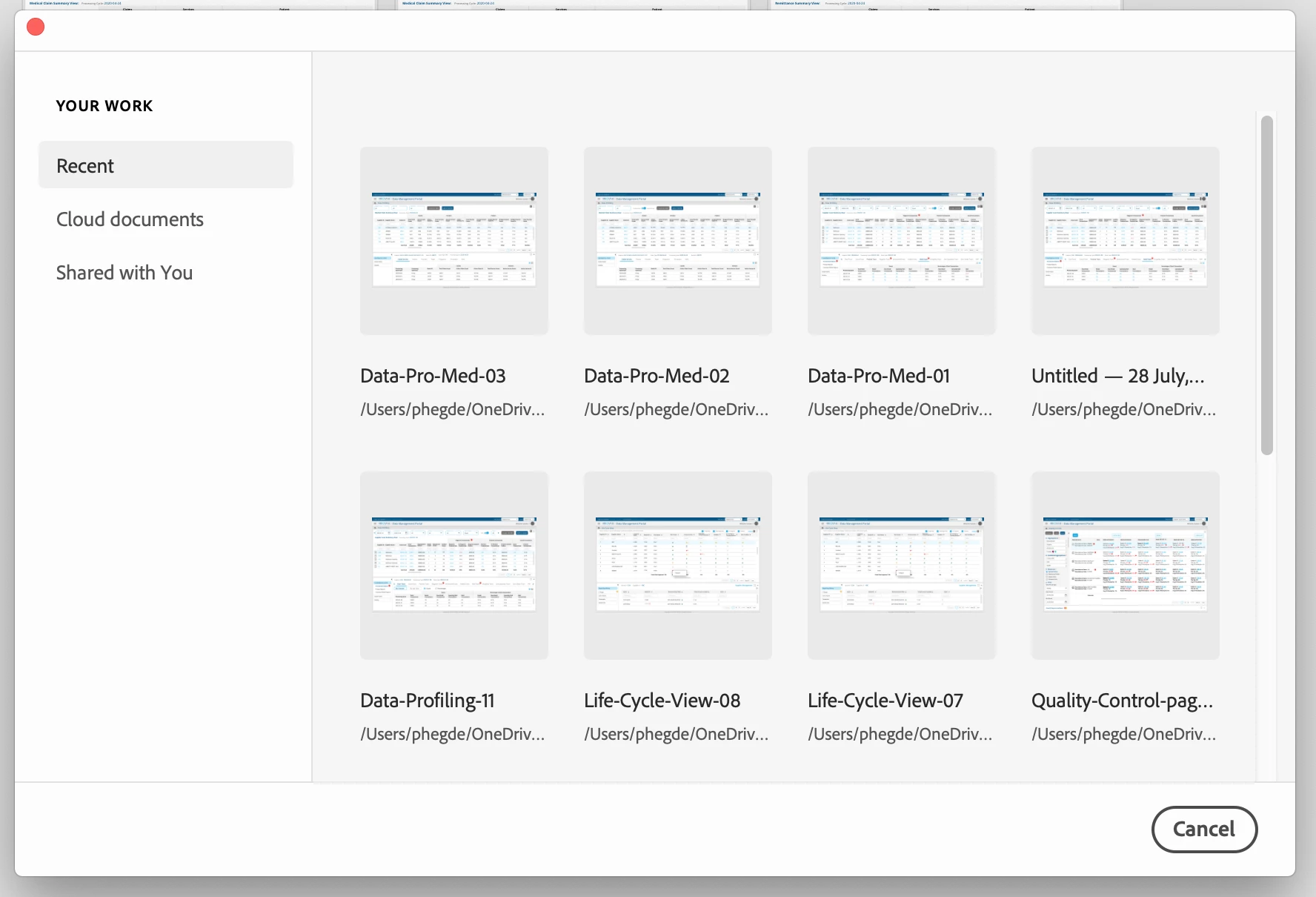
Home screen and File open dialog box not showing my computer location

  • July 29, 2020
  • 1 reply
  • 526 views

I am unable to see 'Your Computer' location from the home screen. Also, when open the 'File dialog box' again the mycomputer location is not showing. 
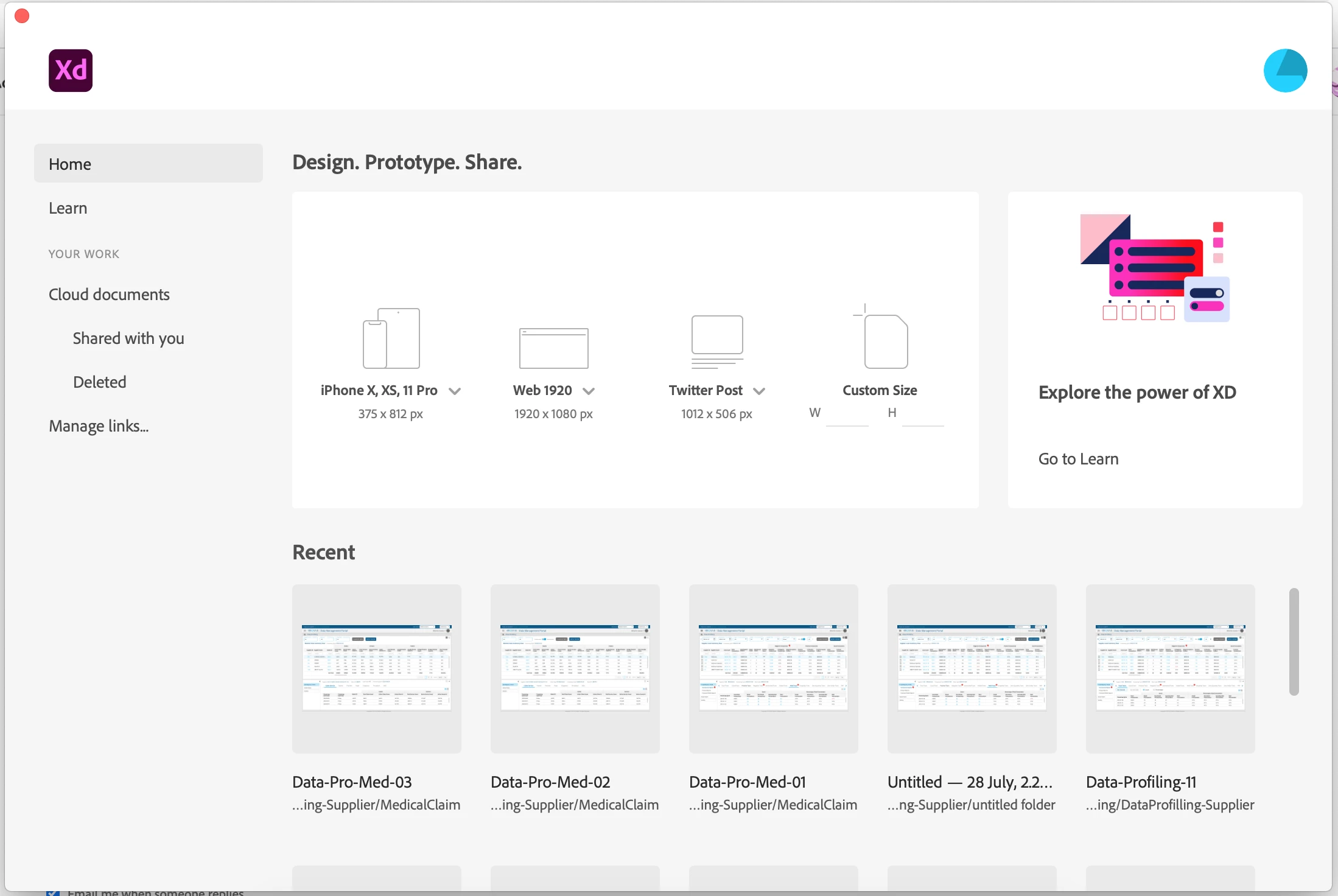


Really frustrating to see kind of bugs. Please help me to getrid of this.


thanks


    This topic has been closed for replies.
    Correct answer Rishabh_Tiwari

    Hi there,


    Sorry to hear about the trouble, we'll try our best to help you with that. Could you please try creating a new document and check if you are getting an option to open the file from there or if you are on home screen please try opening using the shortcut ⌘ + Shift + O for macOS and CTRL + SHIFT + O for Windows and let us know if you are able to open the file


    Regards

    Rishabh

    1 reply

    Rishabh_Tiwari
    Community Manager
    Rishabh_TiwariCommunity ManagerCorrect answer
    Community Manager
    July 29, 2020

    Hi there,


    Sorry to hear about the trouble, we'll try our best to help you with that. Could you please try creating a new document and check if you are getting an option to open the file from there or if you are on home screen please try opening using the shortcut ⌘ + Shift + O for macOS and CTRL + SHIFT + O for Windows and let us know if you are able to open the file


    Regards

    Rishabh

    Participant
    August 14, 2020

    Sir,

    I am still facing the same problem. No difference.

    Hopefully,  you will help me.


    thanks

    Prema

    HARSHIKA_VERMA
    Community Manager
    Community Manager
    August 14, 2020

    Hi Prema,


    Sorry for the confusion. It appears that you're looking for "Your computer" on the home screen. However, you'll find this option once you open the file. Please see the attached screenshot below-


    Same way you open the "Save As Local Document"  then the dialog box open up showing your computer location. 


    Let me know if you still have any confusion. I will try my best to help.


    Thanks,

    Harshika