CojiCoji-pu
Participant
March 11, 2023
Question

How can I find a toggle ( ▶︎) ? UI kits/ XD

  • March 11, 2023
  • 1 reply
  • 395 views

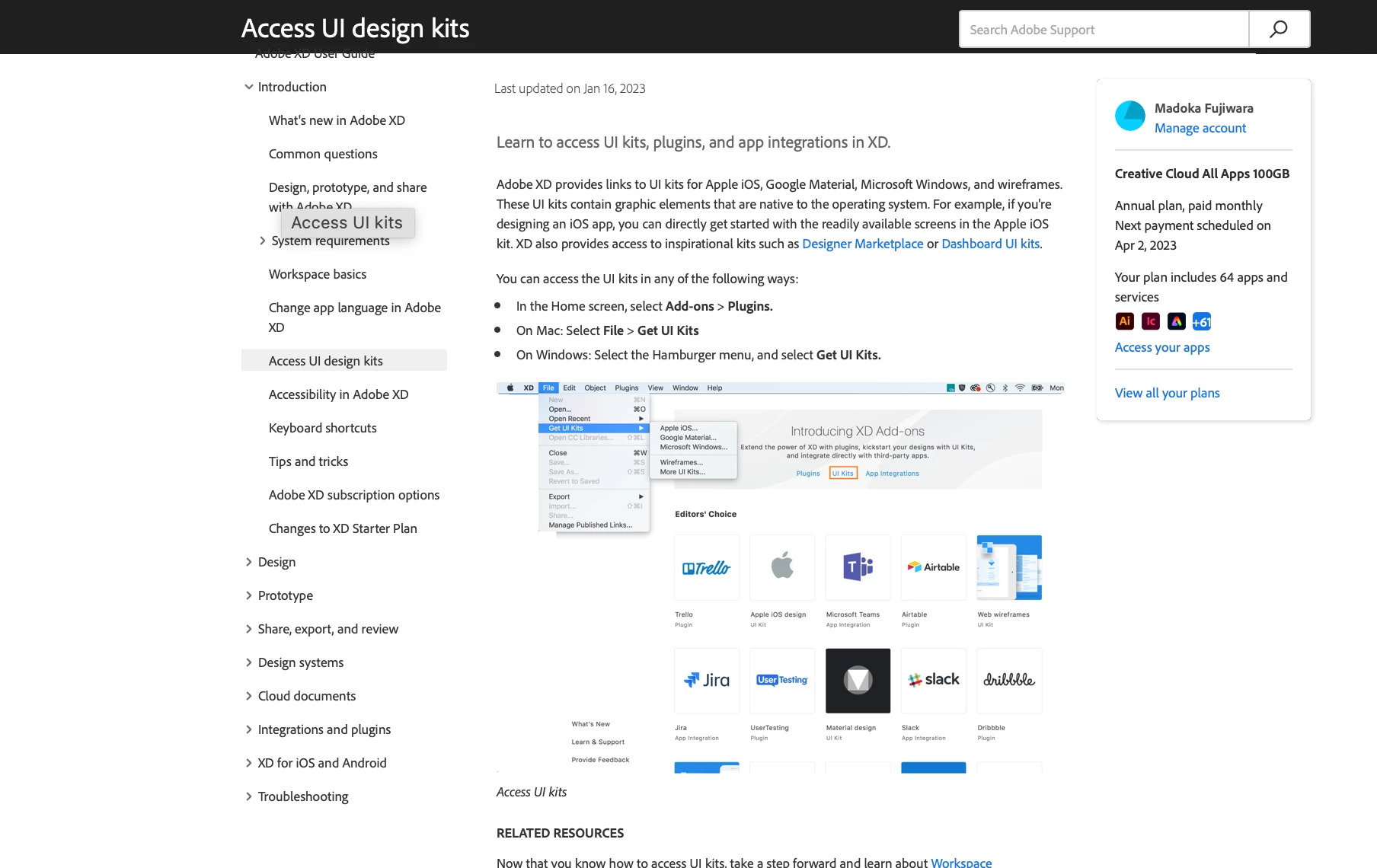
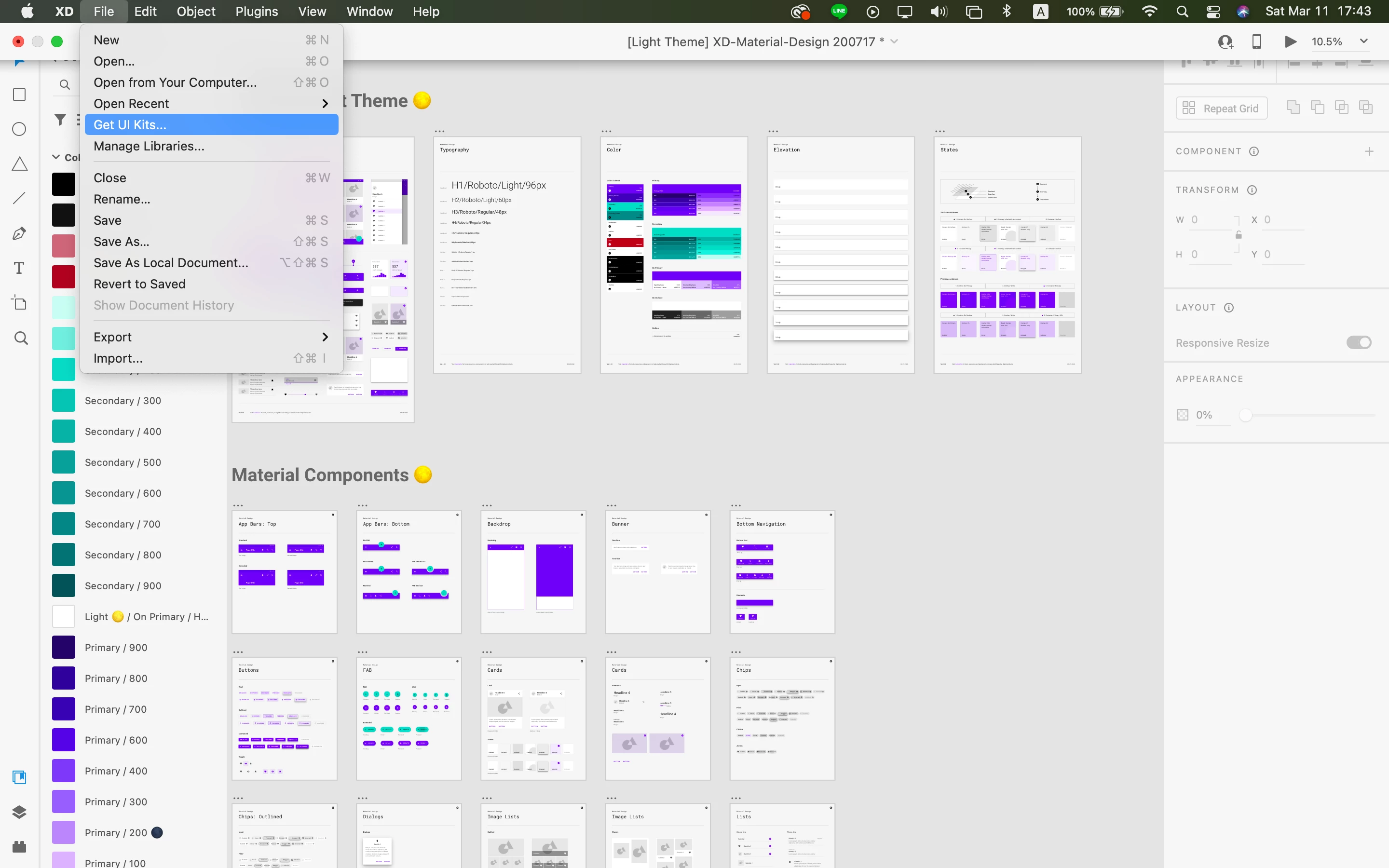
I cannot find a toggle(▶︎) by following these steps below.

" Mac: Select File Get UI Kits"


and once I click "get UI kits..", I always go to this blowser and try following these step and comeback this web site again its endless.


How can I afind this  toggle(▶︎) ? 

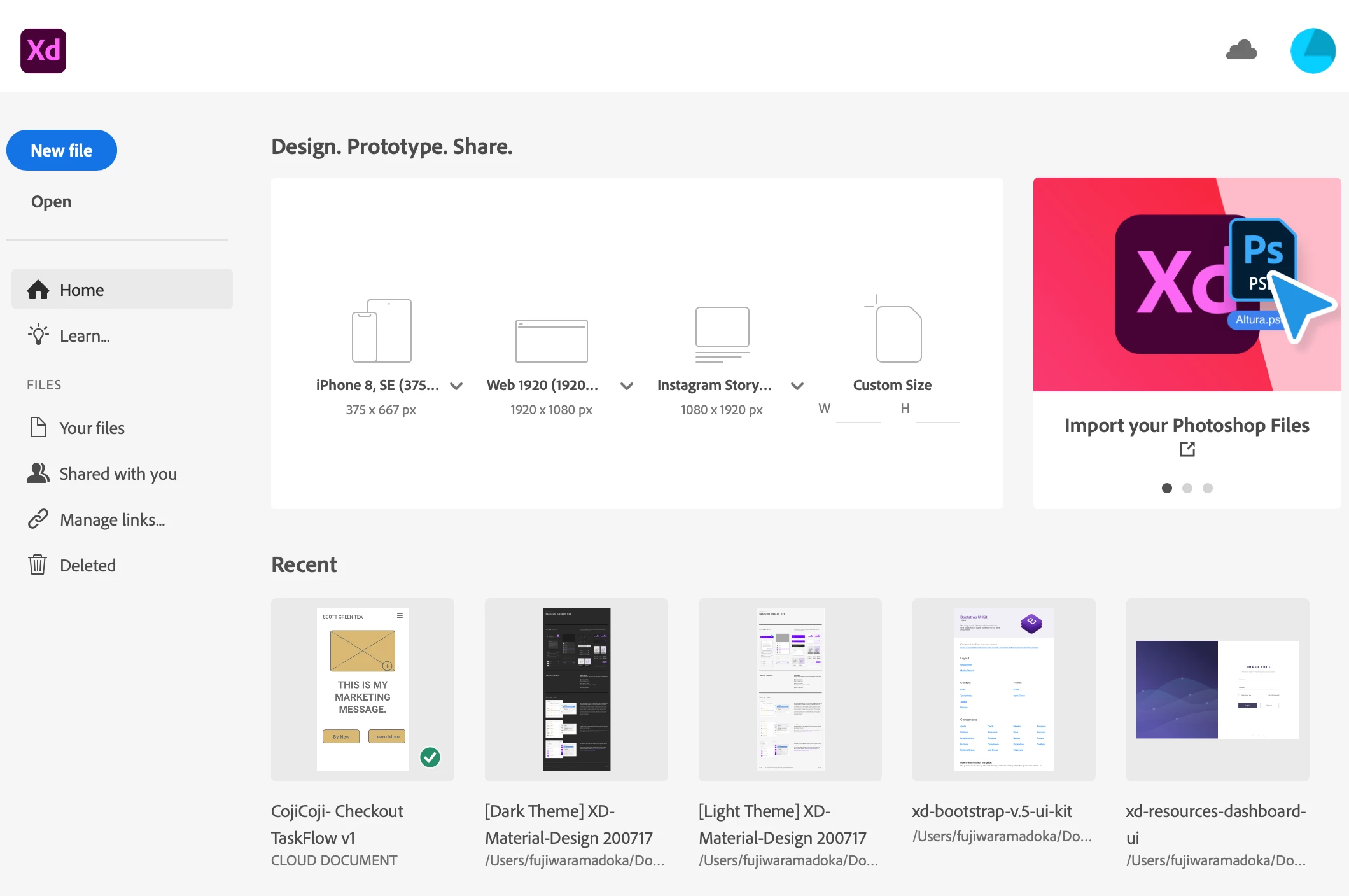
And I also cannot find "Plugins" In the Home screen.( select Add-ons > Plugins.)


    This topic has been closed for replies.

    1 reply

    AkinGn
    Community Expert
    Community Expert
    March 11, 2023

    Hi, I'd like to share the answer by @HARSHIKA_VERMA in the conversation https://community.adobe.com/t5/adobe-xd-discussions/get-ui-kits-webpage-gives-error-404-in-xd-55-2-version/td-p/13404556 :

    "

    Hi All,


    We are aware that Get Ui kits are currently routing you to this help article: Access UI kits, plugins and app integrations where you are unable to download the UI Kits as the downloadable file links are not available on the page.


    Please check this page for now: What Is a UI Kit? Examples & How to Use | Adobe XD Ideas, which might help you with the famous UI kits.


    The team is working on adding the kits to the page and we will share the updates with you as soon as it's done.


    We are sorry for the inconvenience.


    Thanks,

    Harshika

    "

    You can also check: https://www.xdguru.com/free-xd-ui-kits/

    For plugins, I just click "Plugins" at the top bar in XD and select "Browse Plugins". Hope this helps!