


hyep23793939
Participant
December 11, 2019
Question

How do I resize multiple objects at once?

  • December 11, 2019
  • 2 replies
  • 3531 views

So for example I create a graph chart with multiple chart boxes and distances.

Lets say the chart bars are distanced 3 px apart.  

When I drag all of the objects and resize the image while holding shift, it changes all of the distances. 


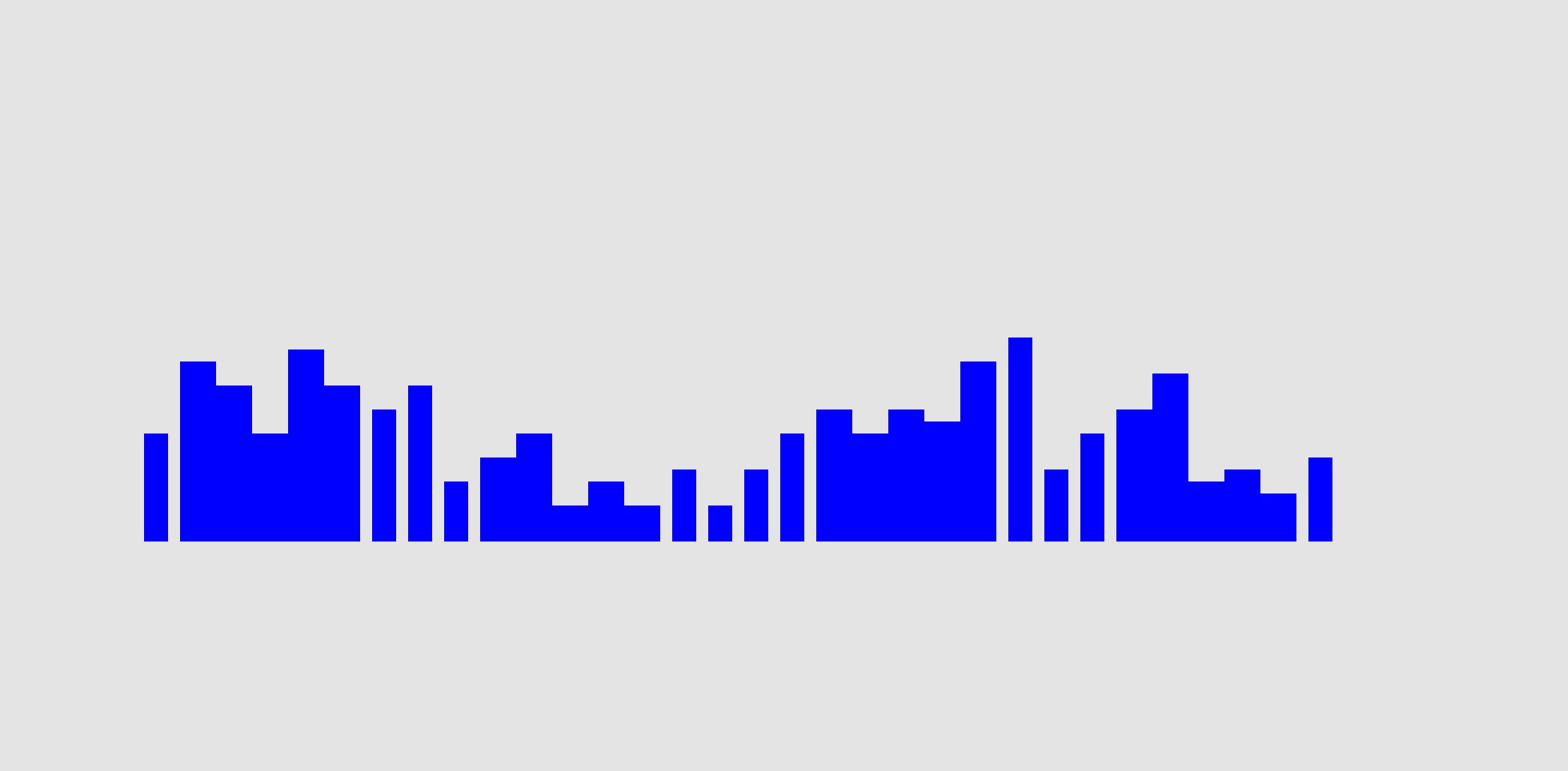
So when if I start with bars distanced 3px apart and drag and resize the whole thing, some of the bar distances become 1px apart, 2px apart, etc.  WHY????


How do I resize multiple objects while keeping the proportions and distances?


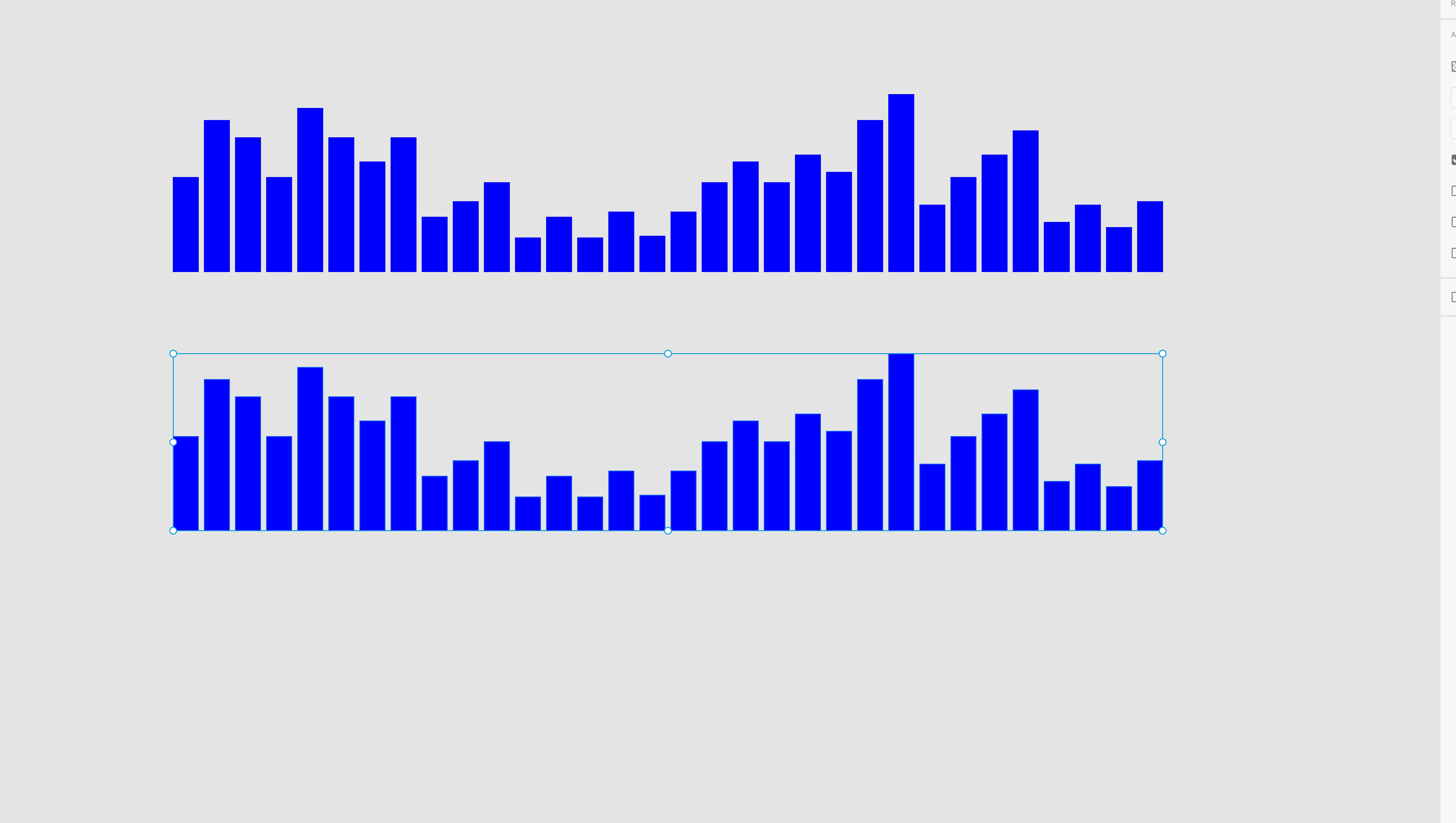
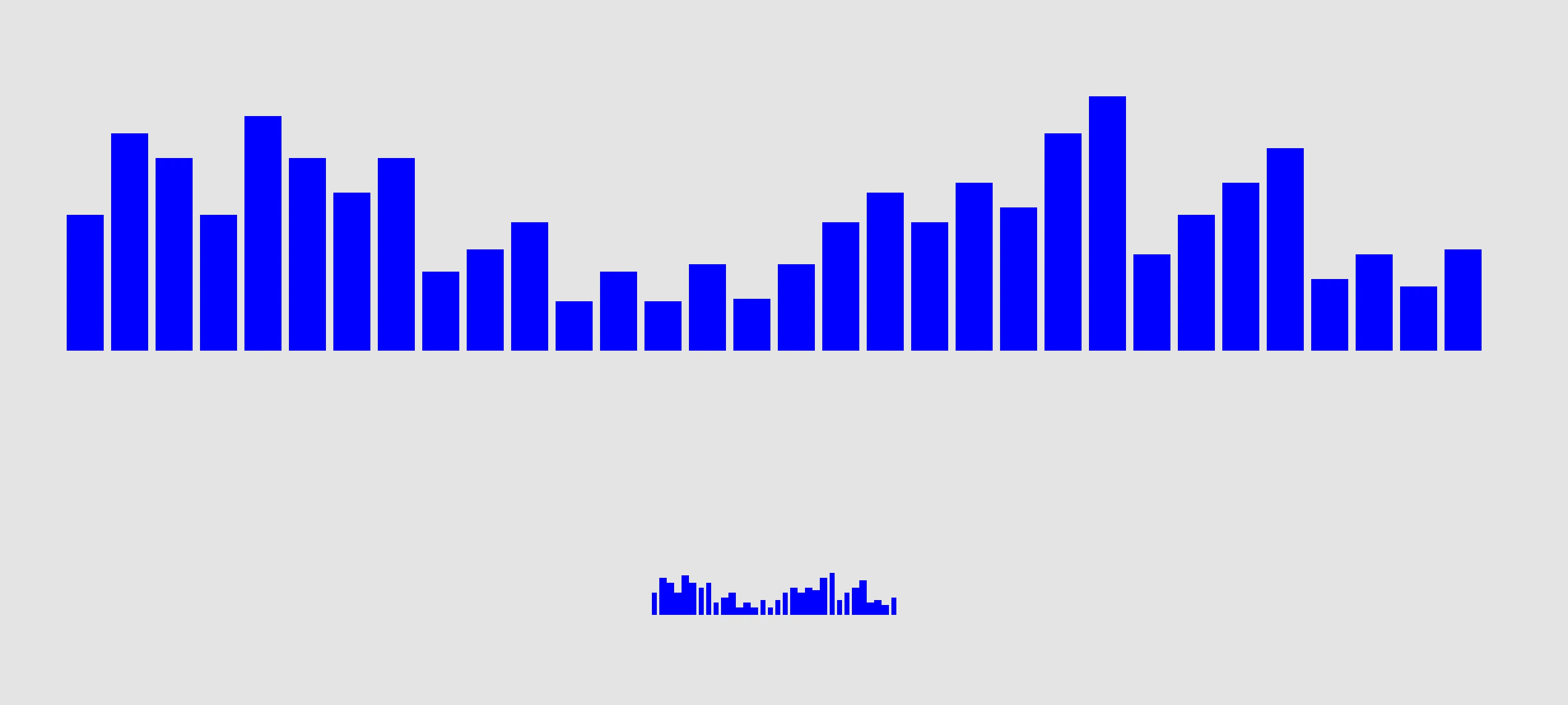
Attached below images, are in the situation I create a "bar chart" and I select the 2nd bar chart drag and select and shrink it while holding the shift, then it turns out like the one very below where the distances are all messed up


This topic has been closed for replies.

2 replies

December 11, 2019

You can't know Xd logic, but you can switch off Responsive Resize option and this should help. 

hyep23793939
Participant
December 11, 2019

I tried and it doesnt seem to change anything 😞 It acts the same whether turned on or off

Preran
Community Manager
Community Manager
December 12, 2019

Relative resizing and intelligent spacing of objects is on the team's roadmap the next year. You should see more improvements around these experiences.

Community Expert
December 11, 2019

If you resize a group of objects proportionally the distance between the objects would change proportionally too - isn't this an expected behavior?

hyep23793939
Participant
December 11, 2019

No the problem is the distance between doesnt change proportionally and becomes all random distanced.


another maybe similar experience was I created 10 perfectly round small circles and would drag and grab all of it at once and would hold the shift key to adjust the size and distance proportionally and the circles would be all random sizes!! So weird.  And some of them will also be smushed into ovals.  Not sure if this is related to my initial problem i stated but just adding incase it helps 

Ares Hovhannesyan
Community Expert
Community Expert
December 11, 2019

I can advice you to copy object into Illustrator  resize and past back into XD. AI allows to resize in % which will keep the distance between objects