Inspiring
December 29, 2020
Answered

How do you access live chat support?????

  • December 29, 2020
  • 4 replies
  • 11962 views

Every time I try to access live chat for support I go round in circles. I'm pretty sure this is done on purpose, it can't be this bad accidentally. Just watch the video below to see what I mean. It's beyond a joke. Contact buttons don't work, there's never a link to live chat, forum posts referring to this give wrong answers and are locked so you can't complain about it... 

https://vimeo.com/495519377 


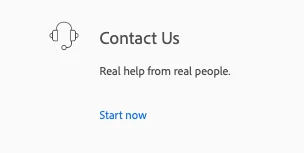
This is the best bit, adding insult to injury "real help from real people" needless to say that clicking there takes you nowhere useful:

 

    Correct answer Rishabh_Tiwari

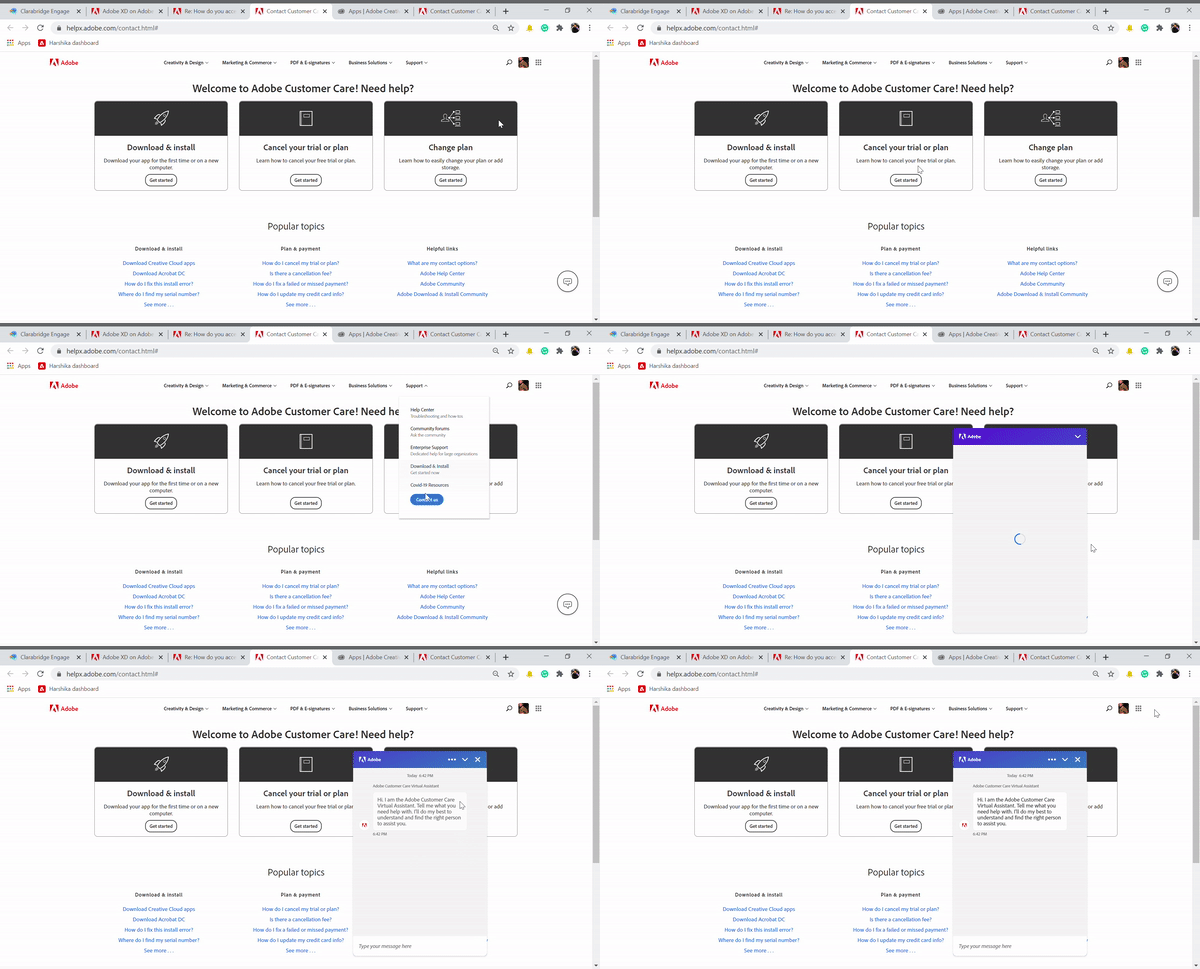
    I am so sorry for the delay in response. I tested this on my end and it seems to be working, please find an attached GIF. I suspect a browser issue, so please try on a different browser.


    4 replies

    Adobe Employee
    February 22, 2025

    Before you restart, please bookmark this page so you can come back and we can continue this chat. Note the chat will remain active as long as you do not close it.

    Known Participant
    October 22, 2022

    If you are using Chrome, you will go around in circles for WEEKS AND WEEKS because Adobe chat is not supported on CHROME. I know this, because 
    1. I have been trying for WEEKS  - like 8 weeks - to figure out why the chat options never appear

    2. I have deleted my cache, allowed cookies and added all of Adobe.com and https://helpx.adobe.com/contact.html# to my whitelist and STILL no chat. 
    DEAR ADOBE, SERIOULSLY, fix or at least advise us - who are all paying for the pleasure of this frustration - to use FIREFOX and allow all cookies for Adobe everything. Good god.... 

    In Firefox, I now have access to chat. EIGHT WEEKS. 

    Omid Pakbin
    Known Participant
    February 9, 2023

    I believe they have done this on purpose. I have never seen anything like this from any other company.

    Participant
    March 13, 2022

    Same problem! It's driving me crazy! How can it be so difficult getting in touch with them??

    Rishabh_Tiwari
    Community Manager
    Community Manager
    December 29, 2020

    Hi there,


    We're so sorry to hear about the trouble. Please use this link: https://helpx.adobe.com/contact.html

    Once you are on the website, if you are signed in, you'll see a message icon on the right-hand side bottom corner, please click on that to initiate chat support. If you are not getting the chat icon, please switch to a different browser and check on that and let us know if that helps or if you need any further assistance.


    Regards

    Rishabh

    mowglivjAuthor
    Inspiring
    December 29, 2020

    I'm afraid that's not the case as you can see on the video I posted.

    I'm currently logged in and there is NO CHAT ICON ANYWHERE.

    I've deleted cookies and nothing.

    I'd also like an explanation as to why the "contact us" button which figures under the dropdown menu for "support" on this page:

    https://helpx.adobe.com/contact.html#

    doesn't work at all? Is it a decoy of sorts?

    What about all the other links claiming to take you to a support chat that just go round in circles?

    Please watch my video again and explain to me all the incongruencies in it.

    If accessing chat support is that easy I'd like to know why there are several posts regarding that matter on your forums?

    The fact that you are unable to post a link here that takes my directly to chat support says everything we need to know.


    Rishabh_Tiwari
    Community Manager
    Rishabh_TiwariCommunity ManagerCorrect answer
    Community Manager
    January 5, 2021

    I am so sorry for the delay in response. I tested this on my end and it seems to be working, please find an attached GIF. I suspect a browser issue, so please try on a different browser.