

Question
how to cancel this ,
this file comes from the last designer ..i think this group used for share the review of the links . now i added some page but when i switch to share mode .still only choosed the old ones .how to cancel it ??
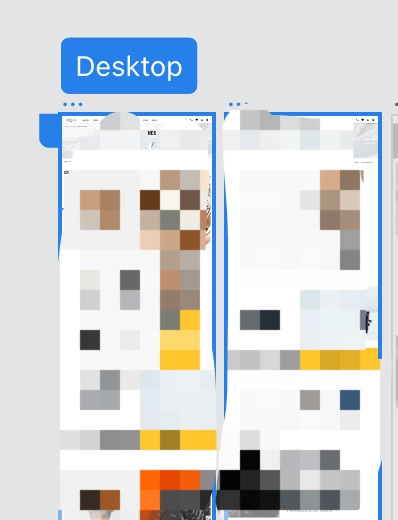

this file comes from the last designer ..i think this group used for share the review of the links . now i added some page but when i switch to share mode .still only choosed the old ones .how to cancel it ??
Already have an account? Login
Enter your E-mail address. We'll send you an e-mail with instructions to reset your password.
 AdChoices