Hi There,
Thank you for reaching out and using Adobe XD. Basically flow1, flow2 are the Multiple Flows, which are used to create and share multiple versions of a design from the same document. After seeing the screenshot which you have shared with us and If I am not wrong, the last three artboards are not connected to any of the artboard in the user flow1 so can you please cross check and make sure the last three artboards are wired with each other and connected to any one of the artboard which is in the user flow1.
Please go through the below helpx article to know more about multiple flows:https://helpx.adobe.com/in/xd/help/create-prototypes.html#wire-up
Multiple flows:https://blog.adobe.com/en/2020/08/25/xd-august-2020-update-multiple-flows
I'd request if you can share a few more details like:
- Is it possible to share the XD file with us?
- Could you please share the video of your workflow? ,so that we can understand your Issue thoroughly.
Please feel free to update this discussion in case you need further assistance and we will be happy to help.
Thanks,
Chethan

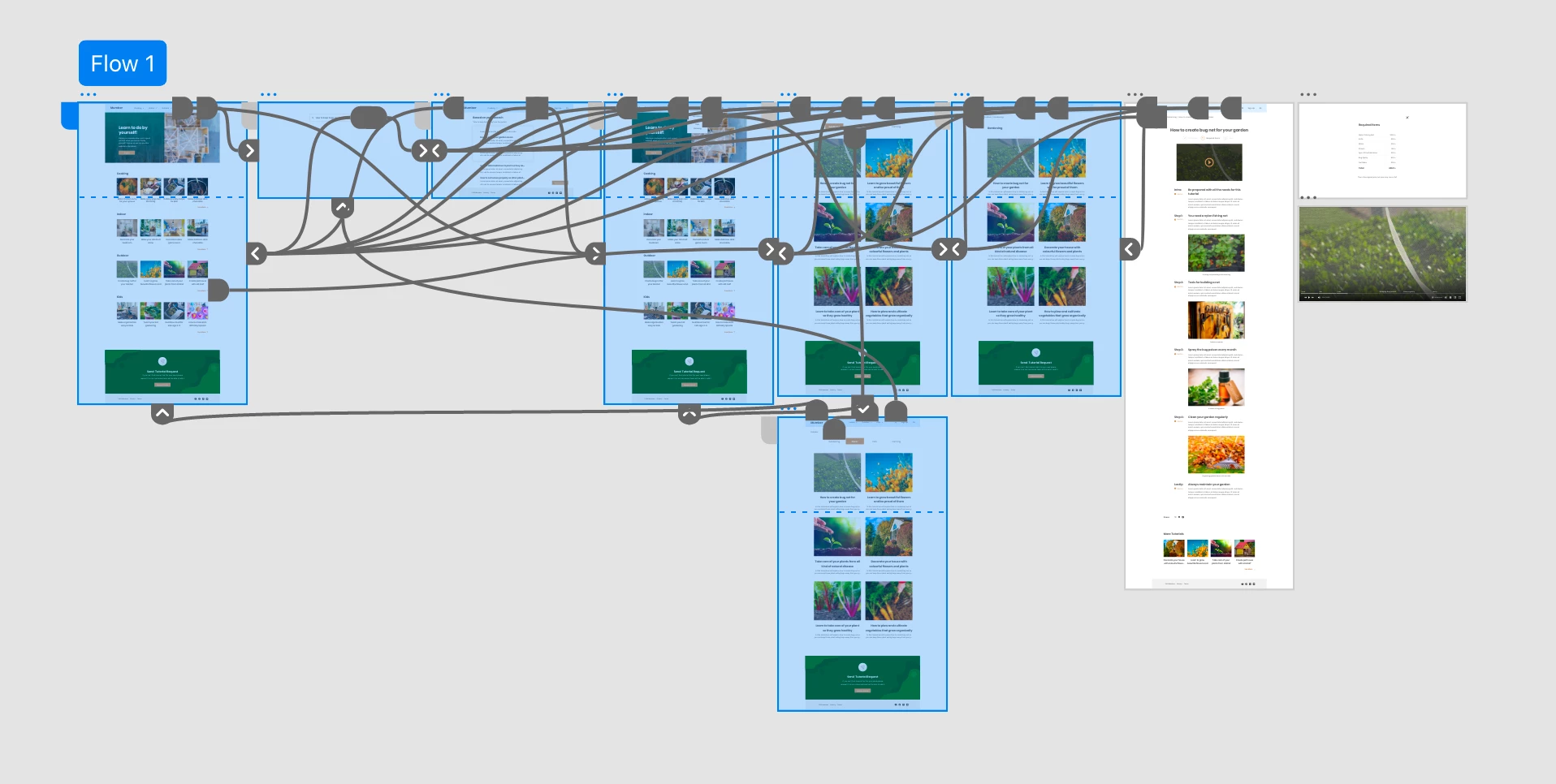 In the image you can see all screens that are blue are actually connected but the last three artboards are not connected, why? Please help me out. I also included below the image where you can see it have interactions, maybe there is something missing so you can guide me better, thanks.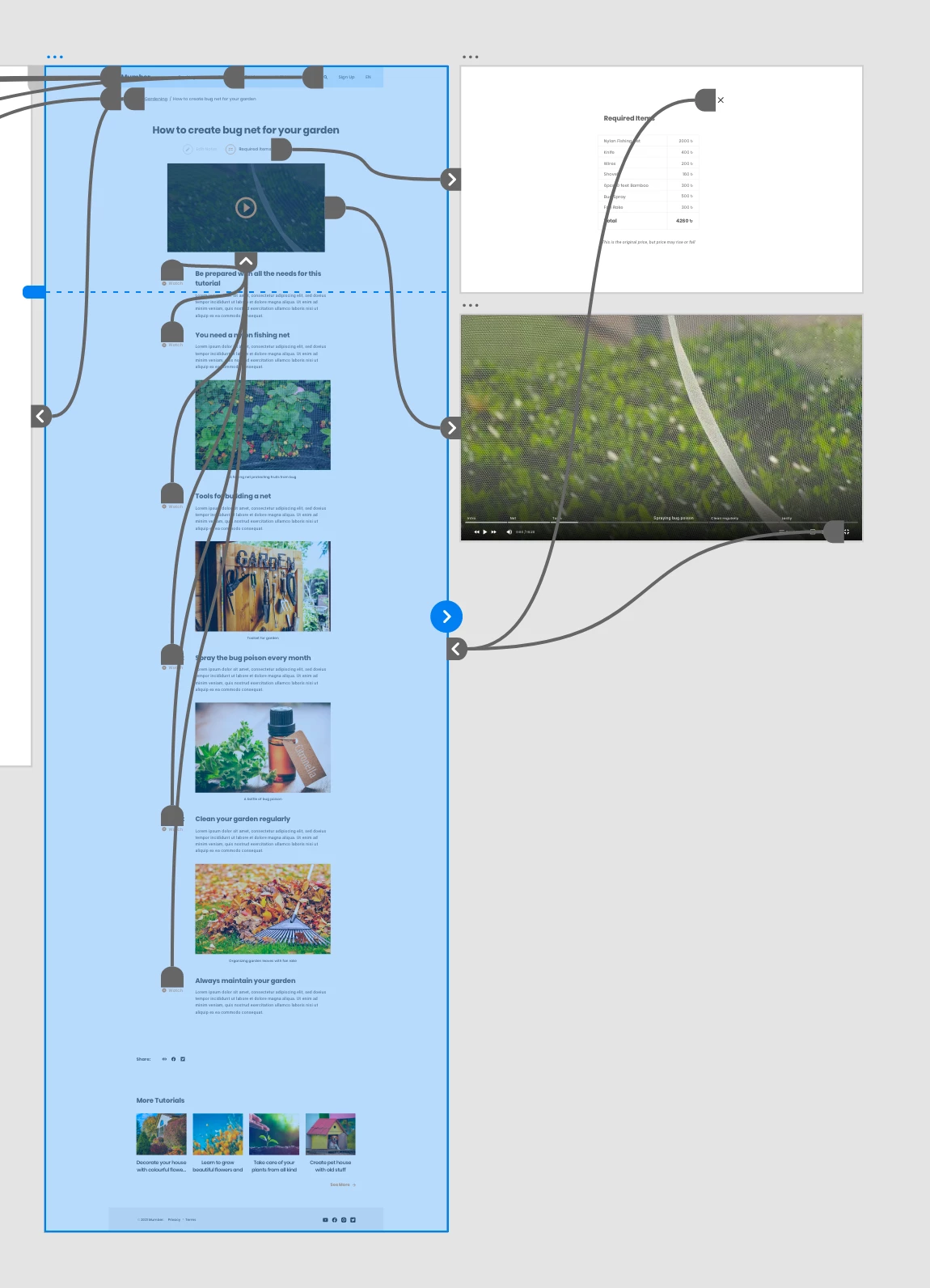


 AdChoices