
Participant
August 17, 2021
Question

How to control the code block size of AdobeXD sharing prototype?

  • August 17, 2021
  • 1 reply
  • 454 views

Hi, 


I'm having an issue with resizing the prototype link on my Squarespace website.  Currently, it is to large for anyone to effectively click-through, you have to scroll up and down to view the whole prototype.
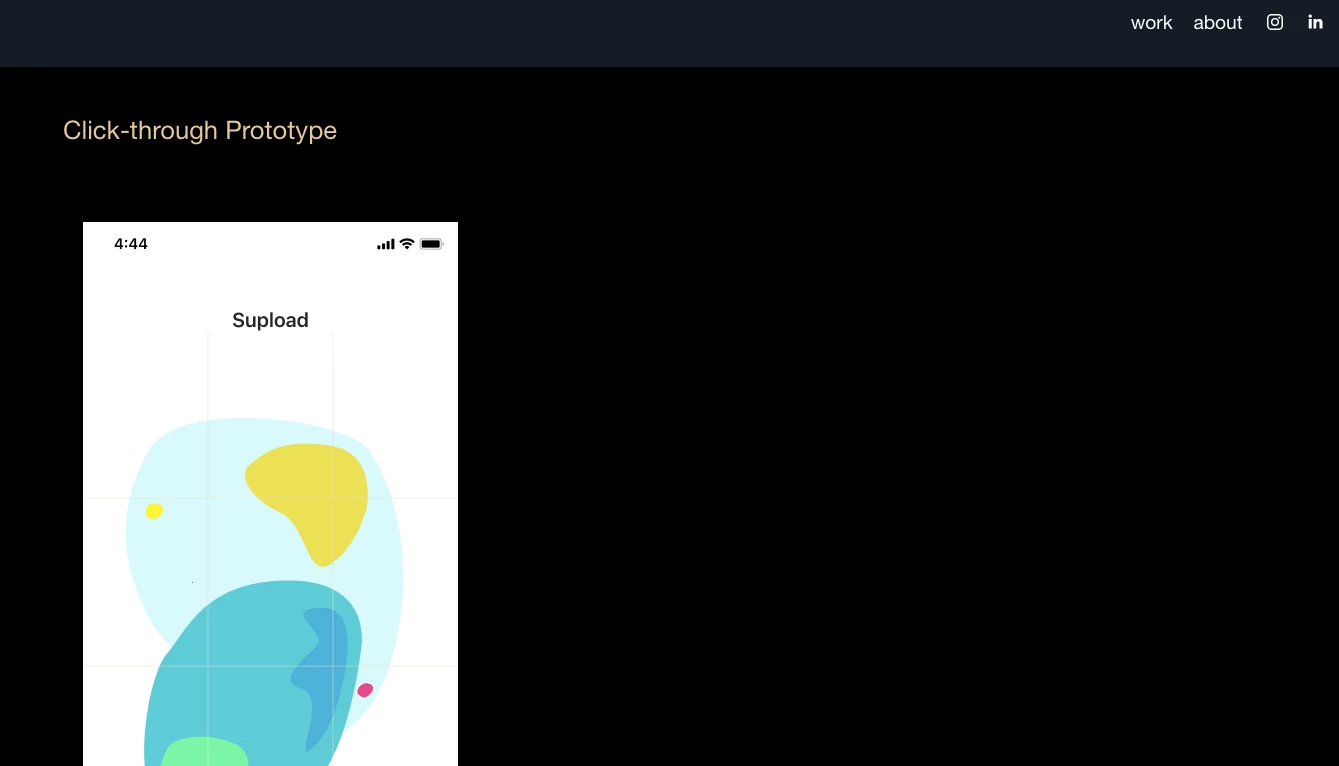


I tried using this custom CSS, 

div#block-yui_3_17_2_1_1628389713241_45661 iframe {
overflow:hidden;
height:75%;
width:75%;
}


But this makes the prototype mini. 
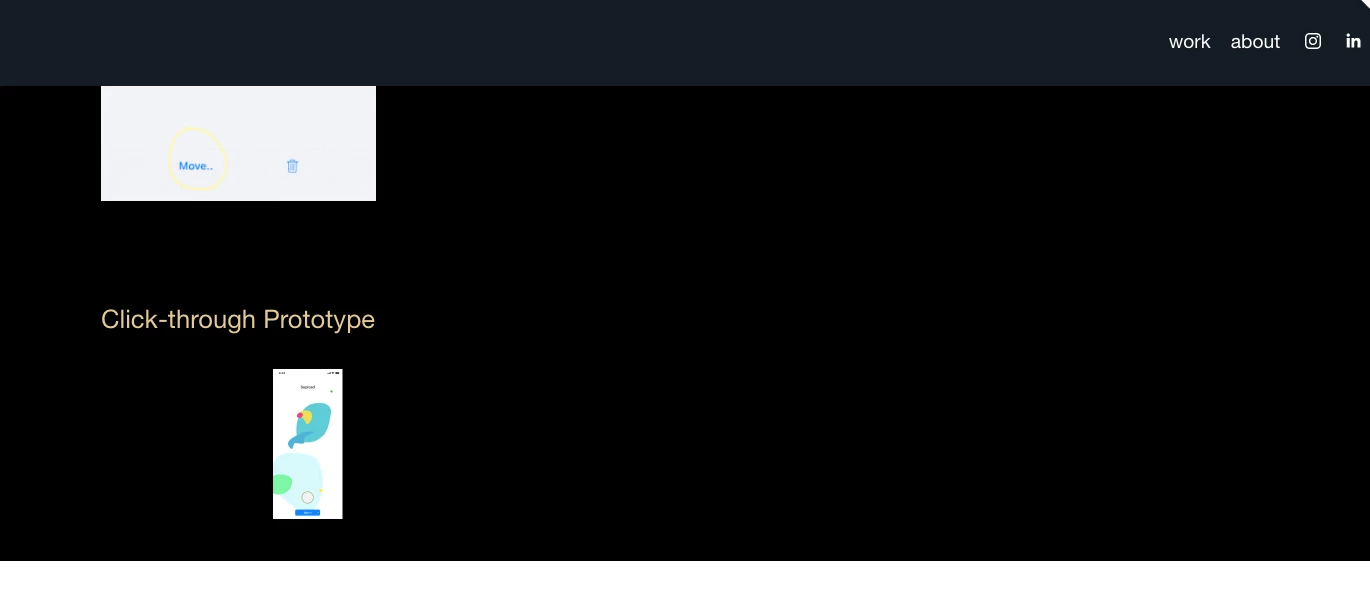
Would anyone have any suggestions on how to control the code block size of an AdobeXD prototype? 


<Title renamed by moderator>

This topic has been closed for replies.

1 reply

HARSHIKA_VERMA
Community Manager
Community Manager
August 26, 2021

Hi zzlogan,


We are sorry for the delay in response. It looks like this is the problem with html elements(and iframes) when the height is specified in % value. Prototype will scale based on the available space. So, prototype will render correctly if the iframe is set to the desired size. We would suggest using px values for iframe width and height.


Let us know if that works for you.


Thanks,

Harshika