Participating Frequently
July 5, 2023
Question

How to get background to lengthen when toggle component opens in mobile app

  • July 5, 2023
  • 1 reply
  • 207 views

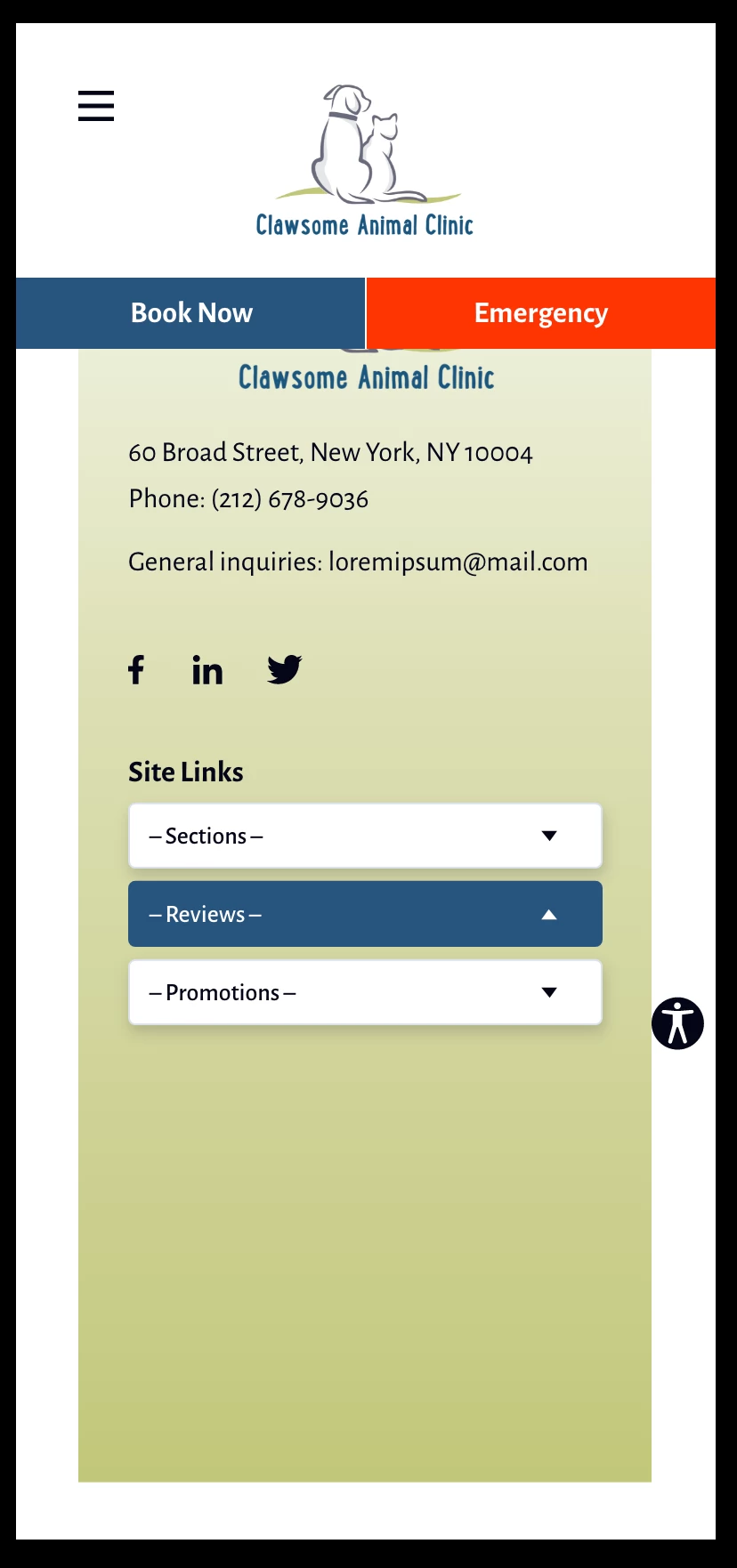
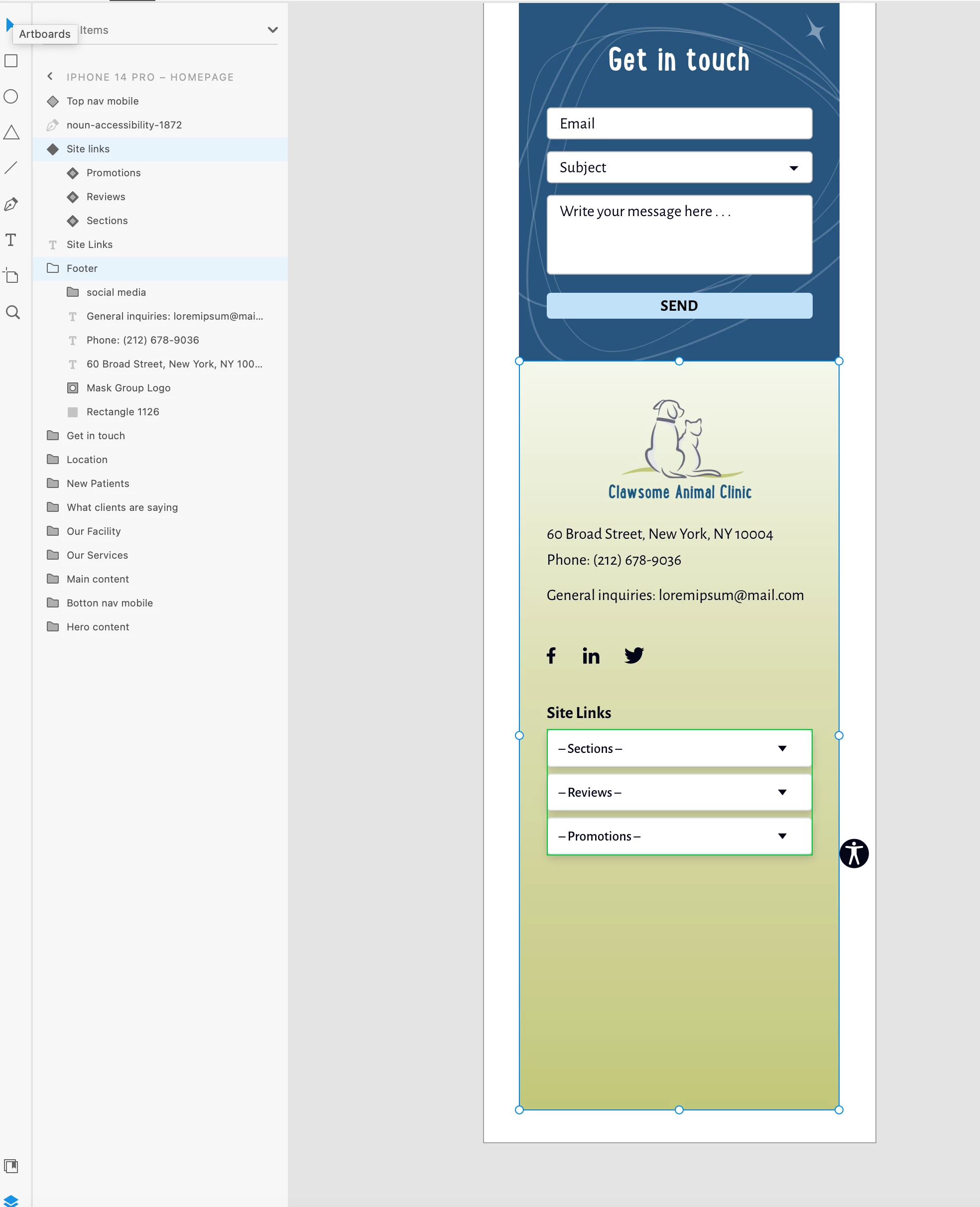
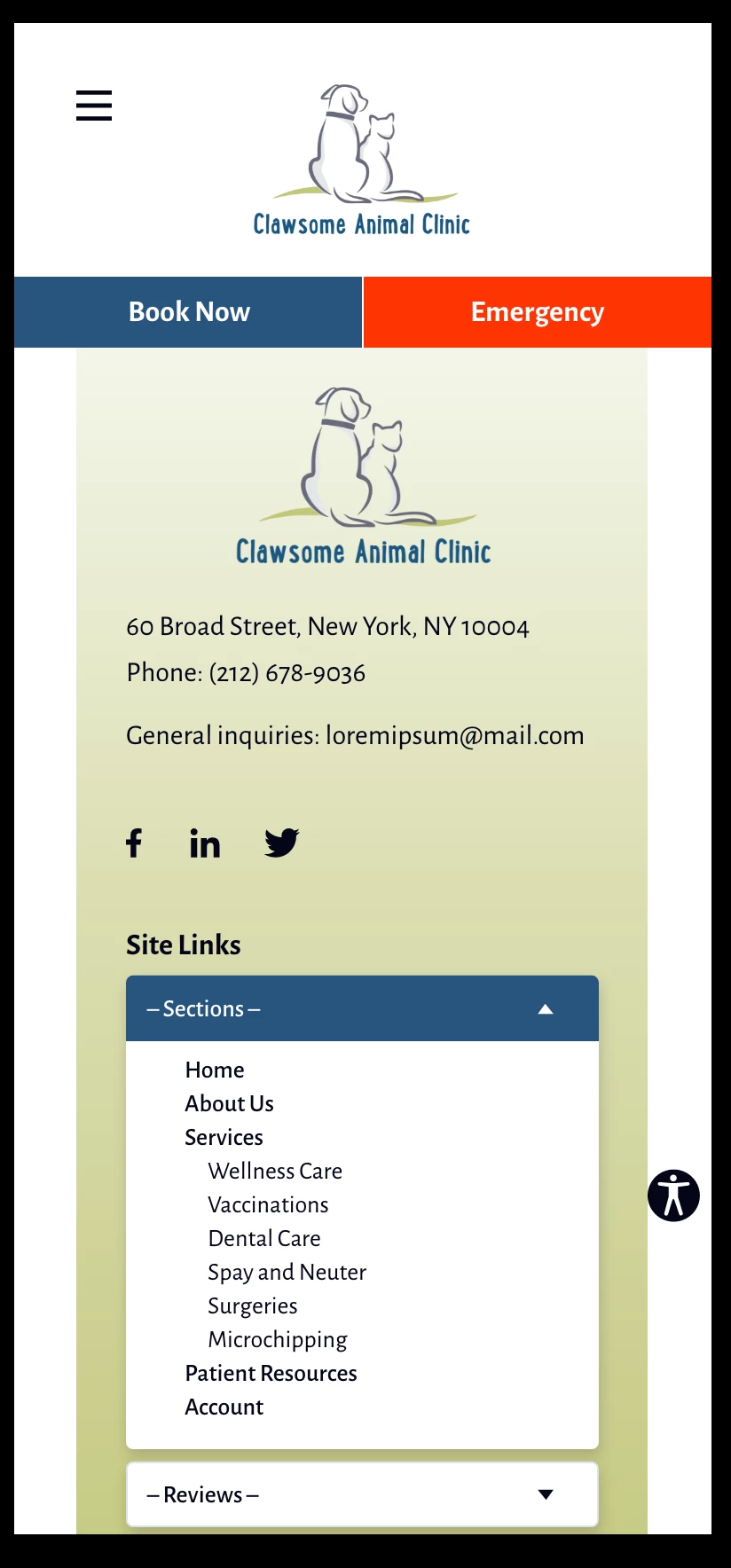
Hi, I've created a component that includes a dropdown in the toggle state. The component contains the last sections of information in this mobile layout. I need to add extra length to the background color to contain the content when the component's is in the open toggle state. But when the component is set back to default I now have too much empty background space beneath it.


How do I get the background to adjust when the component toggles? I'm including screen caps to further describe what I'd like to do.


Thanks for the help!
    This topic has been closed for replies.

    1 reply

    Spas K.
    Community Expert
    Community Expert
    July 6, 2023

    You will have to include that background element into the component's bounds. You can't control outside elements with the component's states. So that whole green gradient element will be in a component, and you will be changing the background length and the dropdown elements in each state. The top part with the contact info can be outside the component, on top of it in the layers stack, or can be included in the component as well - up to you.


    An important note - if you have more elements down the page, the growing component won't push them down or up. It's not dynamic. Anything that needs to move dynamically depending on opening / closing the dropdowns will have to be inside that component.

    sig.raJoAuthor
    Participating Frequently
    July 9, 2023

    I thought that might be the case but I wasn't sure. Thank you for the detailed explanation.