
Participant
April 14, 2020
Question

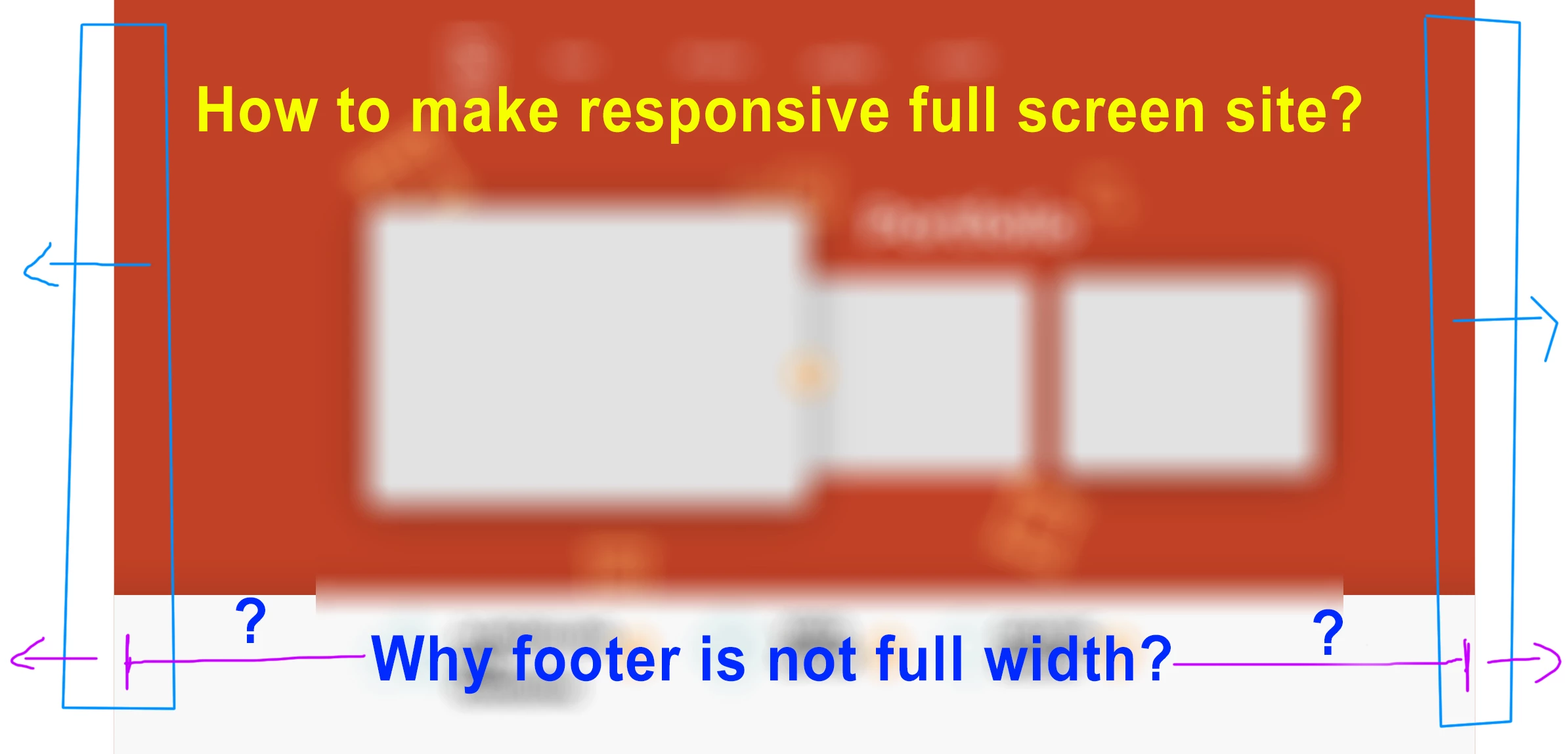
How to make a full screen width and responsive website in XD?

  • April 14, 2020
  • 3 replies
  • 2618 views

Good Morning.

I've an issue in XD with my responsive website.

I've exported artboard in HTML (with Web Export plugin) and the issue is my body and footer aren't full width, but they are locked in center of page. I'm using Chrome. Anyone has solution for this?

Thanks
 

<The Title was renamed by moderator>

This topic has been closed for replies.

3 replies

Dan Rodney
Community Expert
Community Expert
May 20, 2021

On the Web Export website it says "Web Export will do most of the work but the more you know about web development the more you will get out of this software."


Keep in mind that XD is not meant to produce code (it's a design app) so this plugin is trying to do a lot of work, and may not do things exactly as you want. I'd assume you can go into the code and find what's limiting the width and alter that code, but how easy that is depends on how good the code that plugin generates (which I would personally not have high hopes for).

— Adobe Certified Expert & Instructor at Noble Desktop | Web Developer, Designer, InDesign Scriptor
gordons44700576
Participant
May 20, 2021

same problem here, It seems like Chrome uses a different style to read the Code.

i f i open my HTML Export (Thru ANIMA) in chrome, responsive resize feels like a myth, but in Edge it works just fine. Excuse me for this but wtf? XD

HARSHIKA_VERMA
Community Manager
Community Manager
April 14, 2020

Hi Emanuel,


It looks like you are trying to make a responsive website in XD. I would like to confirm when you created the design in XD, have you enabled the responsive resize button from the property inspector panel on the right hand side? If yes, could you please share a short video of your workflow for better understanding?


We'll try our best to help.


Thanks,

Harshika