Known Participant
December 17, 2019
Answered

How to move a component from pasteboard into artboard in XD?

  • December 17, 2019
  • 2 replies
  • 8722 views

Hello, community

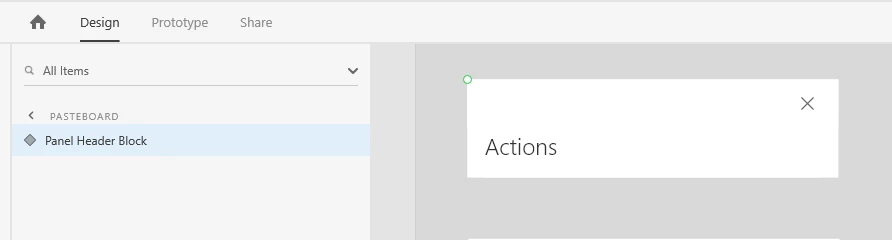
I appreciate it if someone helps me to clarify how can I move a component from the Pasteboard to a normal Artboard? I tried to drug it but in vain. Copying is not working for this case, because it's a component and copy/paste action creates a new instance of this component.


<The Title was renamed by moderator>

This topic has been closed for replies.
Correct answer Chris W. Griffith

If you are trying to remove it from the pasteboard and have that component only be on an artboard, try using cut/paste instead.

2 replies

Participant
January 10, 2021

Hi, I want to use an Apple Keyboard as a artboard but when i try to overlay it it wont recognise it as an artboard, its stuck in the pasteboard

Harshika Verma
Community Manager
Community Manager
December 17, 2019

Hi Pavel,


Thank you for reaching out. This is working as designed, if you wants to move the component into the artboard either you can copy paste the component from the pasteboard to the artboard or you can drag the same component from pasteboard into artboard that way it doesn't creates a new instance of the component. 


While copy pasting the component, it will create an instance of the component. Please let us know if you're looking for a different functionality.


Thanks,

Harshika


Chris W. Griffith
Community Expert
Chris W. GriffithCommunity ExpertCorrect answer
Community Expert
December 17, 2019

If you are trying to remove it from the pasteboard and have that component only be on an artboard, try using cut/paste instead.

Known Participant
December 18, 2019

Thanks a lot. It works perfectly!