

AFCLC
Participant
July 13, 2021
Question

How to remove share access on a folder?

  • July 13, 2021
  • 1 reply
  • 297 views

I am the owner of all the files in my account and a previous employee has shared these files with himself and I want to remove his shared access.


This has nothing to do with licensing just simple access to files.
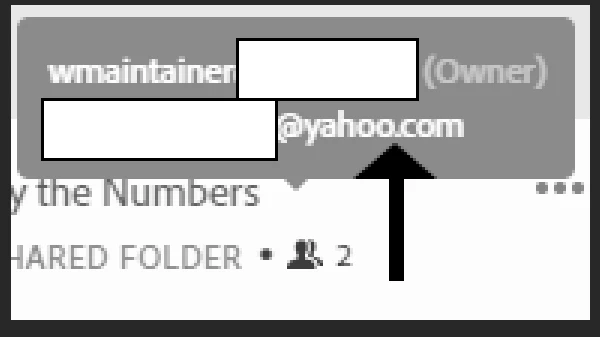


How do I do that?

    This topic has been closed for replies.

    1 reply

    Myra Ferguson
    Community Expert
    Community Expert
    July 15, 2021

    If you go to assets.adobe.com, click on the 3 dots associated with the file, and click on Invite to edit, then in the dialog that appears, you can hover over their email in the Members list to reveal the Remove button. Click Remove.


    You could also go to assets.adobe.com, click on the file to open it in the browser, and in the upper right, click on the person+ icon for Invite to edit, and access that same dialog. Hover over their email and click Remove.