
Inspiring
July 12, 2022
Question

How to share an XD cloud project to anyone with the link

  • July 12, 2022
  • 2 replies
  • 1301 views

How do I create and share a cloud XD project to anyone with a link? I know how to share a prototype link but I need to share the XD project. 


Here's what I want: 


- Create a XD project

- Create a link to open the document for anyone with the link

- Anyone with the link can open the project in XD (and save a duplicate of it)


From the web
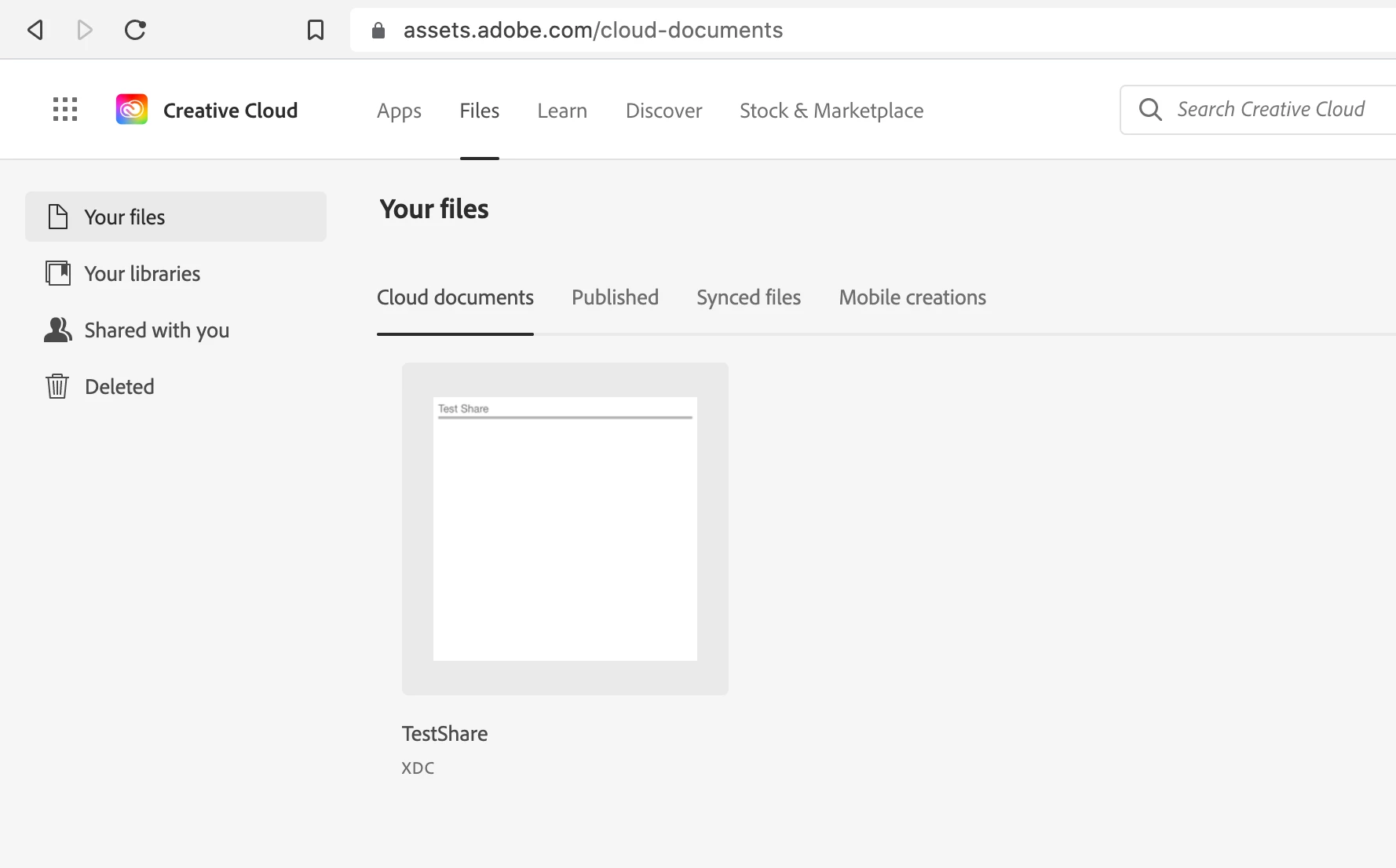


In other words, how do I share a cloud document to all? 
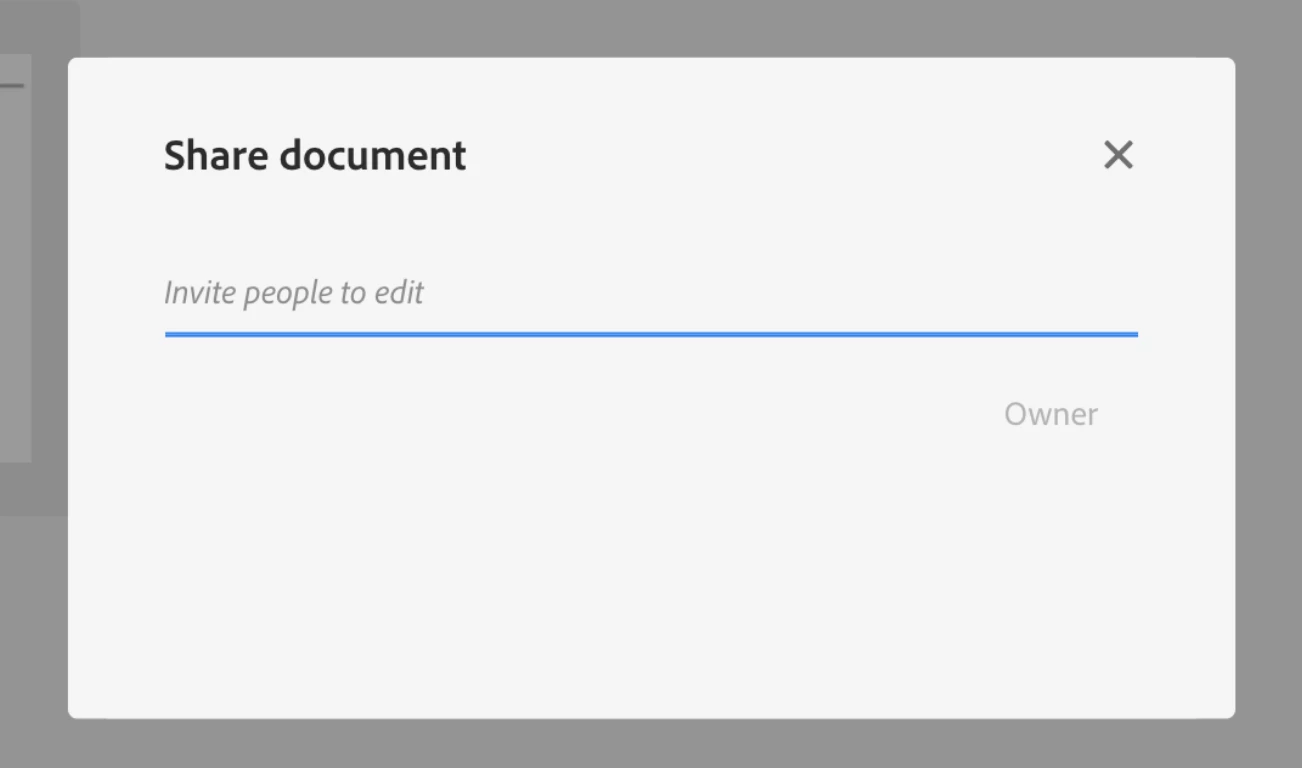
https://assets.adobe.com/cloud-documents

    This topic has been closed for replies.

    2 replies

    Participating Frequently
    July 13, 2022

    Simply select the desired artboards you wish to convert into a flow, and click on the share icon above the top left of the first artboard. This action will open Share mode, and automatically generate a Design Review link for you, all you have to do is share the link.

    This May Work,
    Peter

    thx1138Author
    Inspiring
    July 13, 2022

    Hi Peter,

    That will share a link to the project (prototype) that is visible on the web and maybe even interactive but there is not an "Open in XD" or "Download this XD" project. 


    HARSHIKA_VERMA
    Community Manager
    Community Manager
    July 19, 2022

    Hi @thx1138,


    Thanks for sharing more info. As of now, you can ZIP your XD file and upload it to a shared location such as Creative Cloud, create a link and share the link with your students. 


    Then, your students can download the XD file at their end and work on the project.


    Hope it helps.


    Thanks,

    Harshika

    HARSHIKA_VERMA
    Community Manager
    Community Manager
    July 12, 2022

    Hi @thx1138,


    Thank you for reaching out. If I heard you right, you're trying to share the XD project that you created with everyone through a link so that they can download your XD project at their end and open the file even if they are not XD users?

    Can I ask to whom you want to share the XD project designers/stakeholders/developers?


    I will try my best to help you.


    Thanks,

    Harshika


    thx1138Author
    Inspiring
    July 13, 2022

    Hi Harshika,


    I want to share the XD project or artboard with other XD users. 

    For example, let's say I am an XD online teacher and in an online zoom class I want to show you, my online students, how to create a rectangle in XD and share the project with the class.


    I would do this in this order: 


    1. Create an XD project
    2. Create a rectangle
    3. Click a link to share the document
    4. Share that link in the zoom chat
    5. Student downloads link to XD project and opens it in XD


    Currently, if I want to share a document I have to enter each persons name one by one. 


    Here is the way it is and then I fade in the option I want: