Answered
How to stop overlapping the below items while scrolling and fixing the top menu bar?
While scrolling, even if I fixed the top menu bar, the items below overlap it. How do I rectify that ? thank you 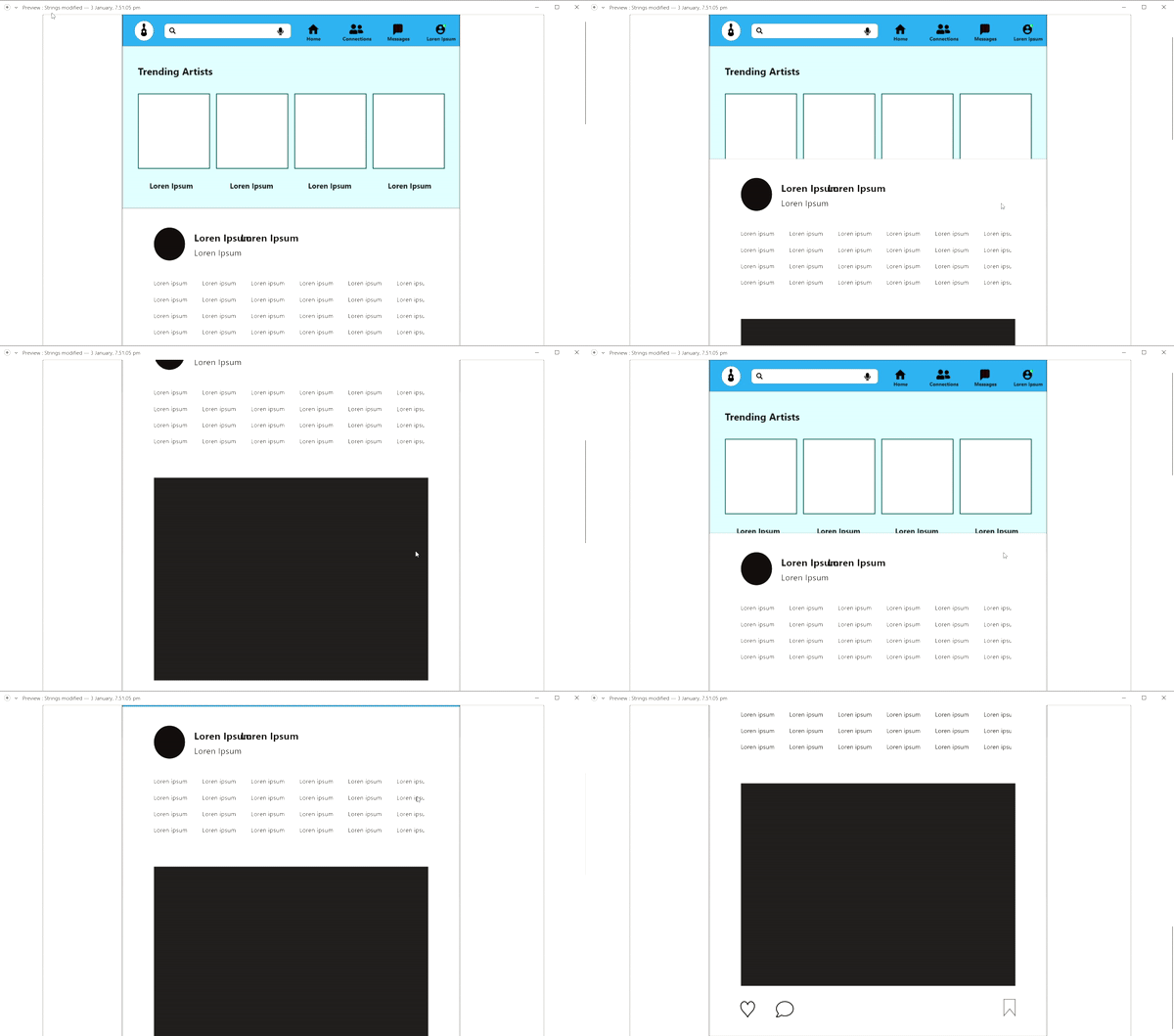
<Title renamed by moderator>

While scrolling, even if I fixed the top menu bar, the items below overlap it. How do I rectify that ? thank you
<Title renamed by moderator>
Already have an account? Login
Enter your E-mail address. We'll send you an e-mail with instructions to reset your password.
 AdChoices