



Answered
How to transfer files from "Synced Files" to "Cloud Documents"?
I'm trying to view my files in the Adobe XD mobile app (iOS) but it's saying that I don't have any files up in the cloud even though I've saved my file in XD in the "Creative Cloud Files." Upon checking the website, it isn't in my Cloud Documents but it is in my Synced Files. How do I transfer them to Cloud Documents so I can view them in my phone?
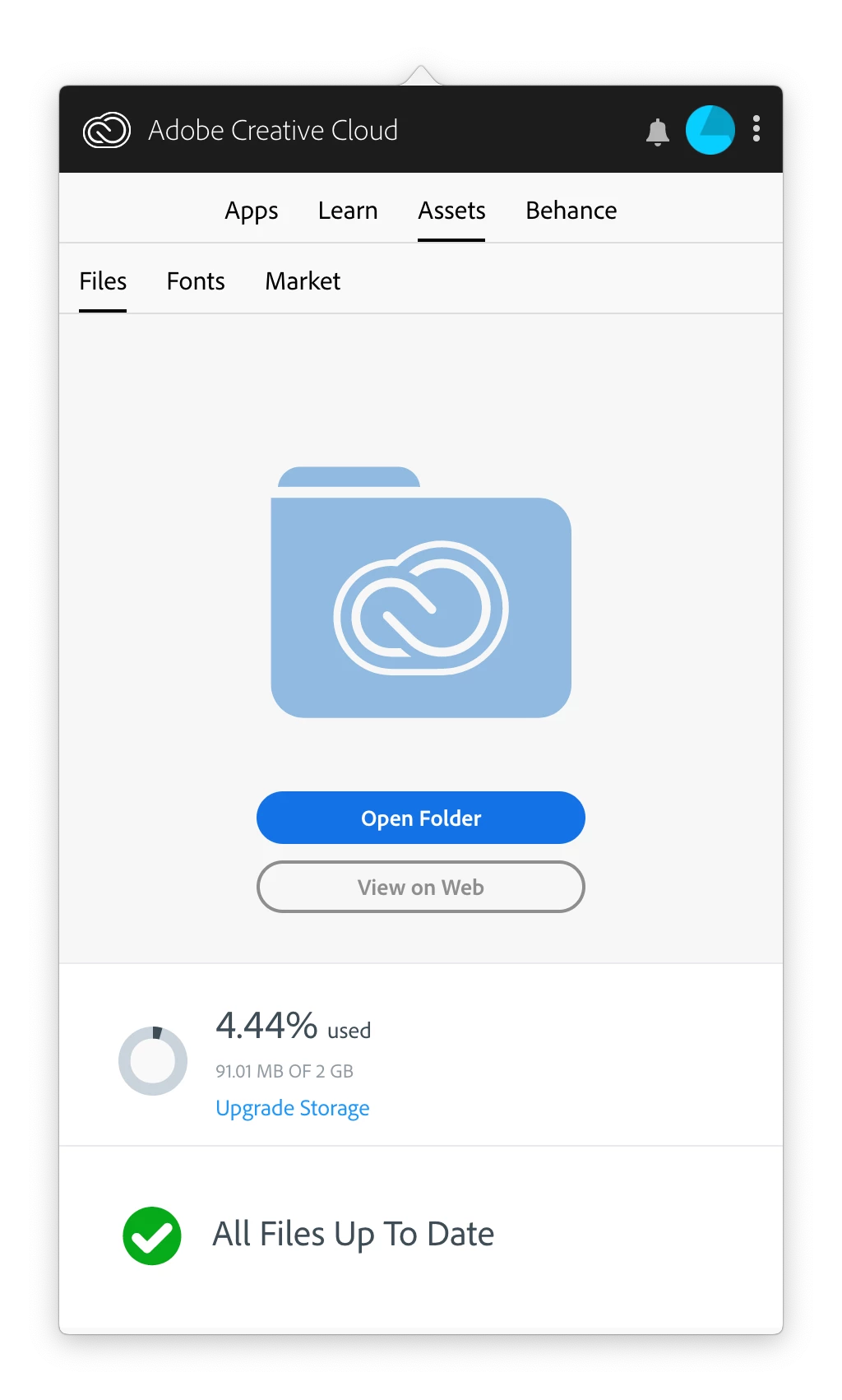
As you can see, the Creative Cloud app tells me that all files are up to date but....
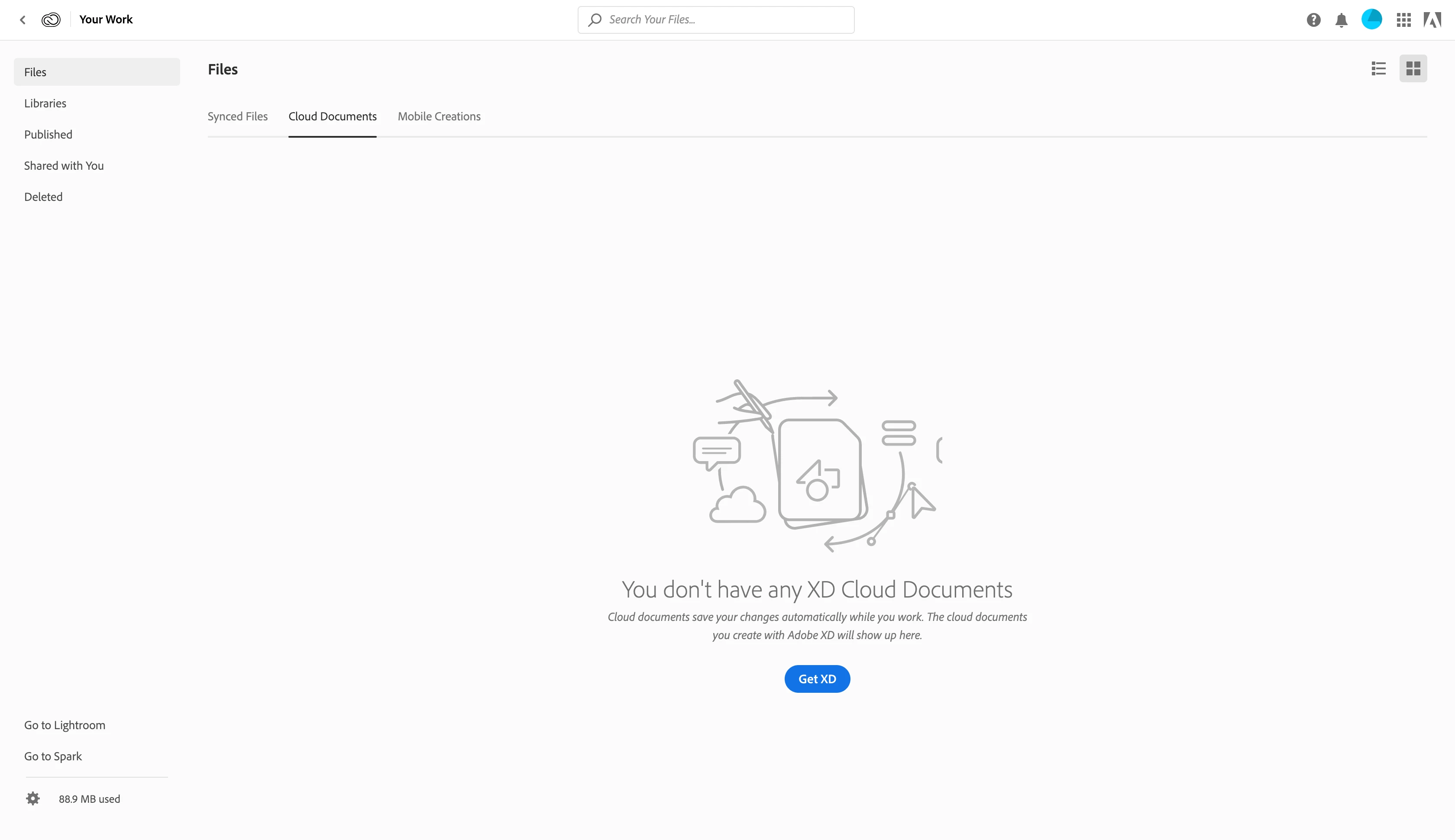
My files ARE in the "Synced Files" tab though.

 AdChoices