
Answered
How to view all component states linked wires
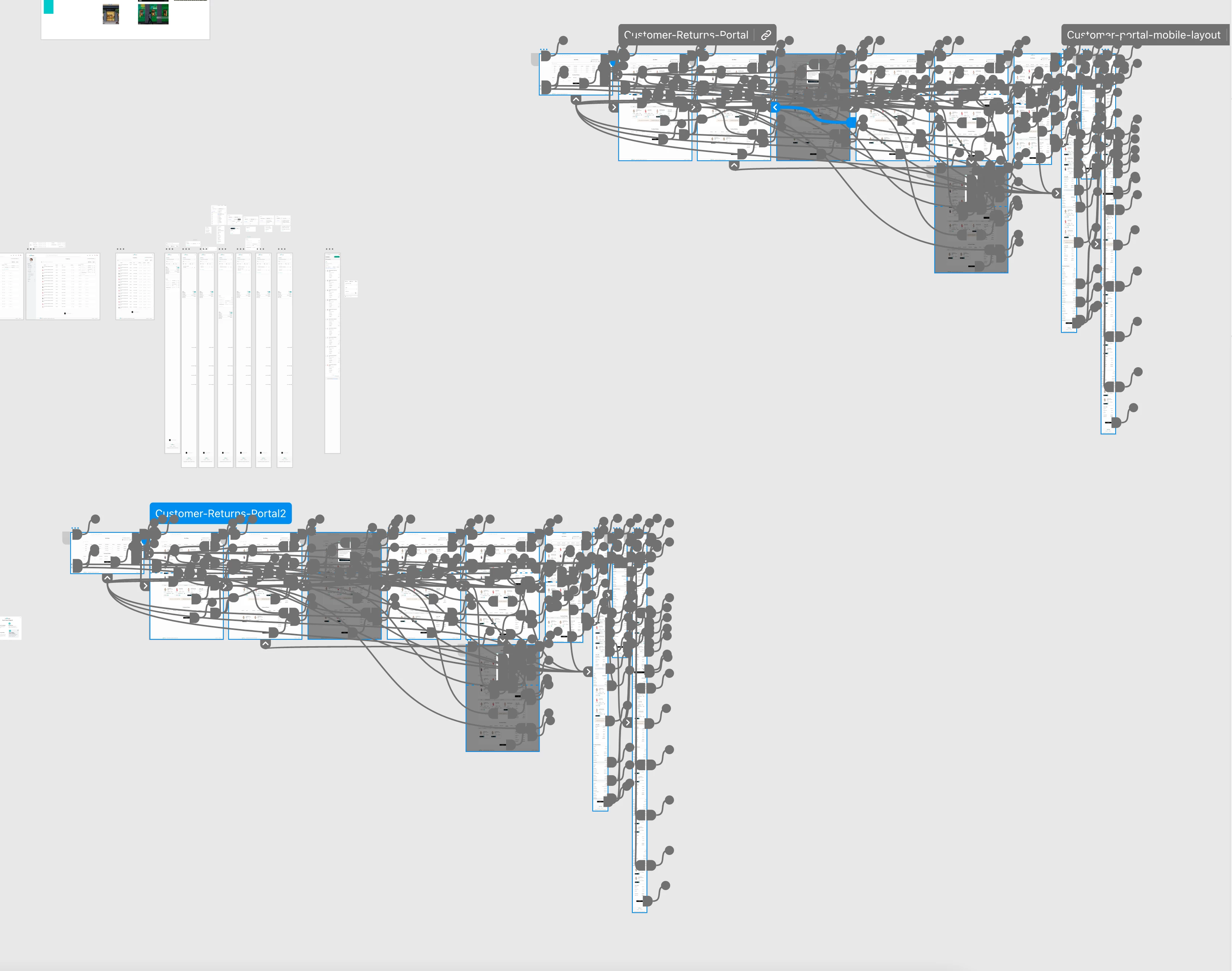
Whenever I duplicate a flow, the new flow inevitably has "hidden"prototype wires to the old flow. If I select the new flow I can see all prototype wires on the currently activated component states, but I can't see the prototype wires on the other other prototype states (hover etc). this forces me to manually select each and every component and cycle through all of their states to see the other wires. How can I see all prototype wires from all component states in one view? Am I missing something obvious or doing something wrong? I just want to be able to easily disconnect one flow from another


 AdChoices