



Petr Holusa
Inspiring
November 11, 2020
Answered

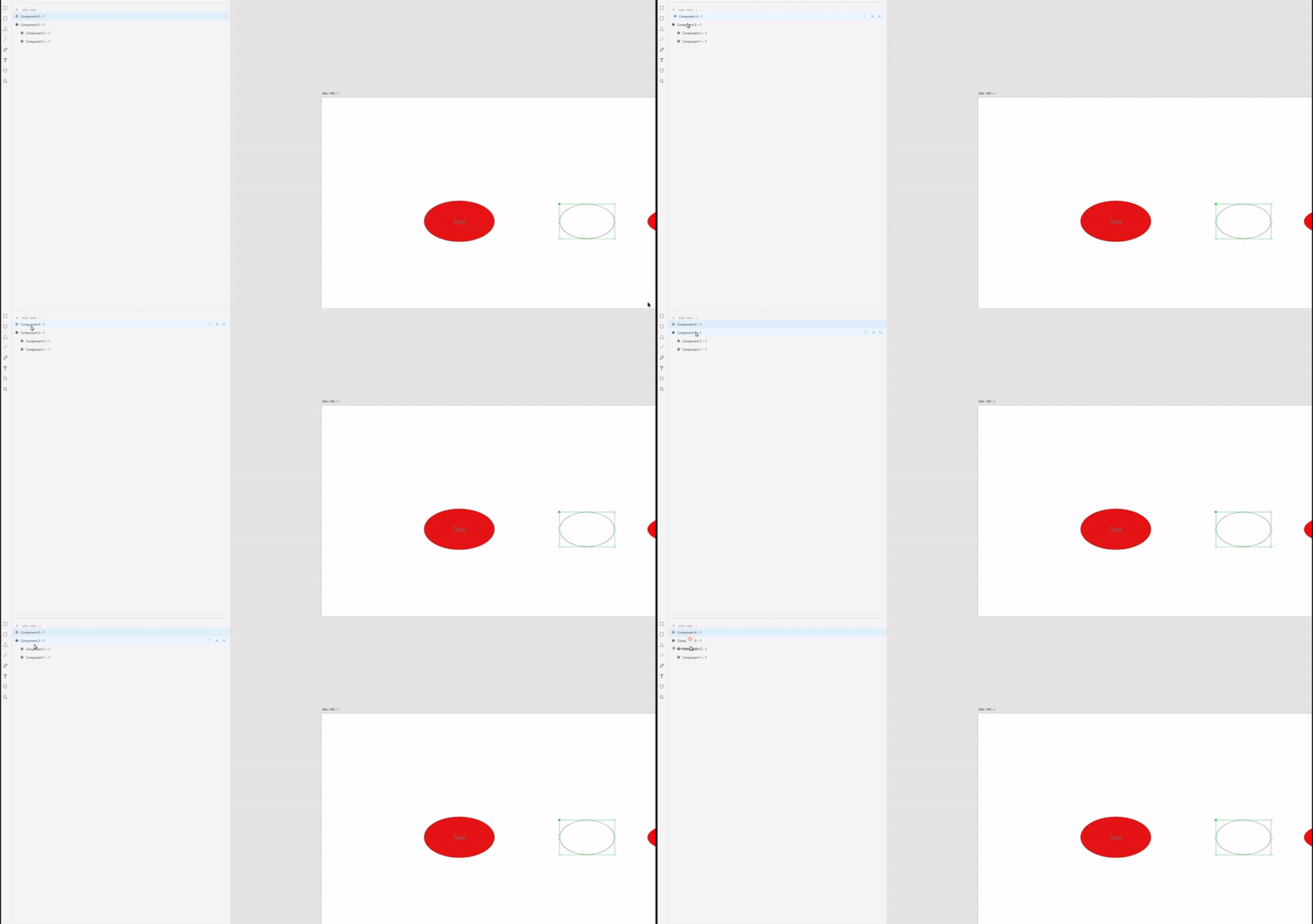
I can't add component into another component with nested components

  • November 11, 2020
  • 2 replies
  • 838 views

Hello, I have little issue to move in layers. Let's say I have navigation bar with components to easily edit everywhere but I can't add a new component into existing one. Thanks.


This topic has been closed for replies.
Correct answer Ansubedi03

Hi, 


This is designed purposely. You can copy and paste the desired component in the destination component from Layers panel and canvasBut you can't simply move one component into another component from Layers panel.


Regards,

Anita Subedi

2 replies

Ansubedi03Community ManagerCorrect answer
Community Manager
November 11, 2020

Hi, 


This is designed purposely. You can copy and paste the desired component in the destination component from Layers panel and canvasBut you can't simply move one component into another component from Layers panel.


Regards,

Anita Subedi

Petr Holusa
Inspiring
November 19, 2020

Very weird. 

Petr Holusa
Inspiring
November 11, 2020

I followed this article and yes, you can't simply edit master component with nested components. Only I can duplicate component inside of the master component.

https://helpx.adobe.com/xd/help/work-with-nested-components.ug.html