
huttayap7371006
Participant
March 10, 2017
Answered

I can't install Adobe XD on MacBook Pro 2012 Mac OS Sierra

  • March 10, 2017
  • 2 replies
  • 4300 views

I downloaded Adobe XD on MacBook Pro 2012, Mac OS Sierra, but can't finish installation in the sing-in process. I attached the screen shots here.

I don't know if this occurred because it is a beta version, or because of my Mac OS.

Best,

huttaya

(pic later)
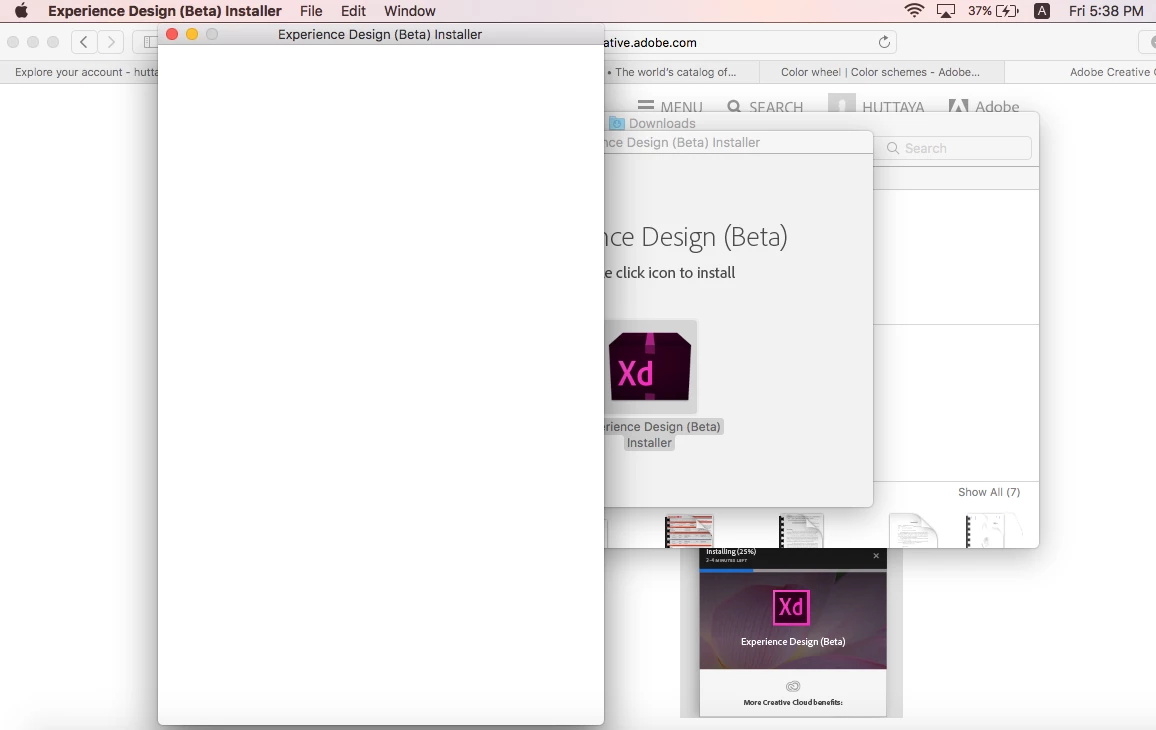
pic before
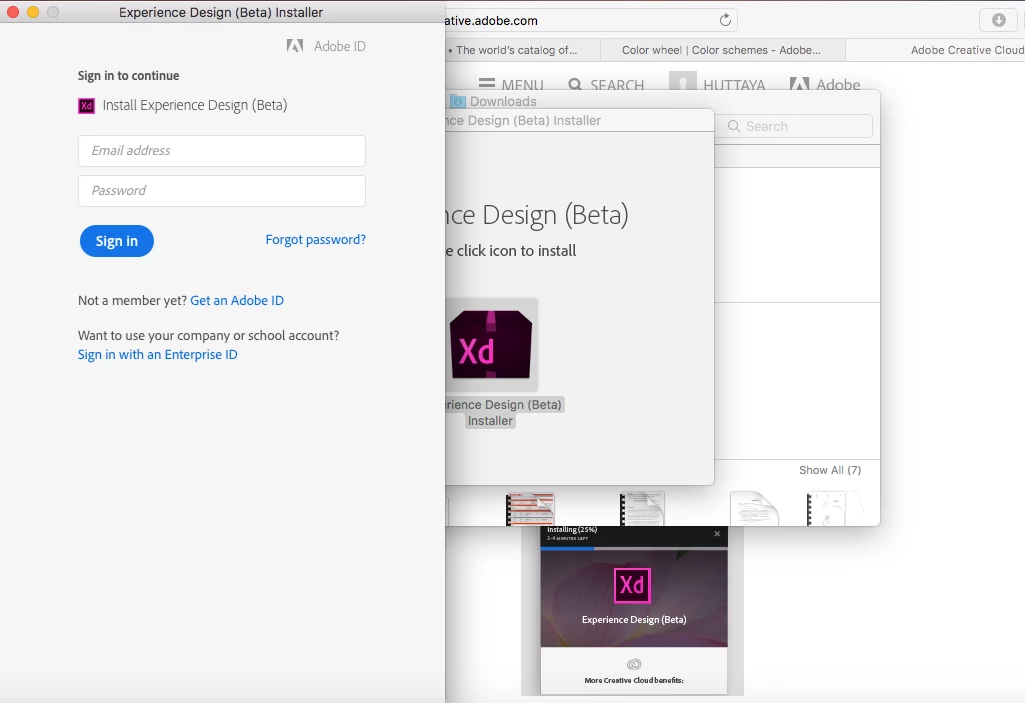
This topic has been closed for replies.
Correct answer Colin Holgate

Does it make any difference if you are signed into your CC account before opening the installer?

2 replies

Colin Holgate
Colin HolgateCorrect answer
Inspiring
March 10, 2017

Does it make any difference if you are signed into your CC account before opening the installer?

huttayap7371006
Participant
March 10, 2017

Thank you very much, it works!

Here are the screen shots to prove.

kglad
Community Expert
Community Expert
March 10, 2017

are you using your adobe id and adobe password when clicking 'sign in'?

huttayap7371006
Participant
March 10, 2017

@kglad yes,  i did sign in using my adobe ID.  not sure why this happened too. 

kglad
Community Expert
Community Expert
March 10, 2017

i don't know. 

i'm moving your message to see if experts in another forum can help.

[moved from Downloading, Installing, Setting Up to Adobe Experience Design CC (Beta)]