
Participant
January 14, 2021
Question

I can't open my cloud files

  • January 14, 2021
  • 1 reply
  • 473 views

I really need help! I think this error is quite rare for me, but it is giving me a strong headache.

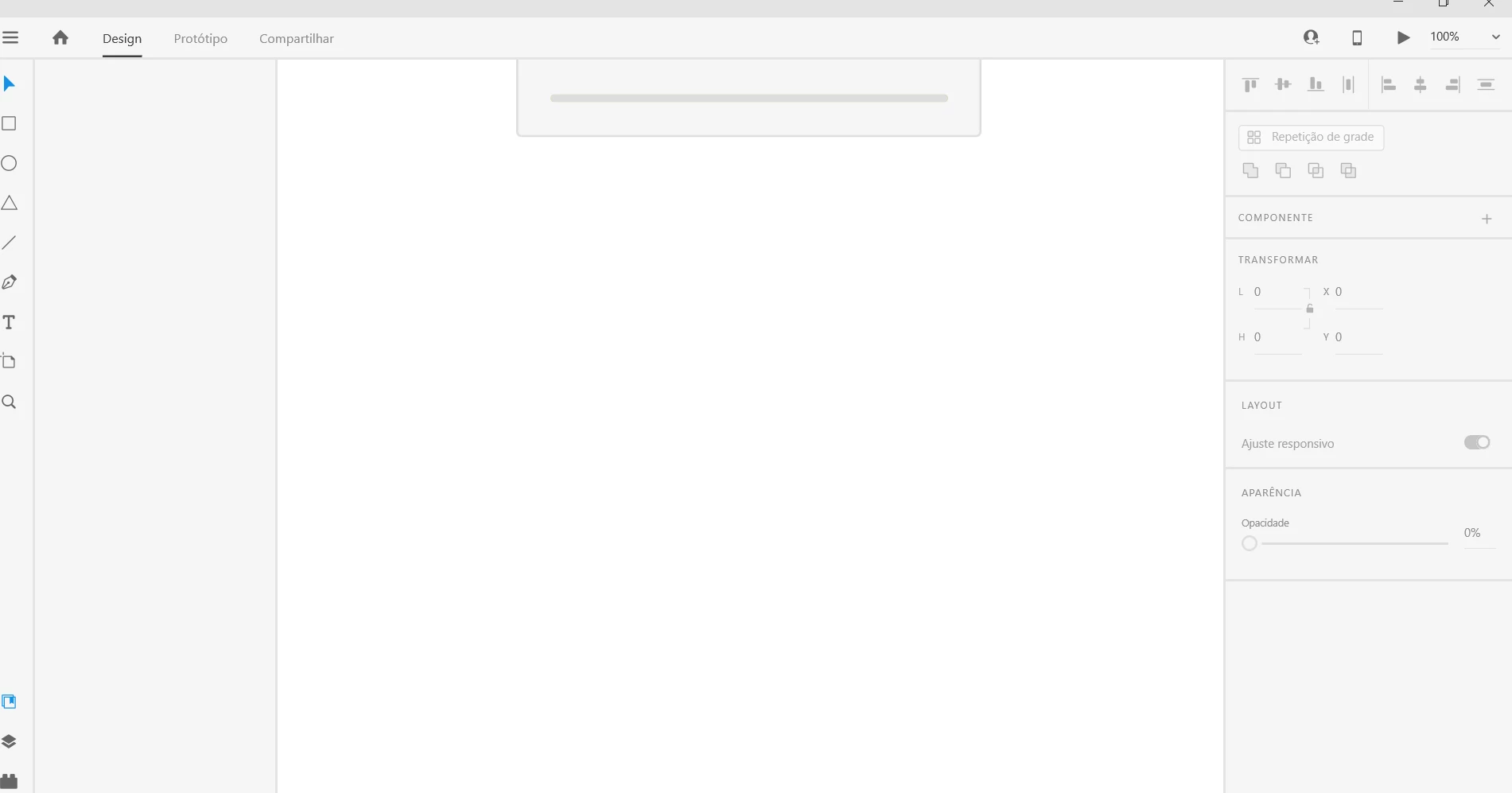
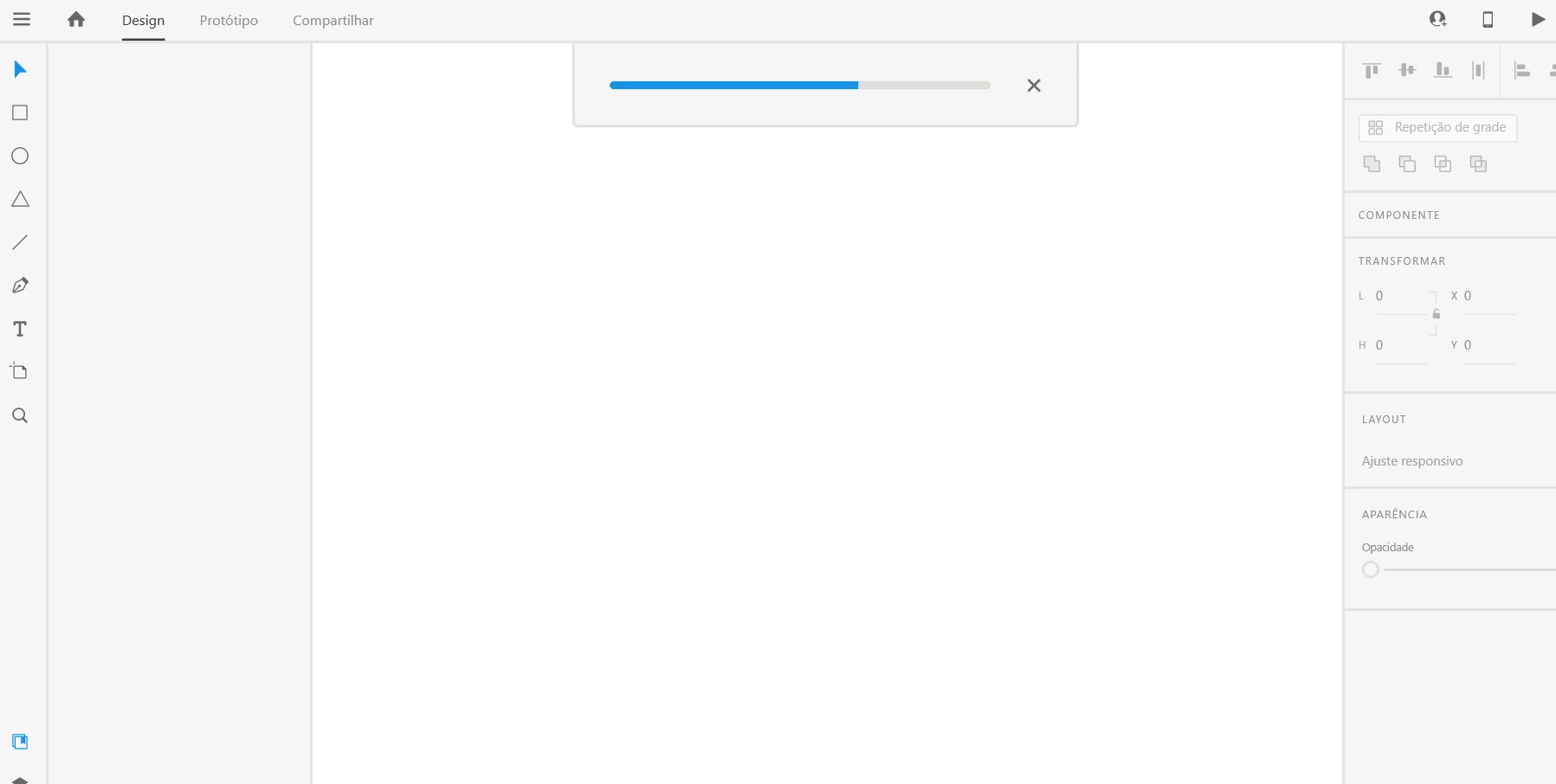
First it begans with syncronization conflict, when i was working with a friend, then when i clicked to open my cloud files, they just get stuck on the load screen. 


I tried to reinstall and it not work. 

I tried to download the file from the Creative cloud and it just showed a messsage that i can't download the file. Somehow, i could open a cloud file (wich was not shared with my friend) but the others still with the same problem.


    This topic has been closed for replies.

    1 reply

    elegant_leader5EE4
    Community Manager
    Community Manager
    January 15, 2021

    Hey Murilo,


    We are really sorry that you are facing this issue. We are here to help you in every way possible.

    We really need to investigate this for the root cause so that we can help you fix the issue as soon as possible.


    For that we will be needing some information. Please help us in getting below infirmation:

    1. Since when you are getting this error

    2. Are you the owner of file

    3. Can you share the OS details on which you are getting this error and XD version as well

    4. Can you share the copy of this file to us

    5. Can you try this troubleshooting steps also on your end if this can help you fix the issue - https://helpx.adobe.com/xd/user-guide.html/xd/kb/fix-issues-with-xd-cloud-documents.ug.html

    5. Lastly, if not can you just share us the logs of the machine you are facing this issue - https://helpx.adobe.com/creative-cloud/kb/cc-log-collector.html


    You can share log zip file to us by uploading via Onedrive or Creative cloud and share the link with us. For that you can just click on my profile name and then click on Send Message and DM me.


    Thanks,

    Nawneet

    Harshika Verma
    Community Manager
    Community Manager
    January 27, 2021

    Hi Murilo,


    It's been a while we haven't heard back from you. Please feel free to update the discussion if you need further assistance from us.


    We would be happy to help.


    Thankyou, Nawneet for your contribution to the post. 


    Thanks,

    Harshika