Inspiring
December 9, 2024
Question

Images Not Showing Up On Web Design - Linked Images Broken

  • December 9, 2024
  • 1 reply
  • 659 views

Hello,


I created a web design in adobe xd and this is a cloud file that im working on using my work computer (windows) and my macbook pro.


When I created this design I would just drop images onto the design in my work computer. 

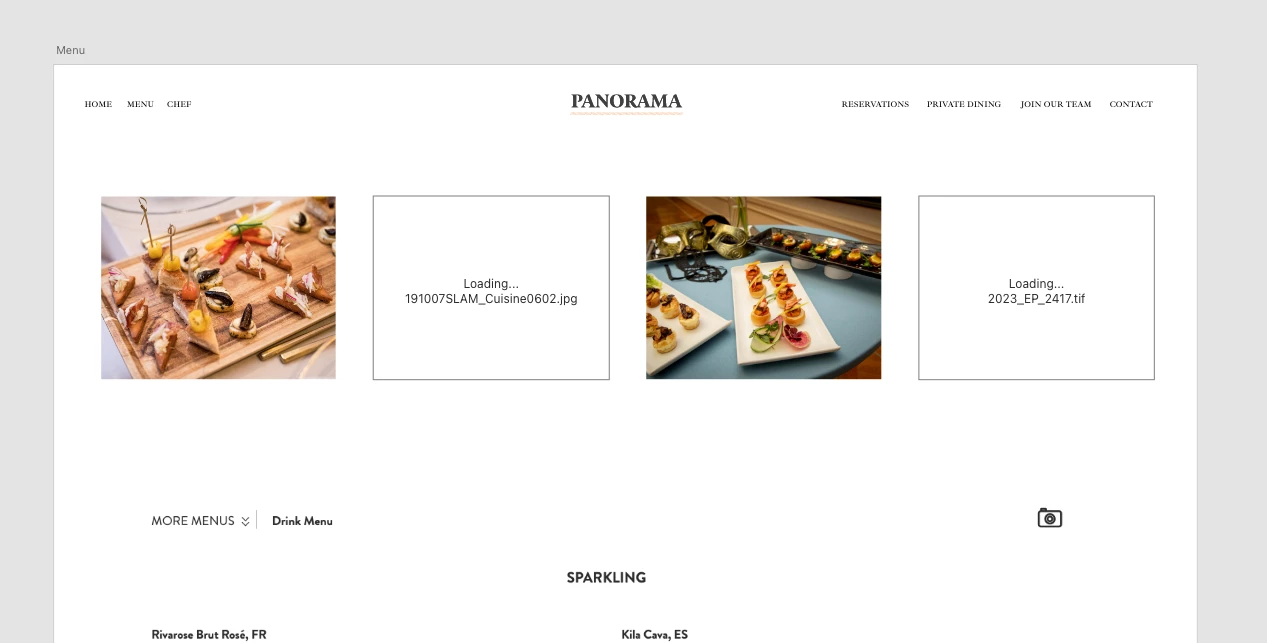
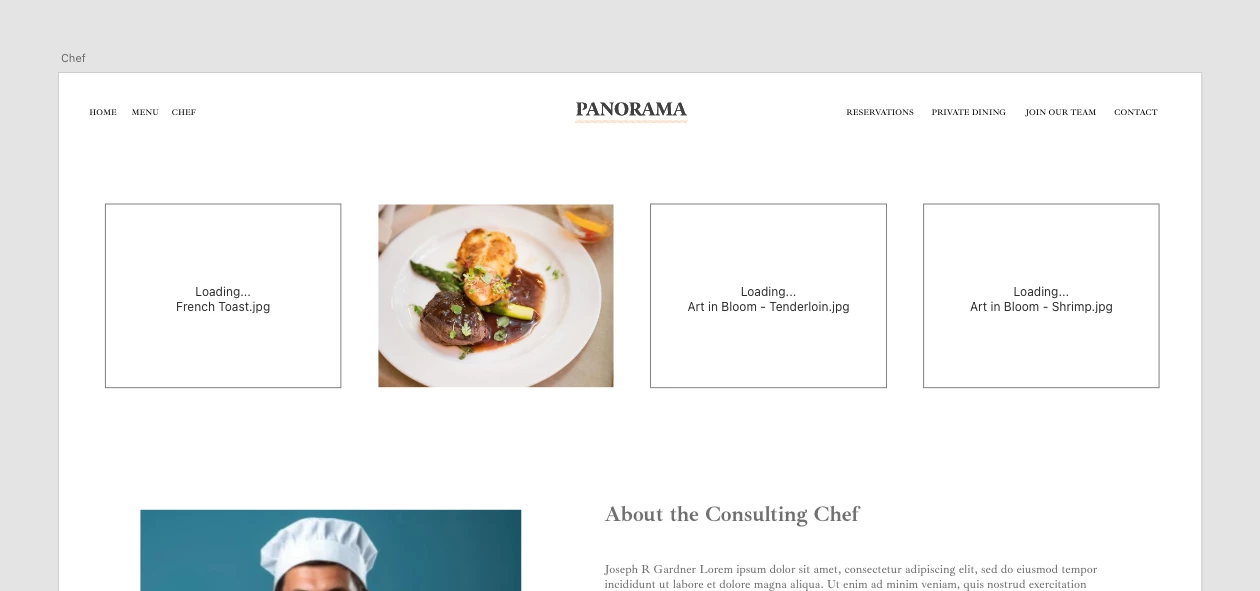
This design looked fine but then today the images not showing up. Its saying "Loading... (file name)"...

I asked chat gpt about this and it said that the images links are broken and then it said i should have dragged and dropped the photos into adobe xd which i did. 

So not if should wait for these images to fix itself or readd them myself.
Also if i had to re add them i guess its not the end of the world because thankfully its not a huge project but how i can avoid from this happening again?

I would hate for somethign like this to happen again on a big project. 
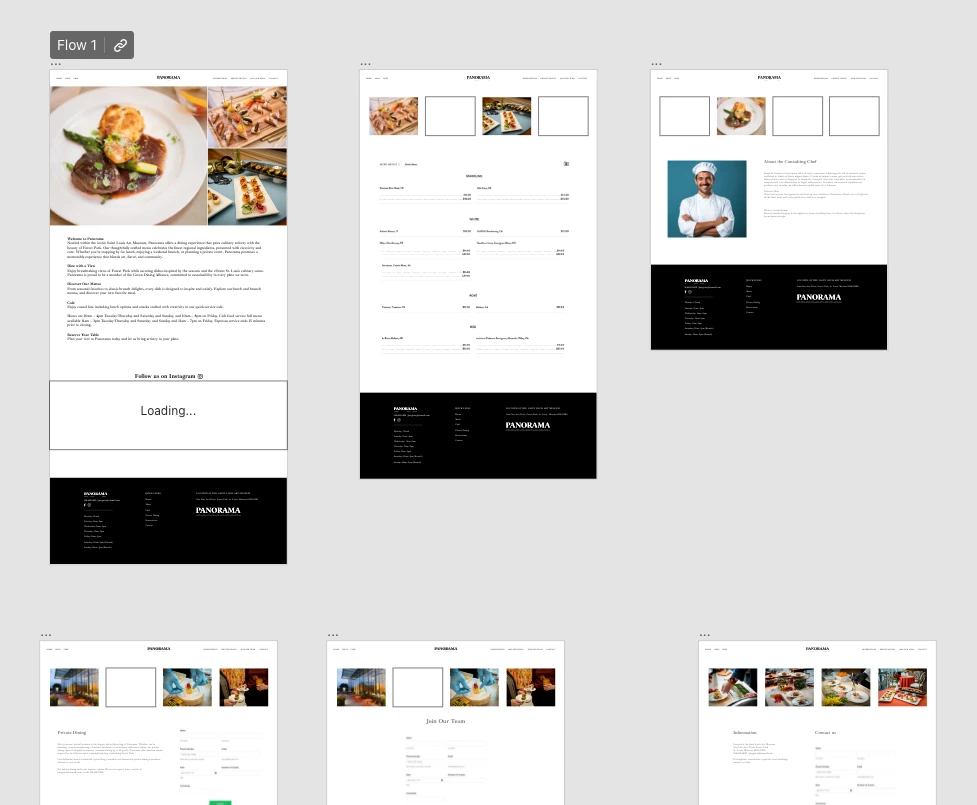
Please see screenshots. 
 

This topic has been closed for replies.

1 reply

Spas K.
Community Expert
Community Expert
December 10, 2024

Does reopening Xd change anything? If you create a prototype link from this file and open it, do the images show up in the web prototype? Do the same images break if you open the cloud file from different devices?

Participating Frequently
December 10, 2024

Hello its been a full day and i just got back to the office and i closed and reopened the file on both computers (windows & mac) and same issue. I have not updated the prototype link because I dont want forget which images I used but the images are still showing up on the prototype link..

https://xd.adobe.com/view/87cffbcf-a5c1-462a-b7ac-16013b1888cb-d29c/?fullscreen


Spas K.
Community Expert
Community Expert
December 10, 2024

I see, is this happening on different files too? What happens if you duplicate the file or copy the problematic images / elements into a new cloud file and try to publish?


I'm asking so you can test whether the connection issue is just between you and Adobe's servers, or the image is gone from the cloud as well. If it's still on the cloud and only breaks in Xd on your machine, I assume it will be there upon publishing the prototype.


You can also try logging out and back into Creative Cloud. If nothing fixes it you will probably have to reapply the images. I haven't had this issue before, but I also don't use Xd too much these days.


Are the images in question particularly large in file size? If that's the case, I'd suggest you use some smaller versions of them. I believe Xd does some compressing before they get uploaded, but not sure what to expect anymore 🙂


Xd is in maintenance mode, so on the way out. The infrastructure gets updated all the time and things seem to break sometimes even if Xd itself wasn't updated or changed. So there might be some issue there too.