hinaa25906913
Participant
March 31, 2020
Answered

[Import & Export]-SVG downloads create issue on Adobe XD

  • March 31, 2020
  • 2 replies
  • 1062 views
1. When we export any asset in SVG format, it gets placed in a corner and we end up opening it in illustrator and again exporting it.
 
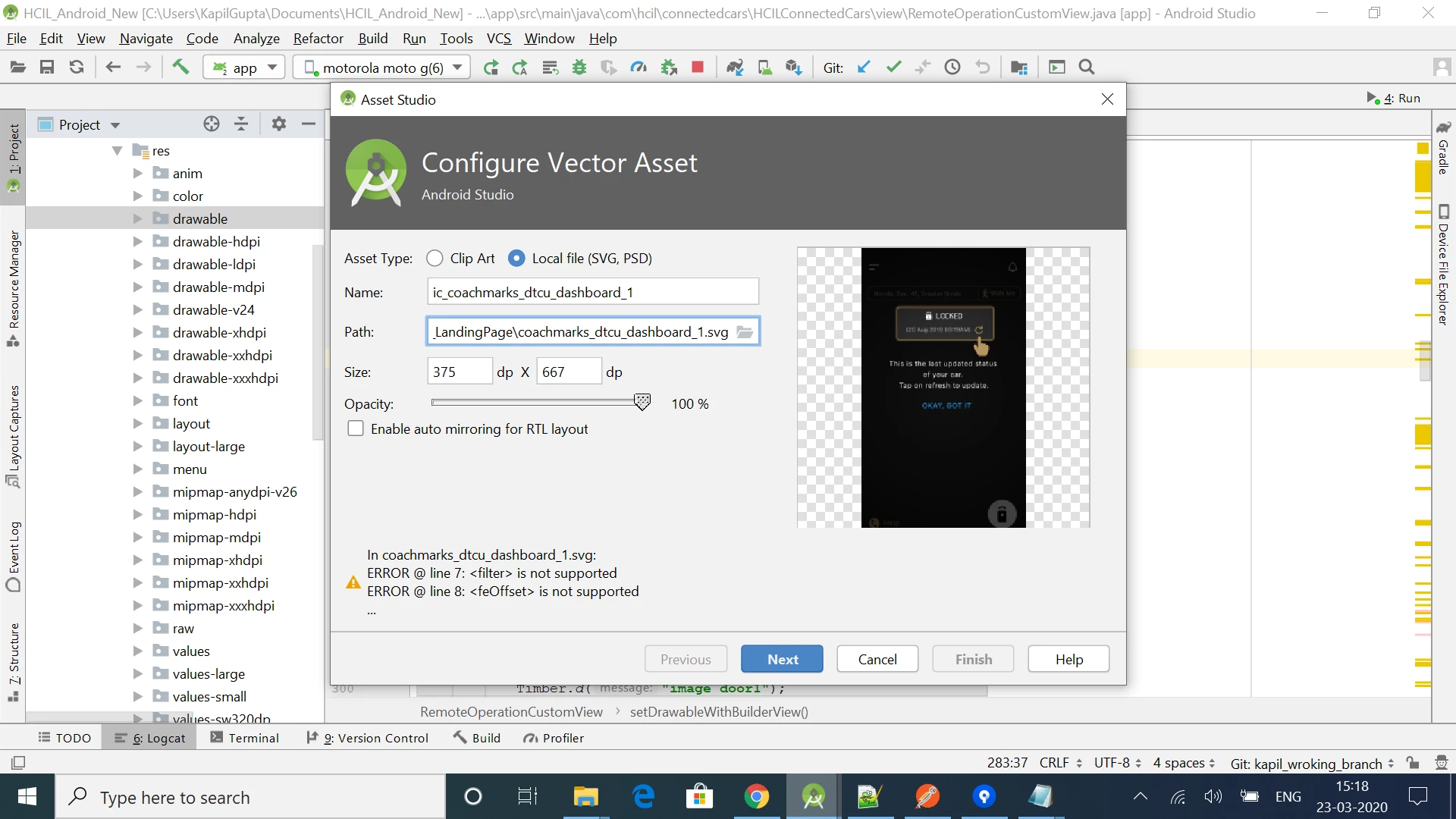
2.We have created a few tutorial screen designs for a mobile application but while I am exporting the entire screen into SVG format but while importing it into the Android platform it shows multiple errors even when all the elements in the design are converted into path.
This topic has been closed for replies.
Correct answer Kenneth Kawamoto

> When we export any asset in SVG format, it gets placed in a corner and we end up opening it in illustrator and again exporting it.


Illustrator generates SVG in a wrong way - because the file needs to be read back in Illustrator, I presume. What XD produces is the correct SVG.

2 replies

Kenneth Kawamoto
Community Expert
Kenneth KawamotoCommunity ExpertCorrect answer
Community Expert
April 1, 2020

> When we export any asset in SVG format, it gets placed in a corner and we end up opening it in illustrator and again exporting it.


Illustrator generates SVG in a wrong way - because the file needs to be read back in Illustrator, I presume. What XD produces is the correct SVG.

Harshika Verma
Community Manager
Community Manager
March 31, 2020

Hi Hina,


Thank you for reaching out and sorry to hear you are having trouble exporting asset in SVG format in XD. Would you mind checking this article: https://helpx.adobe.com/in/xd/kb/import-export-issues.html and see if you're exporting which is not supported?


We will try our best to help.


Thanks,

Harshika